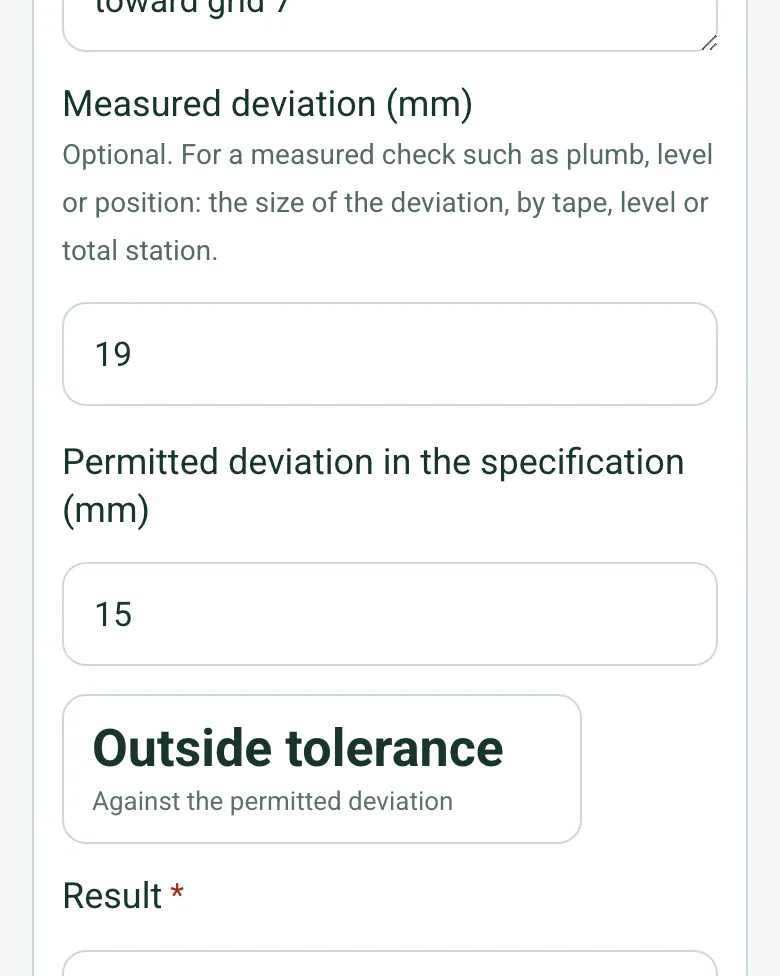
Measured against the tolerance
Enter the measured deviation, by tape, level or total station, and the permitted deviation from your specification. The form shows whether it is within tolerance.
How calculated fields work →Form library · Construction and handover
For inspection teams recording steelwork before it is covered. Record the structure and its position, then each member or connection with the measured deviation against the permitted deviation in your specification. The form counts items meeting the criterion, deviations, items not inspected and measurements outside tolerance, and prompts a non-conformance before the hold point is released. Try the form below, see every question or open a completed example.
Ready to use from the form library, and every question is yours to edit. Try it for a small trial fee, cancel any time.
Try it on your phone
Try it on this phone
Fill in the steelwork inspection on your phone now
See how the steelwork inspection looks on your phone
Scan the code with your phone camera. It opens the real form, no sign-up needed.
Open the live example and fill it in, just as your team would on site. No sign-up needed.
See it on this phoneEvery question is editable. Add this form to your account, then change the wording, add or remove questions and options, and make it fit your own jobs.
BCSA guidance explains the importance of specifications that reflect design requirements. Inspection must use the project’s specified criteria and inspection plan. A generic checklist cannot establish structural adequacy.
Last updated . Facts checked by the SiteSurvey team on 20 October 2026 against BCSA guidance on steelwork quality and specification and TWI visual inspection of welds.
Record each member or connection with the measured deviation against the permitted deviation in your specification. The form shows whether each is within tolerance and counts items meeting the criterion, deviations, items not inspected and measurements outside tolerance, with a prompt to raise a non-conformance before the hold point is released.
Enter the measured deviation, by tape, level or total station, and the permitted deviation from your specification. The form shows whether it is within tolerance.
How calculated fields work →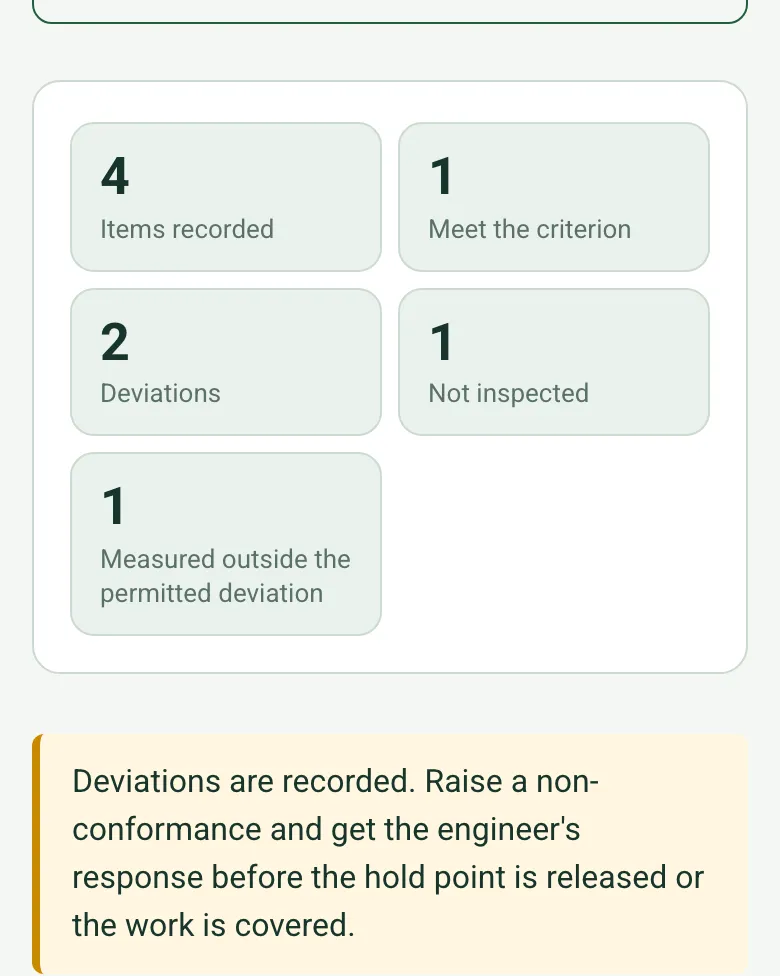
The form counts items meeting the criterion, deviations, items not inspected and measurements outside tolerance, and prompts a non-conformance and the engineer's response before the hold point is released.
How calculated fields work →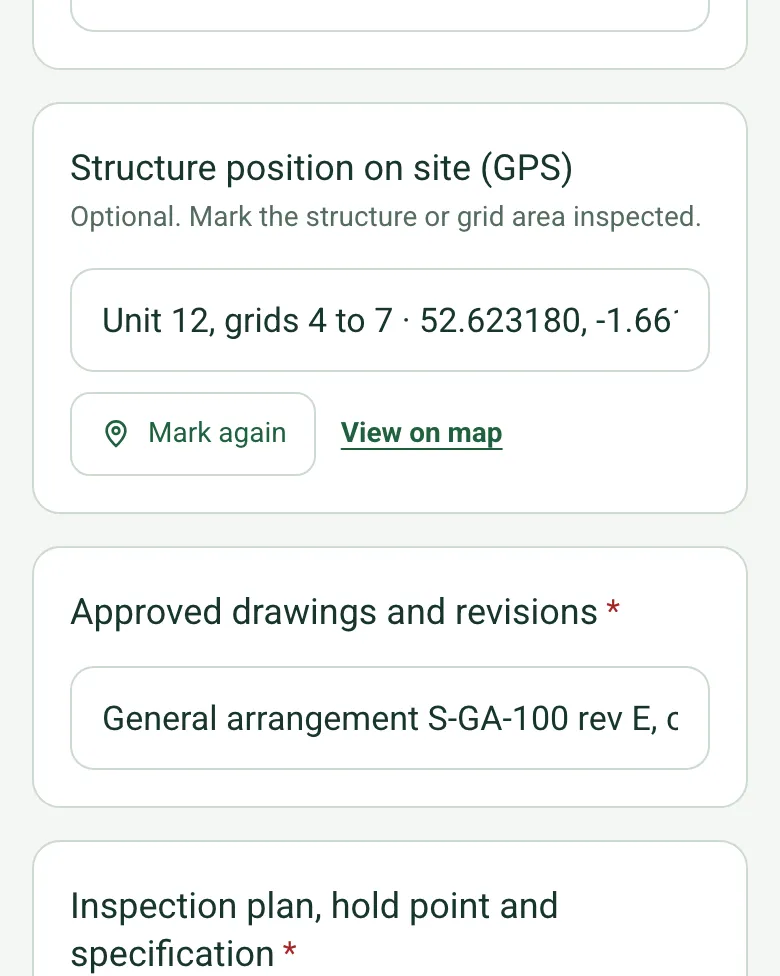
Mark the structure or grid area inspected, useful on a business park with several frames going up.
How GPS location works →Add a short video of the frame to the record, for connections that will be hidden by cladding.
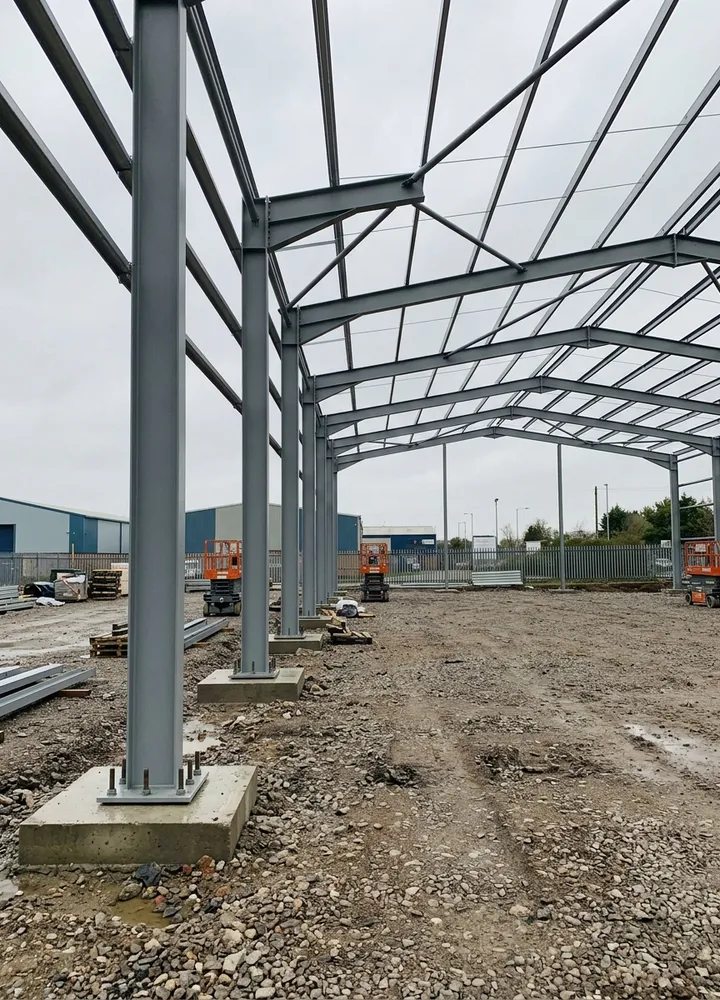
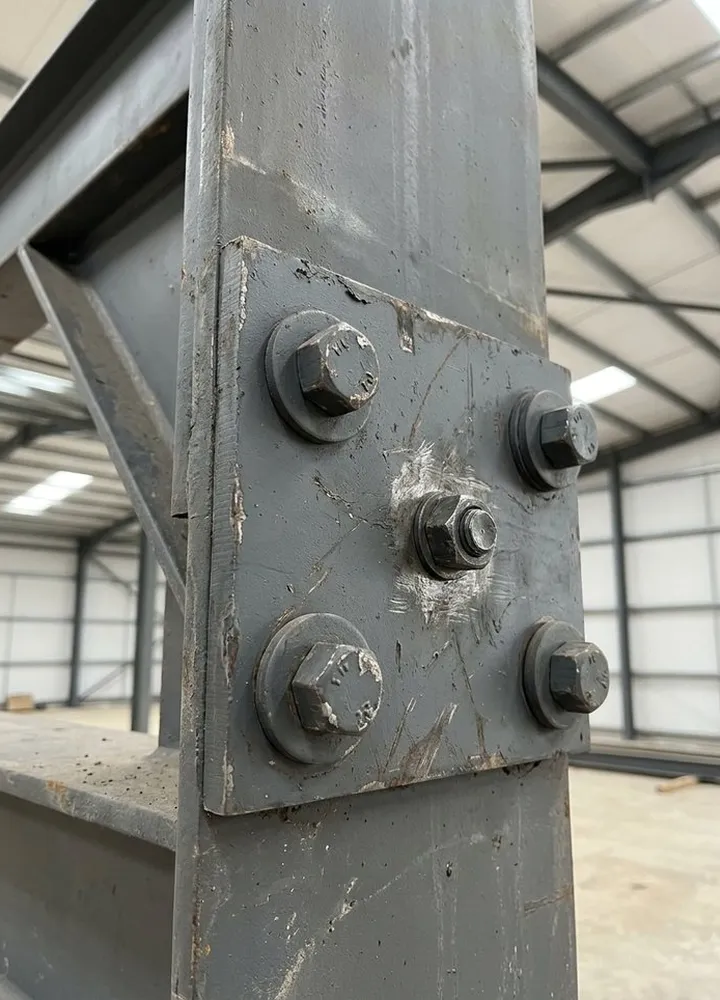
A fictional portal frame warehouse: column C5/A 7 mm out of plumb against 15 mm allowed, C6/A 19 mm out and raised as a non-conformance, a missing washer at a haunch, and gable bracing not reached, so the hold point stays closed.
Answer a few questions and watch it adapt. Your answers are not saved, and any photos you add are deleted within the hour.
This is the real form as your team would use it: questions appear as you answer, scores work themselves out and you can add photos and signatures. No sign-up needed. Or open a completed example to see every answer, photo and score filled in.
Want to see one filled in? See a completed steelwork inspection report (PDF), made by SiteSurvey from a fictional site visit.
Your team completes the steelwork inspection on site in the SiteSurvey app on iPhone, iPad and Android phones and tablets. The project name and address fill in for them, it works without signal, and it syncs when the device is back online with photos kept against the question they answer.
Customers and subcontractors do not need the app: send them a link and they can fill it in from any browser.
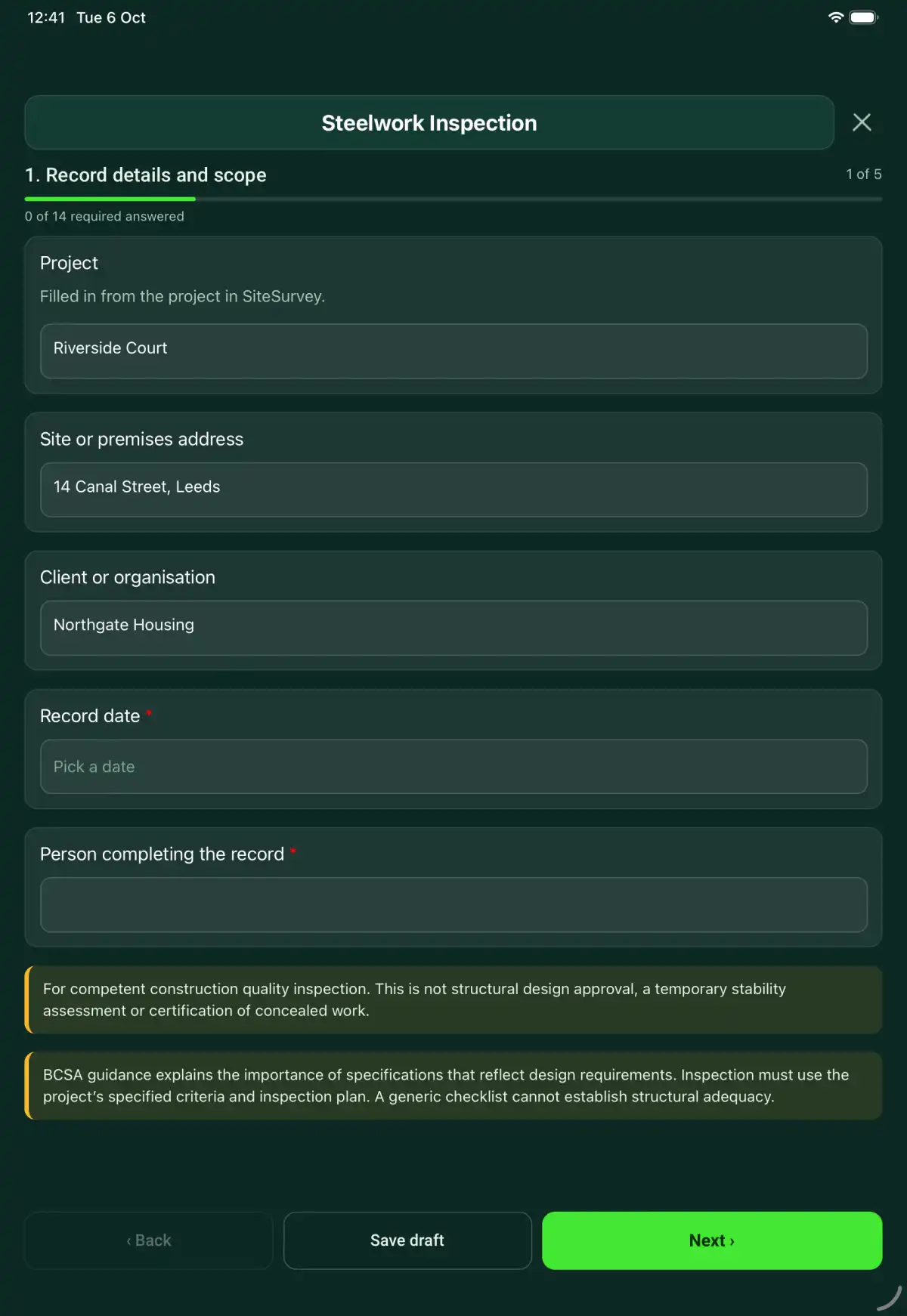
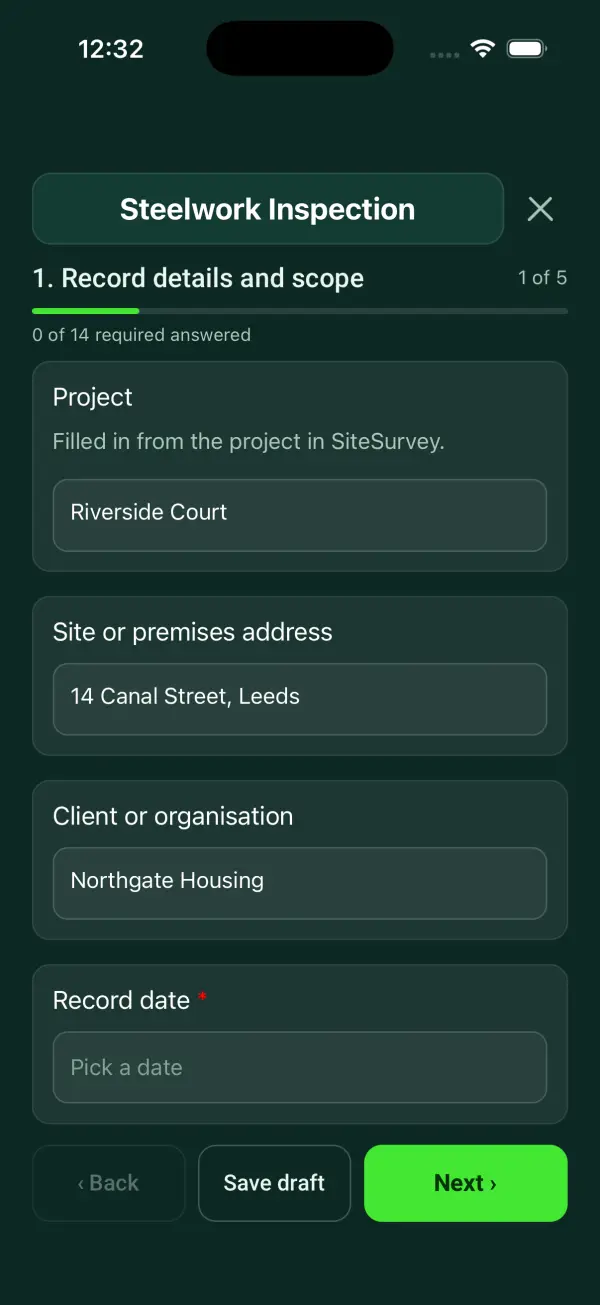
A steelwork inspection record linking member marks, drawing revisions, connection and coating observations, hold points, deviations and review evidence. 5 sections and 47 questions. Follow-up questions and guidance appear only when an answer calls for them, so the person on site never sees the ones that do not apply.
This is a starting point, not a fixed form. Once it is in your SiteSurvey account you can reword any question, add or remove questions, sections and answer options, and add your own logo, so it fits the way your team works and the jobs you do.
Add this form to a project in SiteSurvey and it fills in what the project already knows, so nobody on site retypes it and every form on the job uses the same names. Anything filled in can still be changed.
Filled in from the project in SiteSurvey.
Optional. Mark the structure or grid area inspected.
Optional. Film a guided walk-through on the SiteSurvey app.
Optional. For a measured check such as plumb, level or position: the size of the deviation, by tape, level or total station.
Identify the connection or member, drawing revision and evidence captured before concealment. Record any missed inspection as a limitation.
For competent construction quality inspection. This is not structural design approval, a temporary stability assessment or certification of concealed work.
Work not visible or awaiting inspection
Identify the connection or member, drawing revision and evidence captured before concealment. Record any missed inspection as a limitation.
Connection C-14 referenced to drawing S-08 revision C. Photographs and measurement sheet filed before the area is covered.
Fictional example of record wording. Use the actual evidence and approved arrangements for your job; this is not a completed report or an instruction to carry out the work.
A completed steelwork inspection report, made by SiteSurvey from a fictional site visit: every answer, the photos, the guidance that applied and the sign-off, ready to send as a PDF.
For a measured check such as plumb, level or position, enter the measured deviation and the permitted deviation from your project specification. The form shows whether it is within the permitted deviation and counts the items outside it. The tolerance comes from your specification; the form does not set it.
No. Record the deviation and obtain the authorised design response.
No. Use the specified connection system, installation procedure and project criteria.
Record it as not inspected and link prior evidence or the required further inspection. Do not infer a pass.
For competent construction quality inspection. This is not structural design approval, a temporary stability assessment or certification of concealed work.
In the SiteSurvey app the form works offline, with photos and signatures recorded against the questions. Share the completed record as a PDF or a link. Dates and action owners are recorded fields; this form does not send reminders or update other systems.
Related templates
A welding inspection record with joint identification, procedure and welder references, preparation checks, visual findings, NDT links and repair history.
A concrete cube register linking pour locations, batch tickets, sample identities, curing and laboratory references, reported results and engineer review.
A concrete pour record covering pre-pour evidence, reinforcement and formwork checks, delivery references, placement observations, curing and hold points.
A masonry installation record linking approved details, materials, setting out, ties, cavity observations, concealed work, defects and inspection hold points.
Add it from the form library in one click, change any question, and every completed form becomes a branded PDF report.
Start your trial →