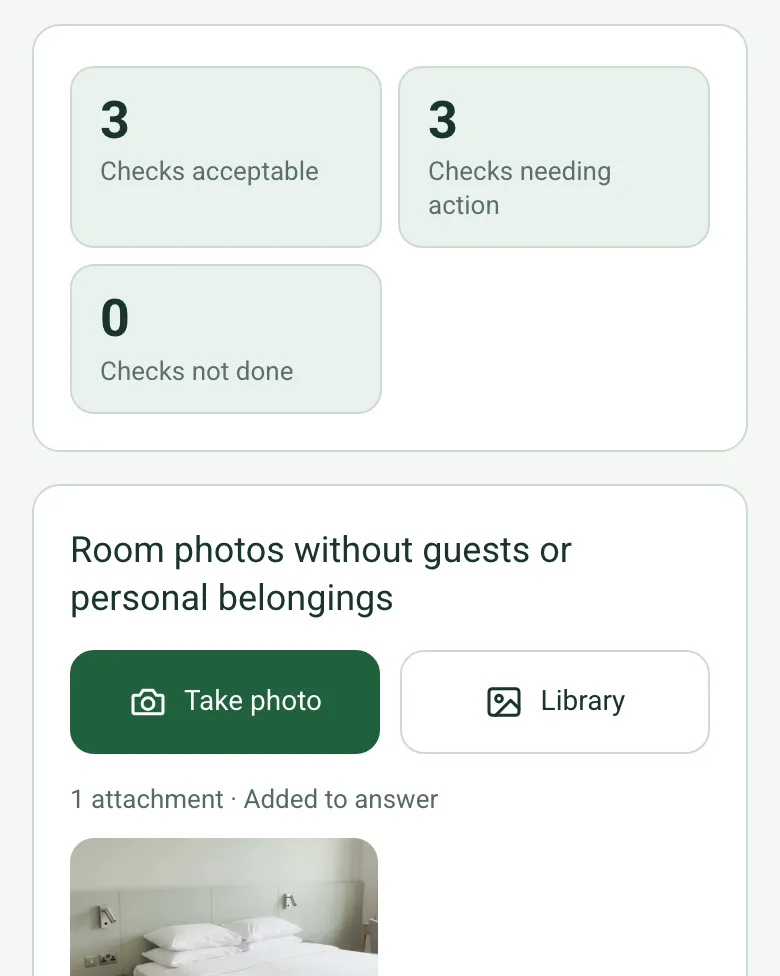
Six checks, counted
Each readiness check is Acceptable, Action needed, Not checked or Not applicable. The form counts them, so a supervisor can see at a glance how the room did and whether anything was skipped.
How calculated fields work →Form library · Quality and compliance
For housekeeping supervisors and maintenance teams checking rooms before guests arrive. Answer six readiness checks, add each defect or missing item with a photo, say whether it was put right and whether it blocks release, and the form counts what is still open and warns if a blocked room is marked ready. Try the form below, see every question or open a completed example.
Ready to use from the form library, and every question is yours to edit. Try it for a small trial fee, cancel any time.
Try it on your phone
Try it on this phone
Fill in the hotel room inspection on your phone now
See how the hotel room inspection looks on your phone
Scan the code with your phone camera. It opens the real form, no sign-up needed.
Open the live example and fill it in, just as your team would on site. No sign-up needed.
See it on this phoneEvery question is editable. Add this form to your account, then change the wording, add or remove questions and options, and make it fit your own jobs.
VisitEngland publishes accommodation quality standards, while HSE guidance addresses slip and trip prevention. Use the hotel’s own current room standard and report defects through the appropriate maintenance and safety processes.
Last updated . Facts checked by the SiteSurvey team on 6 October 2026 against VisitEngland accommodation quality standards and HSE preventing slips and trips.
Go into the room with the form on a phone. Answer the six readiness checks, then add each thing you find as its own item: a cleaning miss, a defect or a missing item, with a photo. Say whether you put it right there and then, and whether an open item stops the room being released. The form counts what is still open and warns you if the room is marked ready while a blocking item is open. It is a room readiness check, not a star rating, fire or water hygiene assessment.
Each readiness check is Acceptable, Action needed, Not checked or Not applicable. The form counts them, so a supervisor can see at a glance how the room did and whether anything was skipped.
How calculated fields work →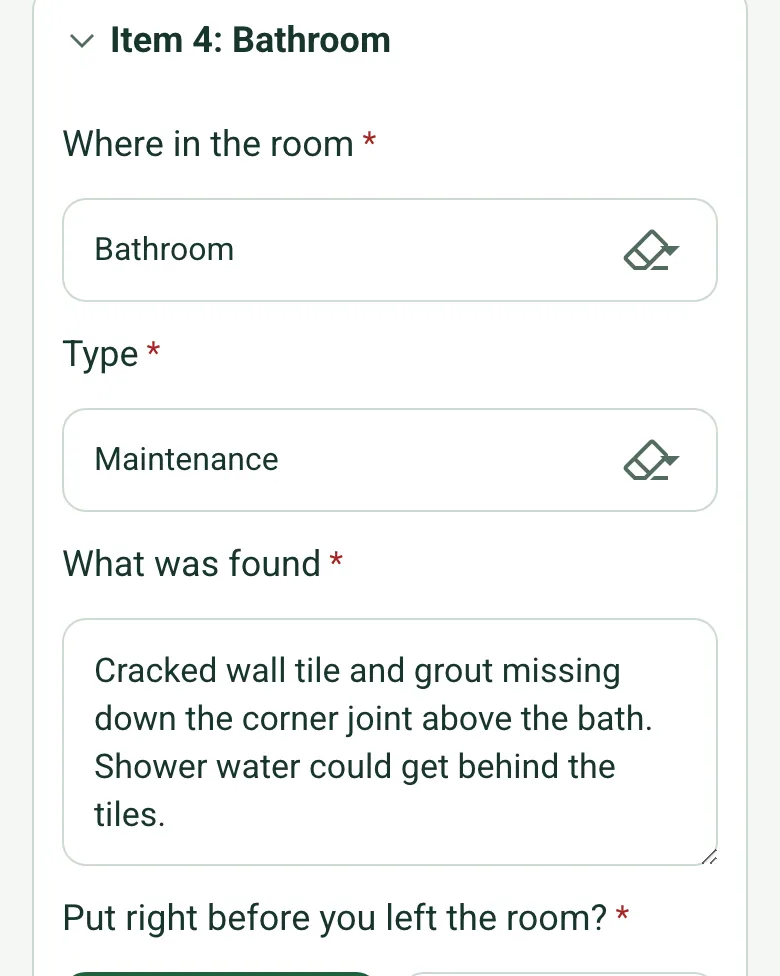
Add one item for each thing you find, where it is in the room, its type and a photo. If it was not put right, say whether it blocks release and give it the maintenance or housekeeping job reference.
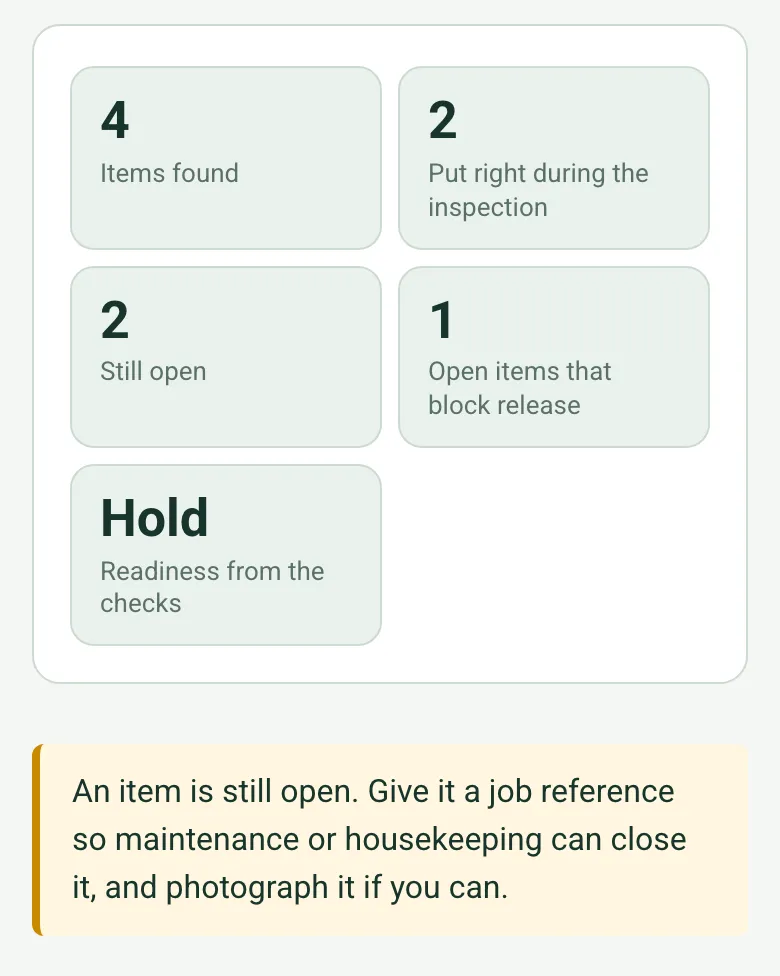
The form counts the items found, put right and still open, and the open items that block release. Readiness shows Hold while a blocking item is open, and a red note appears if the room is marked ready anyway.
How calculated fields work →The optional Walk Cam in the SiteSurvey app films the room from the door, the bed and furniture, the bathroom and the safety items, so a disputed room starts from the same footage.
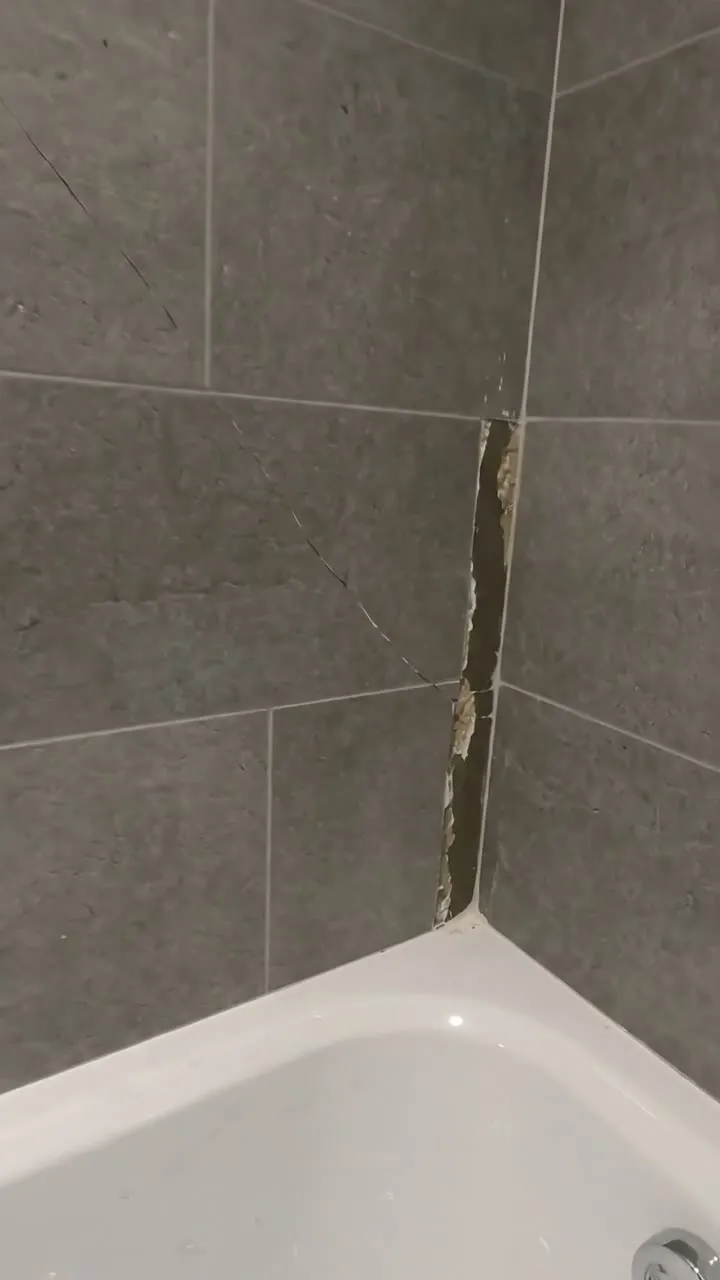
Room 214 in a fictional Bath hotel before a guest arrival: limescale on the shower screen and a missing robe put right during the inspection, a carpet stain booked for cleaning, and a cracked tile above the bath that holds the room for maintenance. Open it as a filled-in form, or switch to a blank copy and try it yourself.
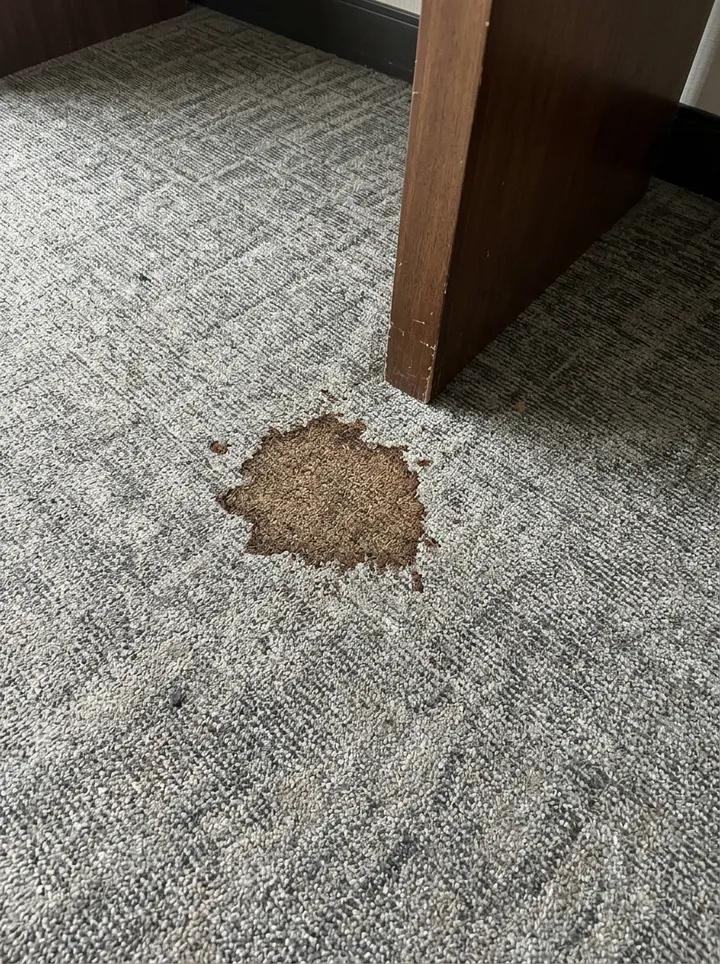
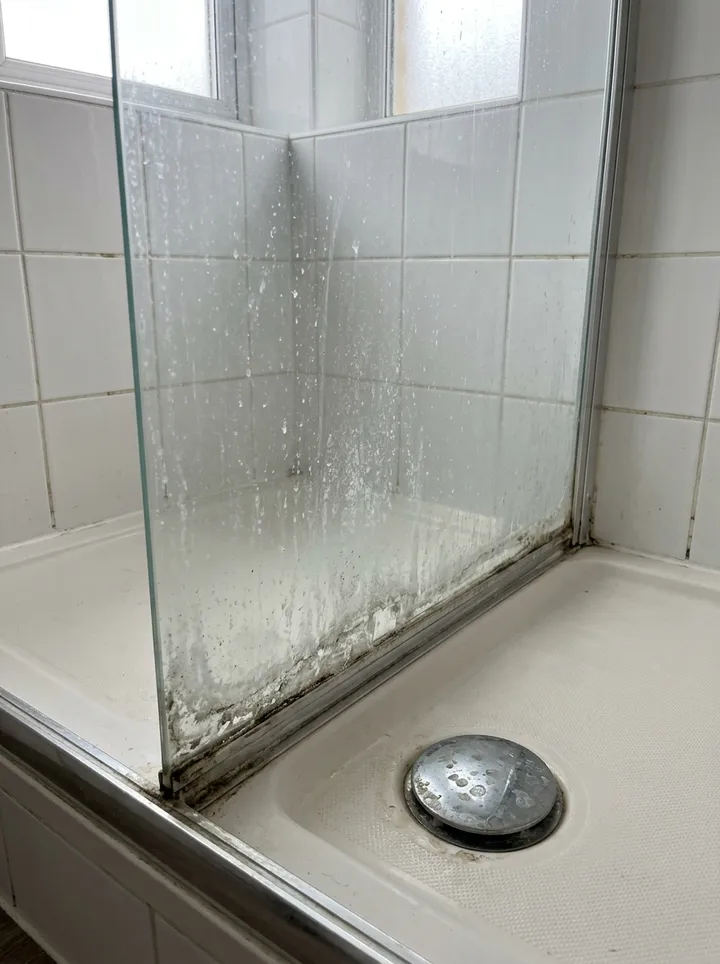
Answer a few questions and watch it adapt. Your answers are not saved, and any photos you add are deleted within the hour.
This is the real form as your team would use it: questions appear as you answer, scores work themselves out and you can add photos and signatures. No sign-up needed. Or open a completed example to see every answer, photo and score filled in.
Want to see one filled in? See a completed hotel room inspection report (PDF), made by SiteSurvey from a fictional site visit.
Walk Cam route · four guided clips
Film the room from the door, then bed and furniture, bathroom, and final guest-facing view. Attach each observation to the room and visit stage.
Record the room number, visit stage and inspector before filming. Show the whole guest space, then accessible furniture and bathroom finishes. Describe what the camera shows, and route damaged or uncertain items through hotel maintenance before release.
Record the room number outside the clip, then show the whole guest room from the entrance with a clear path and visible furniture.
The staged room is shown from the entrance with bed, desk and floor in view.
Move steadily across accessible bedding, bedside furniture and visible upholstery or finishes. Do not claim deep cleanliness from the image.
The made bed and bedside furniture are visible; no concealed or functional check was performed.
Show bathroom surfaces and fixtures from the doorway or safe entry. A clip cannot prove plumbing or ventilation performance.
The visible bathroom fixtures and finishes are recorded without testing operation.
Return to a wide view and note areas not filmed. Do not mark the room ready until the hotel’s required checks are complete.
A final staged bed and bedside view is recorded; the generated footage is illustrative and room readiness is not certified.
A fictional six-page example with the four points, twelve stills from the clips, observations, follow-up actions and the limits of a visual record.
View the visual evidence (PDF) ↗ · Download the full sample report
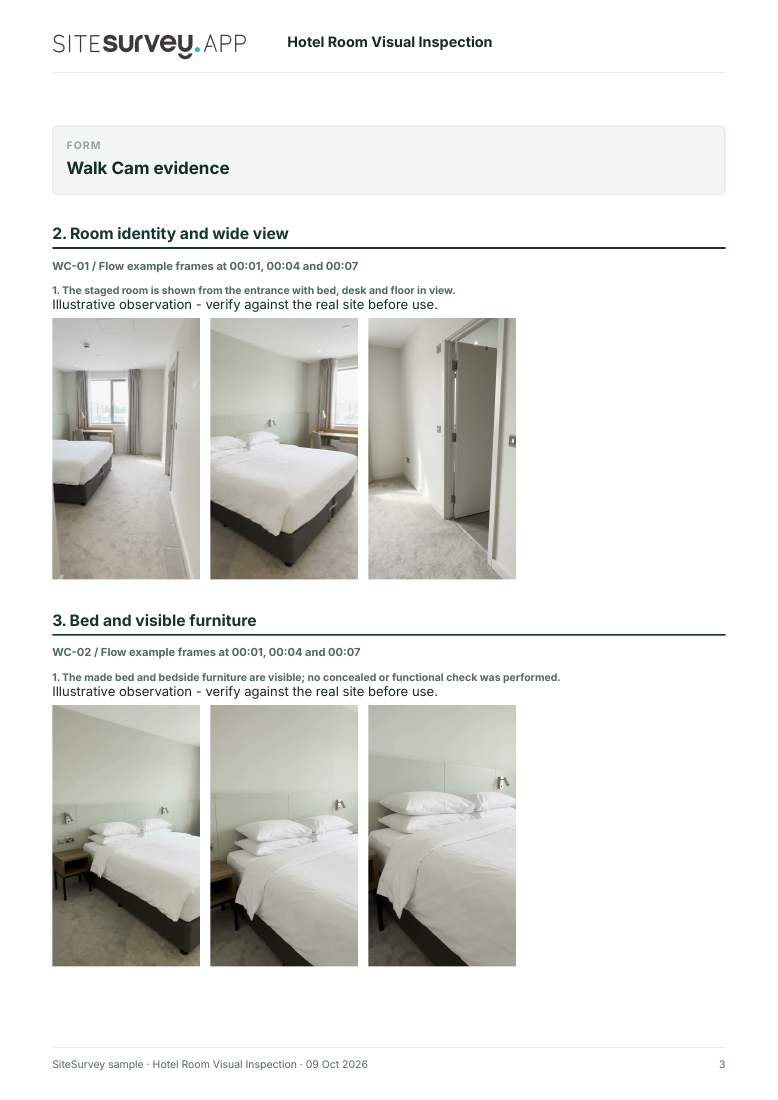
This phone route records visible appearance only. It does not test electrical, plumbing, fire-safety or security systems, confirm deep cleanliness or assign a hotel rating. Use the hotel’s approved operational checks and maintenance process. Example footage was generated in Google Flow and the observations are scripted; no real site is shown. Walk Cam works inside any form in the app. How Walk Cam works · All visual inspections
Your team completes the hotel room inspection on site in the SiteSurvey app on iPhone, iPad and Android phones and tablets. The project name and address fill in for them, it works without signal, and it syncs when the device is back online with photos kept against the question they answer.
Customers and subcontractors do not need the app: send them a link and they can fill it in from any browser.
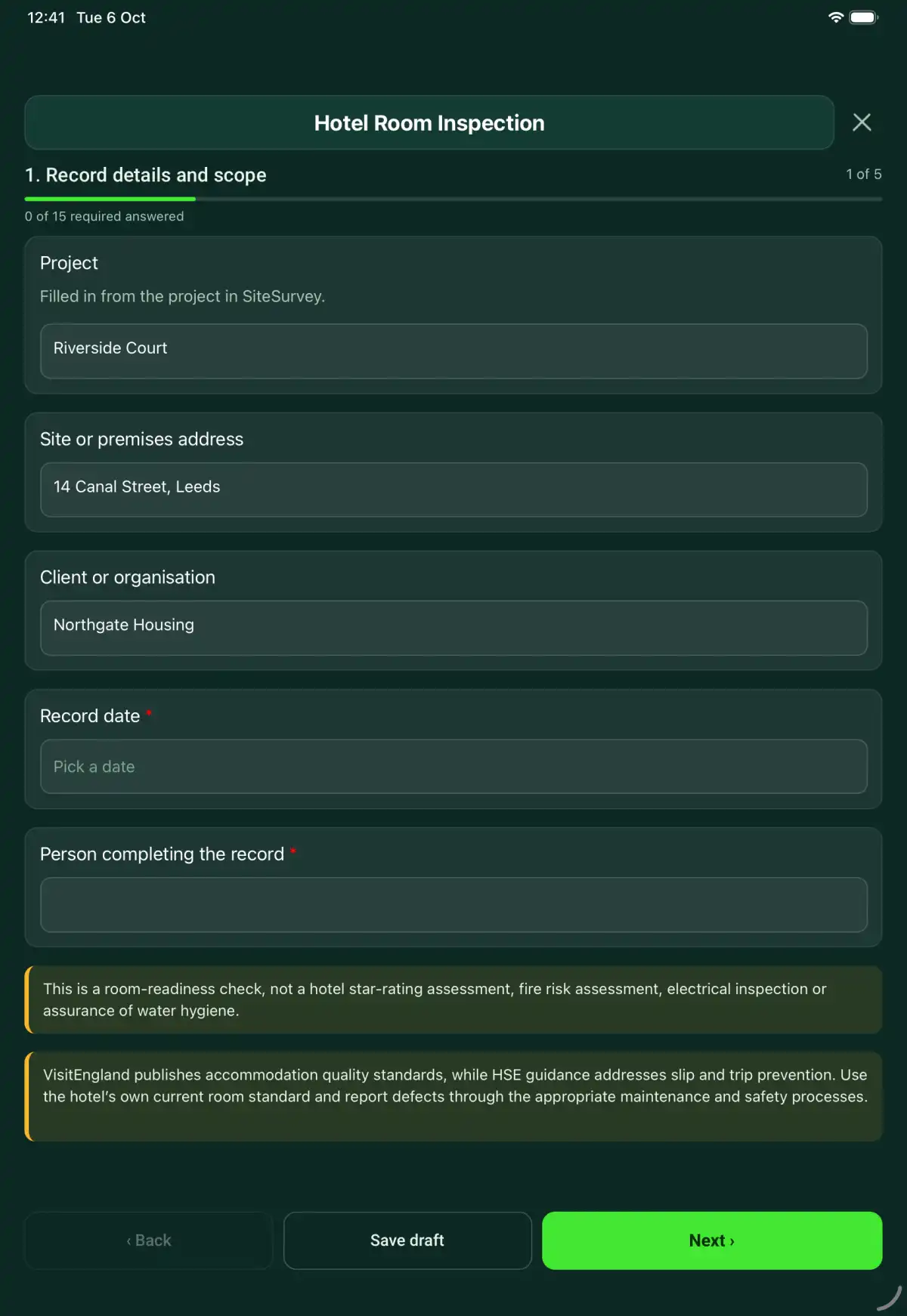
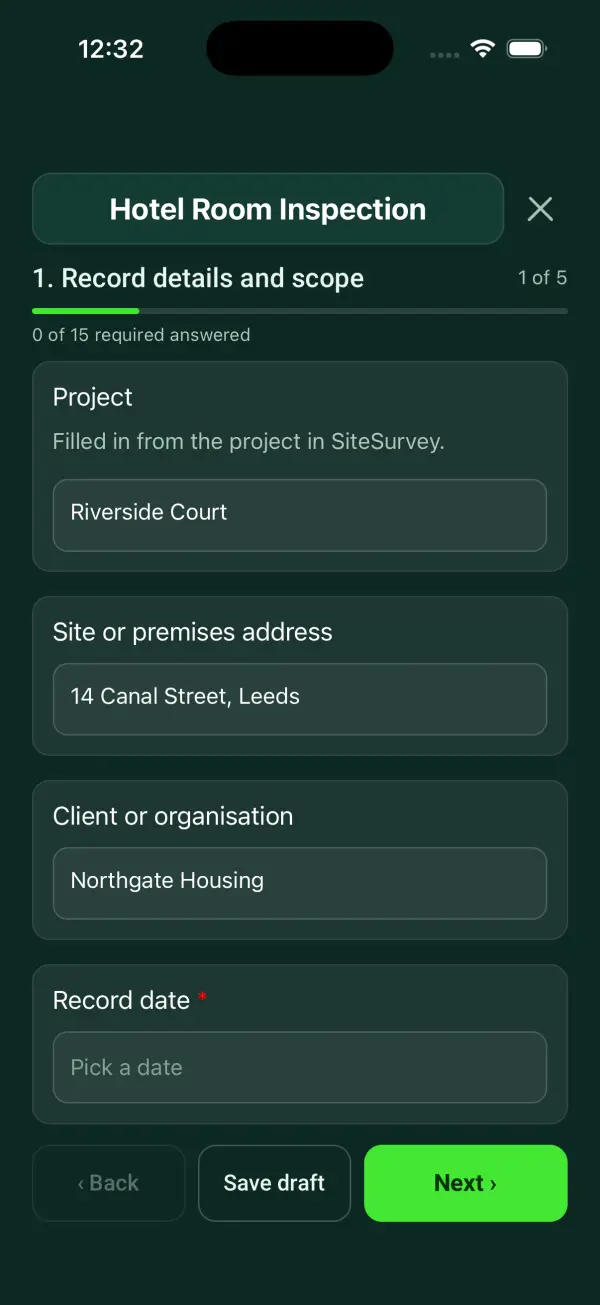
A hotel room readiness inspection: six checks, each defect or missing item with a photo and whether it blocks release, counts of what is still open, the release decision and maintenance follow-up. 5 sections and 53 questions. Follow-up questions and guidance appear only when an answer calls for them, so the person on site never sees the ones that do not apply.
This is a starting point, not a fixed form. Once it is in your SiteSurvey account you can reword any question, add or remove questions, sections and answer options, and add your own logo, so it fits the way your team works and the jobs you do.
Add this form to a project in SiteSurvey and it fills in what the project already knows, so nobody on site retypes it and every form on the job uses the same names. Anything filled in can still be changed.
Filled in from the project in SiteSurvey.
Optional. Film a guided walk-through on the SiteSurvey app.
Explain the specific condition preventing release and the work-order reference. Keep the recheck decision separate from the initial finding.
This is a room-readiness check, not a hotel star-rating assessment, fire risk assessment, electrical inspection or assurance of water hygiene.
Reason and person notified
Explain the specific condition preventing release and the work-order reference. Keep the recheck decision separate from the initial finding.
Room 214 held pending assessment of the reported window defect. Maintenance job H-27 raised; room-release decision awaits the recorded recheck.
Fictional example of record wording. Use the actual evidence and approved arrangements for your job; this is not a completed report or an instruction to carry out the work.
A completed hotel room inspection report, made by SiteSurvey from a fictional site visit: every answer, the photos, the guidance that applied and the sign-off, ready to send as a PDF.
Explain the specific condition preventing release and the work-order reference. Keep the recheck decision separate from the initial finding.
No. Room release follows the hotel’s procedure and does not replace specialist inspection records.
No guest identity is needed. Avoid personal belongings and identifiable people in evidence photos.
Each item found has a type: cleaning, maintenance, damage or a missing item. Items not put right during the inspection take a job reference and say whether they block release, and the form counts the items found, put right, still open and blocking release.
This is a room-readiness check, not a hotel star-rating assessment, fire risk assessment, electrical inspection or assurance of water hygiene.
In the SiteSurvey app the form works offline, with photos and signatures recorded against the questions. Share the completed record as a PDF or a link. Dates and action owners are recorded fields; this form does not send reminders or update other systems.
Related templates
A mystery shopping visit record: the agreed scenario, greeting and queue times against the brief, each service stage met or not met with a score against the client target, the branch's GPS location, purchase evidence and client review actions.
A scored retail store audit for area managers and store teams: six sections scored Yes, Partly or No, section and overall percentages with a red, amber or green result, critical safety checks, the store's GPS location, exceptions and actions.
A hotel engineering maintenance round: each guest room with 14 checks, hot and cold water readings against your targets, defects with photos and priority, an out of order flag and guest-reported faults, then public areas, back-of-house plant, actions and sign-off.
Count linen by item and location, separating clean stock, items in use, laundry stock and damaged items, with discrepancies and follow-up.
Add it from the form library in one click, change any question, and every completed form becomes a branded PDF report.
Start your trial →