A commissioning record should demonstrate what was installed, where it is, how it was configured and whether it passed the required tests.
- 01
Open the installed product
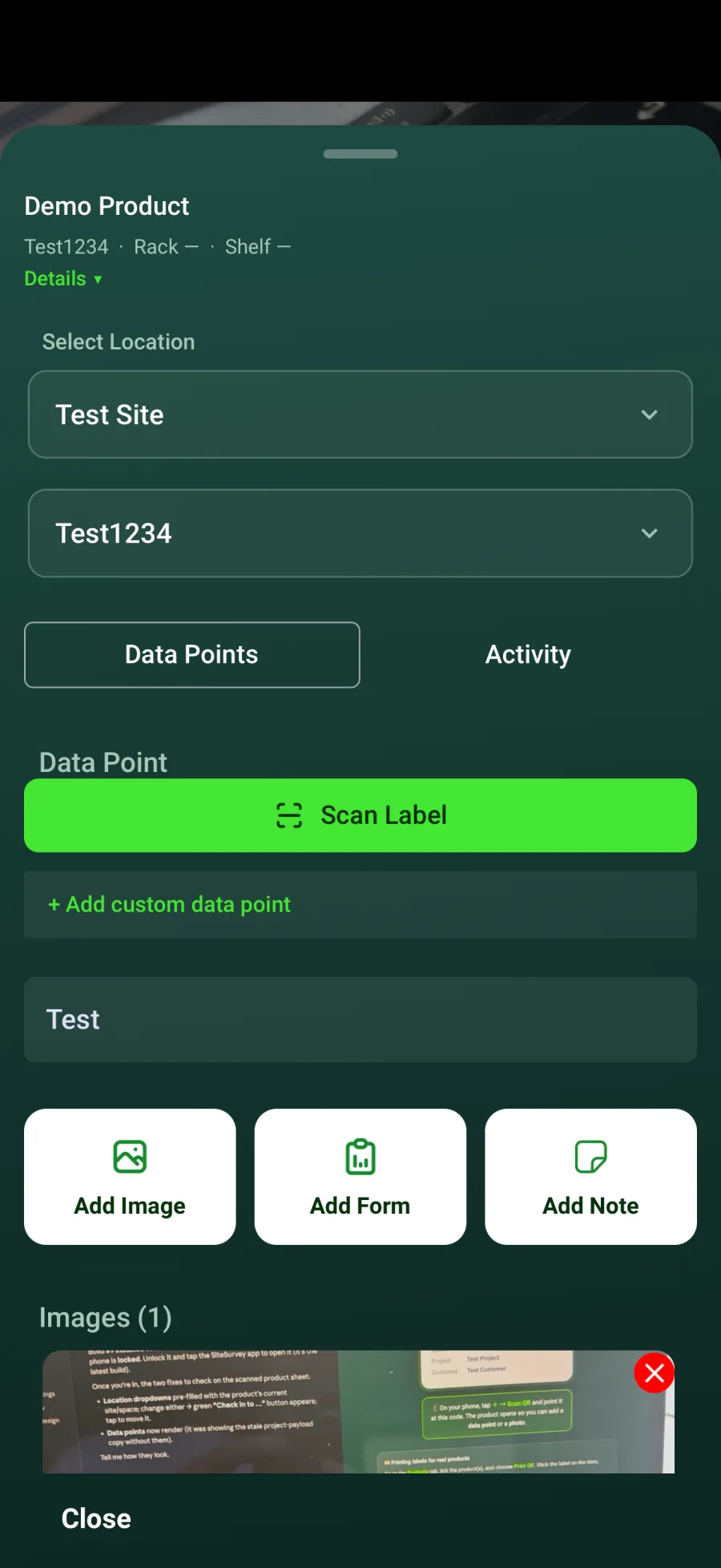
Navigate through the correct project and space, or scan the product label.
- 02
Confirm identity and location
Check the model, serial number and space before entering commissioning information.
- 03
Complete required data points
Add network details, configuration values and other fields defined for the product.
- 04
Complete the test form
Record the required checks, results, evidence photographs and notes.
- 05
Review before sign-off
Confirm all required information is complete and accurate before the record is included in the final report.
Good to know
- ✓Photograph labels and final installation where evidence is required.
- ✓Resolve failed test items rather than marking the record complete prematurely.
Was this guide helpful?
Your feedback helps us improve support content.