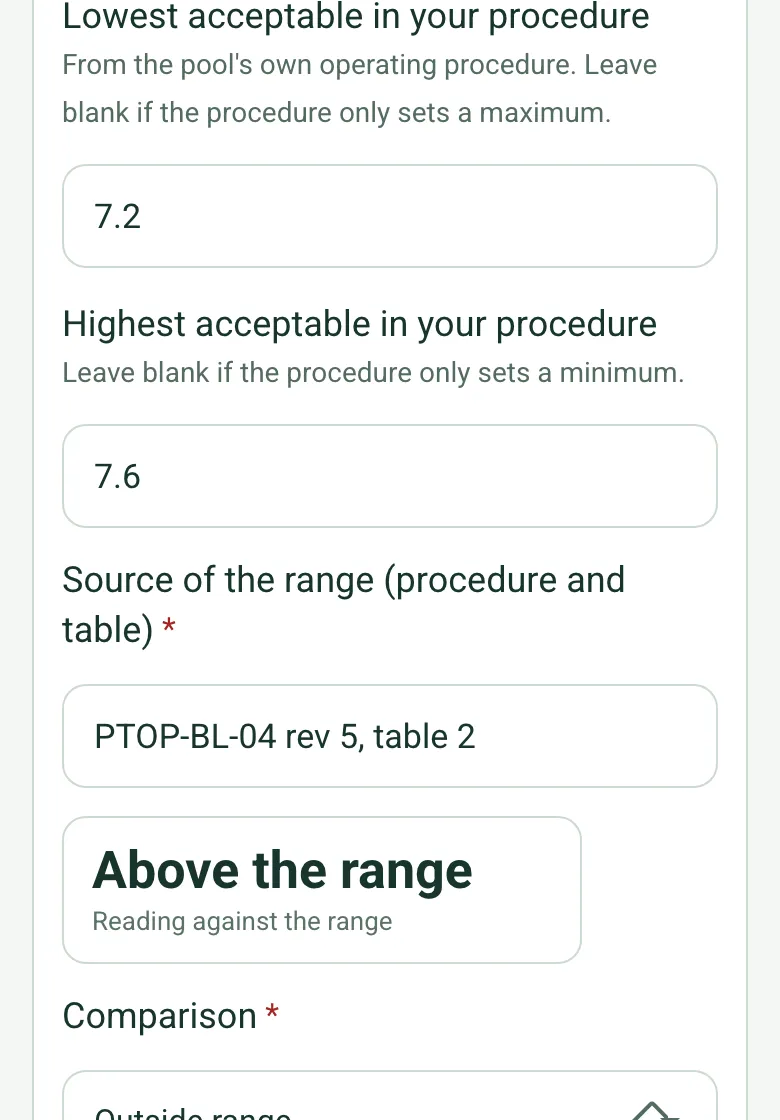
Readings against your procedure
Enter the lowest and highest acceptable values from the pool's operating procedure. The form compares the reading and warns if the comparison you chose does not match the numbers.
How calculated fields work →Form library · Facilities and maintenance
For pool operators recording checks under a pool operating procedure. Record the pool, the procedure and the test kit, then each water result as a number with the lowest and highest acceptable values from your own procedure: the form shows whether the reading is within, below or above that range, flags a comparison that does not match the numbers and counts results outside the range. Record the plant checks, the pool status and the response, with an amber note if the pool is open while a result or plant check needs action. Try the form below, see every question or open a completed example.
Ready to use from the form library, and every question is yours to edit. Try it for a small trial fee, cancel any time.
Try it on your phone
Try it on this phone
Fill in the swimming pool plant and water checks on your phone now
See how the swimming pool plant and water checks looks on your phone
Scan the code with your phone camera. It opens the real form, no sign-up needed.
Open the live example and fill it in, just as your team would on site. No sign-up needed.
See it on this phoneEvery question is editable. Add this form to your account, then change the wording, add or remove questions and options, and make it fit your own jobs.
HSE directs pool operators to assess risks and manage safe operation. PWTAG provides specialist water-treatment guidance. Use the pool’s documented operating procedures, trained staff and suitable testing arrangements.
Last updated . Facts checked by the SiteSurvey team on 21 October 2026 against HSE swimming pool safety management and PWTAG pool water treatment code of practice.
Each water result is recorded as a number with the range from your own operating procedure. The form shows whether the reading is within, below or above that range, flags a comparison that does not match the numbers, counts results outside the range and plant checks needing action, and warns if the pool is open while one is recorded. It supplies no limits of its own.
Enter the lowest and highest acceptable values from the pool's operating procedure. The form compares the reading and warns if the comparison you chose does not match the numbers.
How calculated fields work →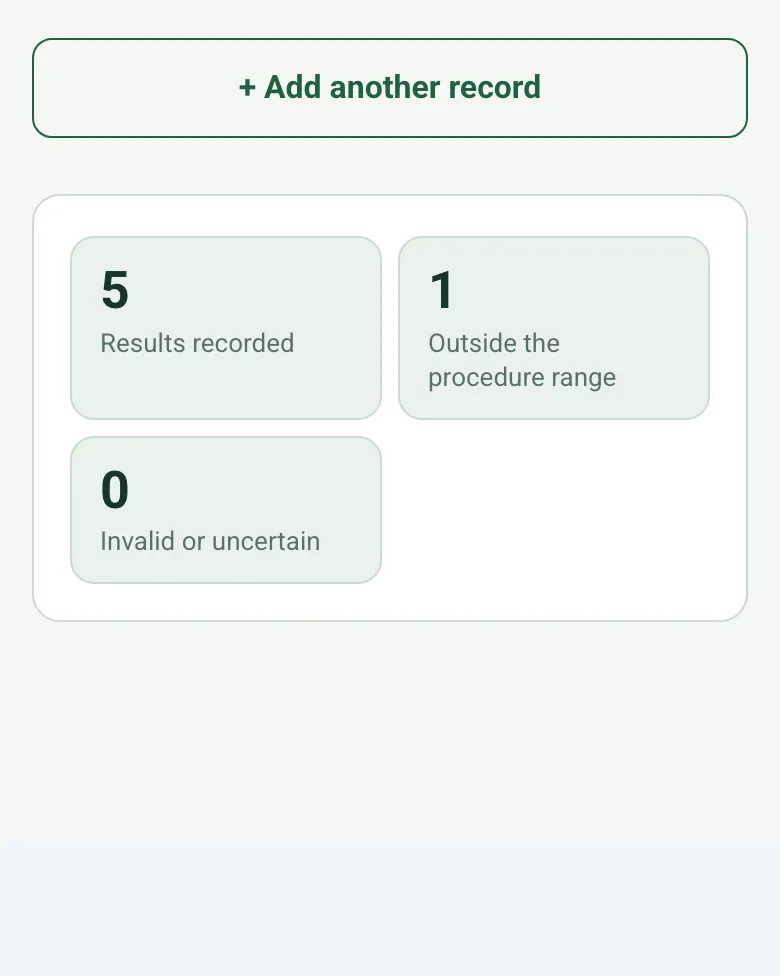
The form counts the results recorded, those outside the procedure range and those marked invalid or uncertain, so the duty manager sees the morning at a glance.
How calculated fields work →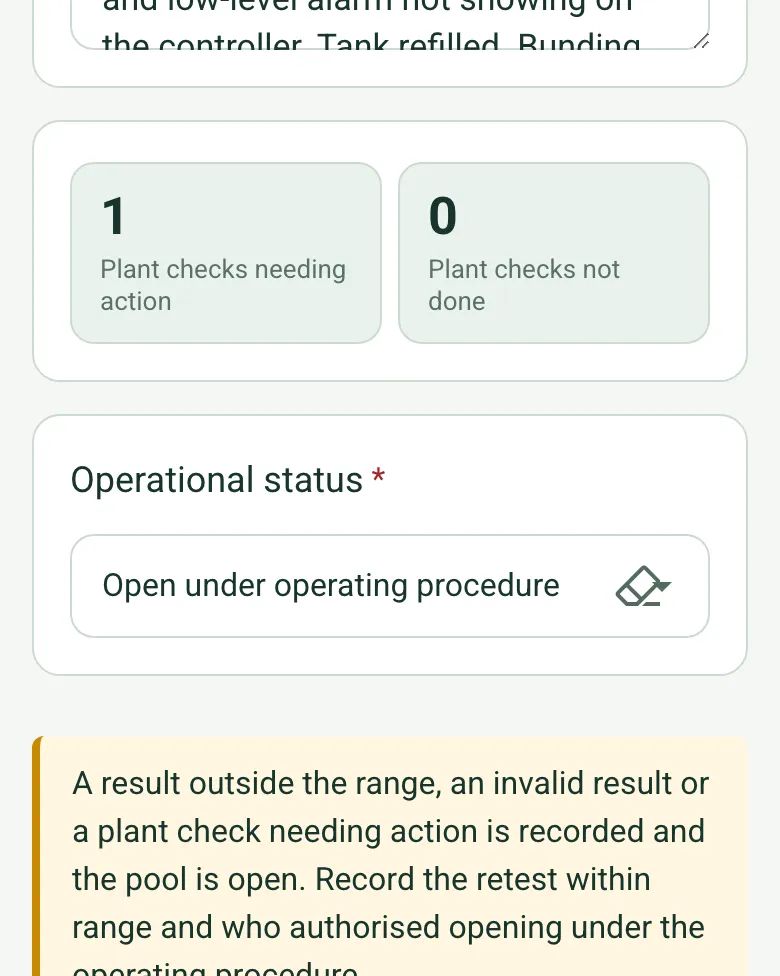
If the pool is recorded as open while a result or plant check needs action, an amber note asks for the retest within range and who authorised opening.
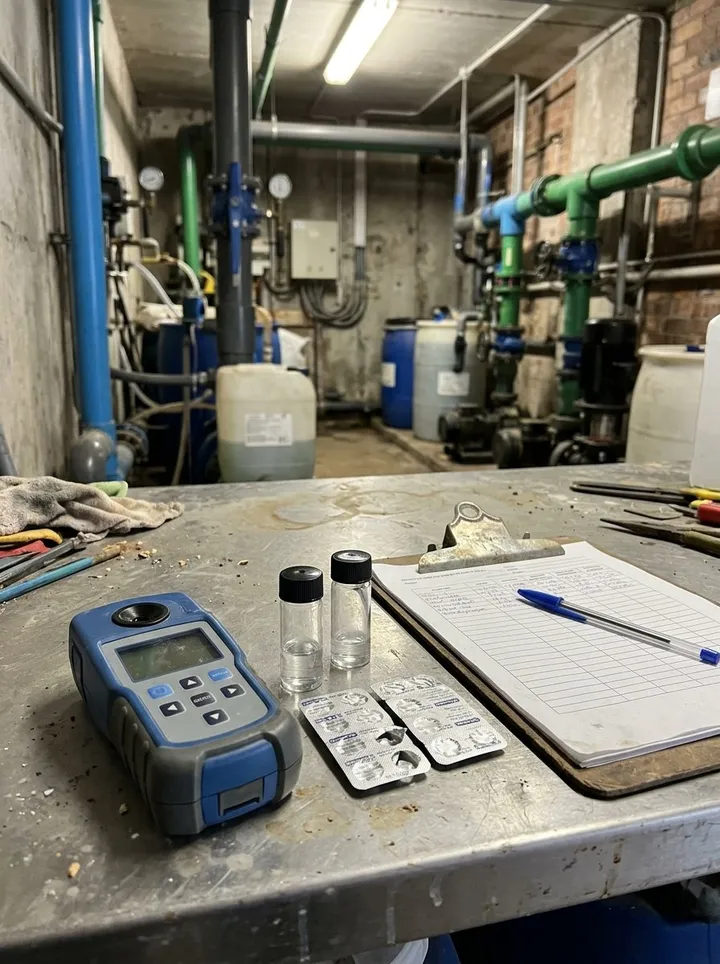
How calculated fields work →Add photos of the plant and the pool, without identifiable bathers.
A fictional leisure pool before opening: free and combined chlorine and temperature within the procedure's ranges, pH 7.8 above the 7.2 to 7.6 range with the acid tank nearly empty, refilled and retested at 7.5 before the duty manager agreed opening.
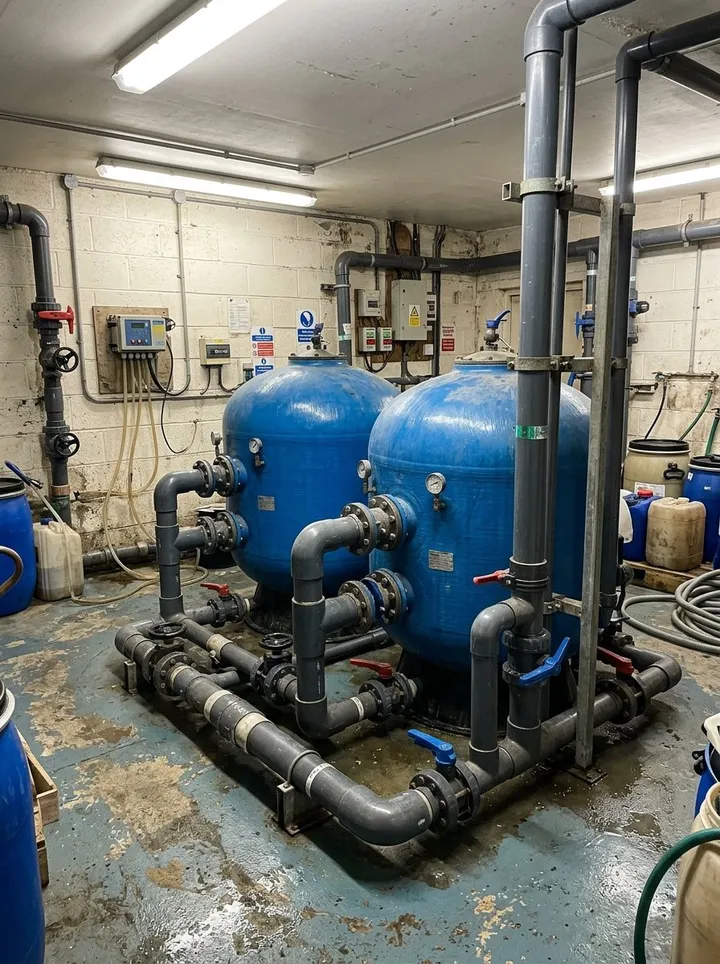
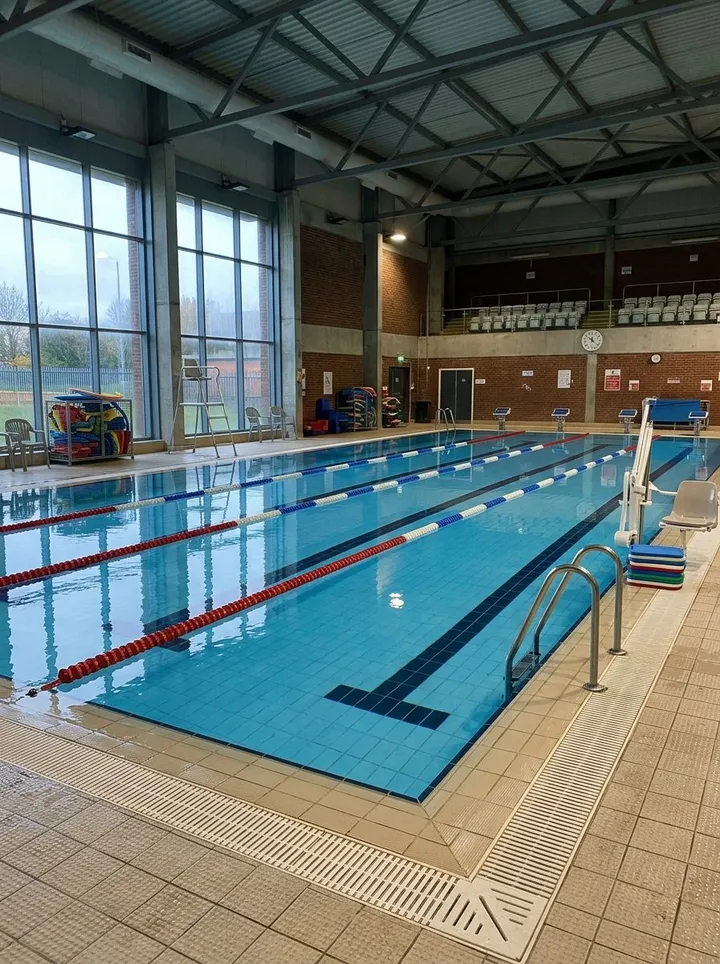
Answer a few questions and watch it adapt. Your answers are not saved, and any photos you add are deleted within the hour.
This is the real form as your team would use it: questions appear as you answer, scores work themselves out and you can add photos and signatures. No sign-up needed. Or open a completed example to see every answer, photo and score filled in.
Want to see one filled in? See a completed swimming pool plant and water checks report (PDF), made by SiteSurvey from a fictional site visit.
Your team completes the swimming pool plant and water checks on site in the SiteSurvey app on iPhone, iPad and Android phones and tablets. The project name and address fill in for them, it works without signal, and it syncs when the device is back online with photos kept against the question they answer.
Customers and subcontractors do not need the app: send them a link and they can fill it in from any browser.
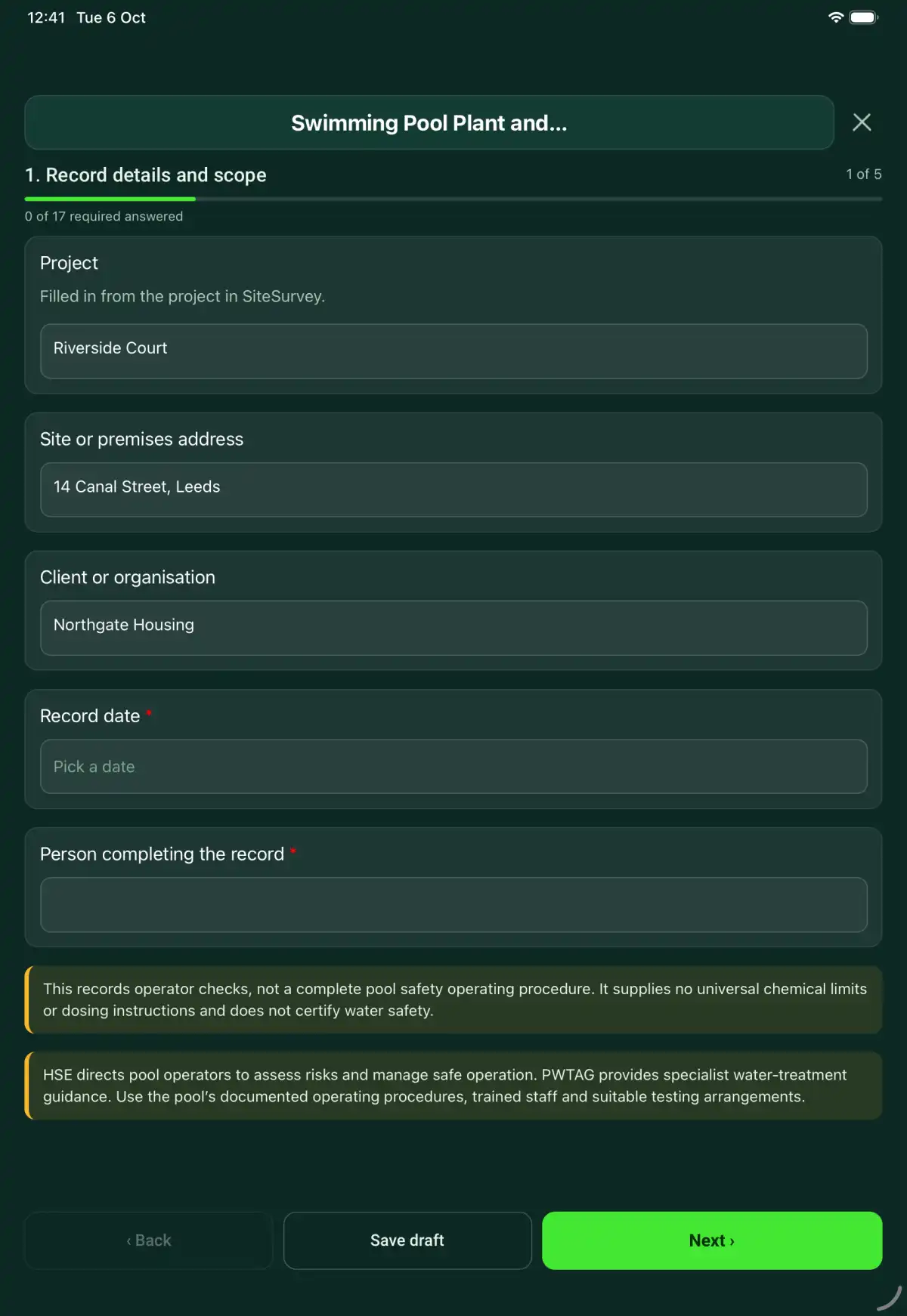
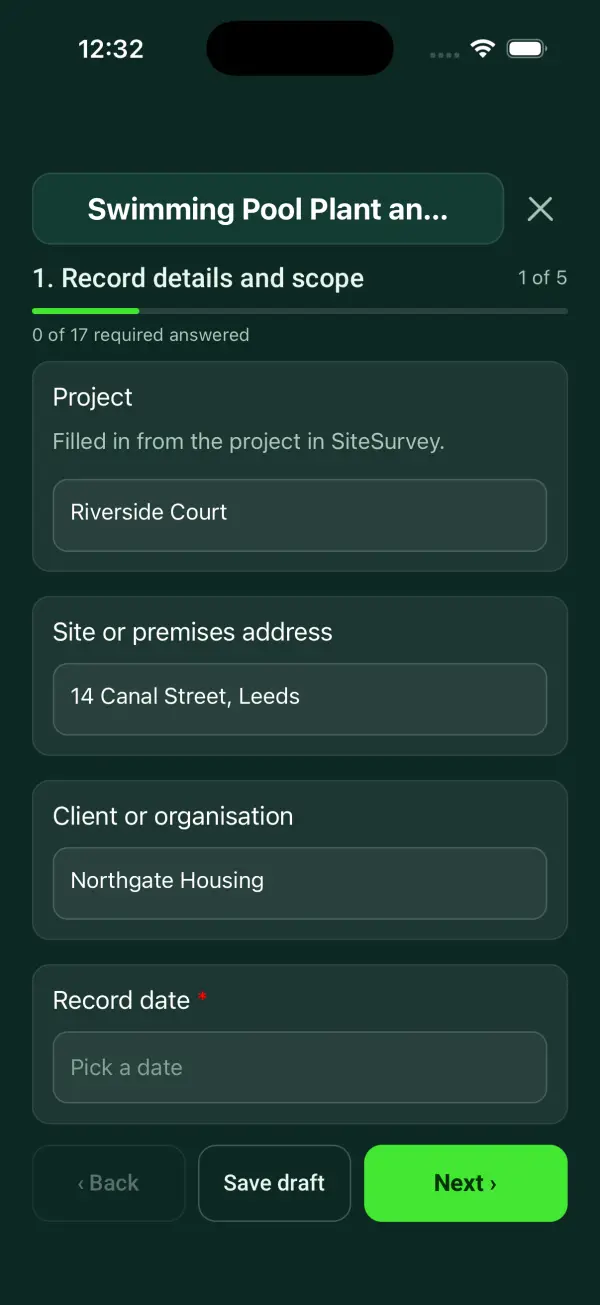
A pool operator check record covering pool identity, operating procedures, water-test results, plant observations, exceptions and reopening decisions. 5 sections and 51 questions. Follow-up questions and guidance appear only when an answer calls for them, so the person on site never sees the ones that do not apply.
This is a starting point, not a fixed form. Once it is in your SiteSurvey account you can reword any question, add or remove questions, sections and answer options, and add your own logo, so it fits the way your team works and the jobs you do.
Add this form to a project in SiteSurvey and it fills in what the project already knows, so nobody on site retypes it and every form on the job uses the same names. Anything filled in can still be changed.
Filled in from the project in SiteSurvey.
As read from the test kit or controller.
For example mg/l, pH units or °C.
From the pool's own operating procedure. Leave blank if the procedure only sets a maximum.
Leave blank if the procedure only sets a minimum.
Record the response required by the site's approved procedure, who was informed and the subsequent verification result.
Set by the pool operating procedure, several times a day while open.
Set by the operating procedure, normally monthly under PWTAG.
This records operator checks, not a complete pool safety operating procedure. It supplies no universal chemical limits or dosing instructions and does not certify water safety.
Escalation, retest and reopening authority reference
Record the response required by the site's approved procedure, who was informed and the subsequent verification result.
A recorded result required escalation under pool procedure PP-02. Duty operator notified; the follow-up check and pool-status decision are recorded separately.
Fictional example of record wording. Use the actual evidence and approved arrangements for your job; this is not a completed report or an instruction to carry out the work.
A completed swimming pool plant and water checks report, made by SiteSurvey from a fictional site visit: every answer, the photos, the guidance that applied and the sign-off, ready to send as a PDF.
Record the response required by the site's approved procedure, who was informed and the subsequent verification result.
No. The form compares each reading with the range you enter from your own operating procedure and counts the results outside it. It supplies no limits of its own and no dosing instructions: follow the authorised procedure and trained operator decisions.
Mark it invalid or uncertain, record the response and a linked retest. Do not treat it as a pass.
No. Record the decision and responsible authority under the pool’s operating procedures.
This records operator checks, not a complete pool safety operating procedure. It supplies no universal chemical limits or dosing instructions and does not certify water safety.
In the SiteSurvey app the form works offline, with photos and signatures recorded against the questions. Share the completed record as a PDF or a link. Dates and action owners are recorded fields; this form does not send reminders or update other systems.
Related templates
A cold water storage tank record covering tank identity, safe access, visible hygiene condition, monitoring references, defects and remedial follow-up.
A water leak investigation record linking reported symptoms, accessible observations, authorised test evidence, probable sources, uncertainty and next actions.
Add it from the form library in one click, change any question, and every completed form becomes a branded PDF report.
Start your trial →