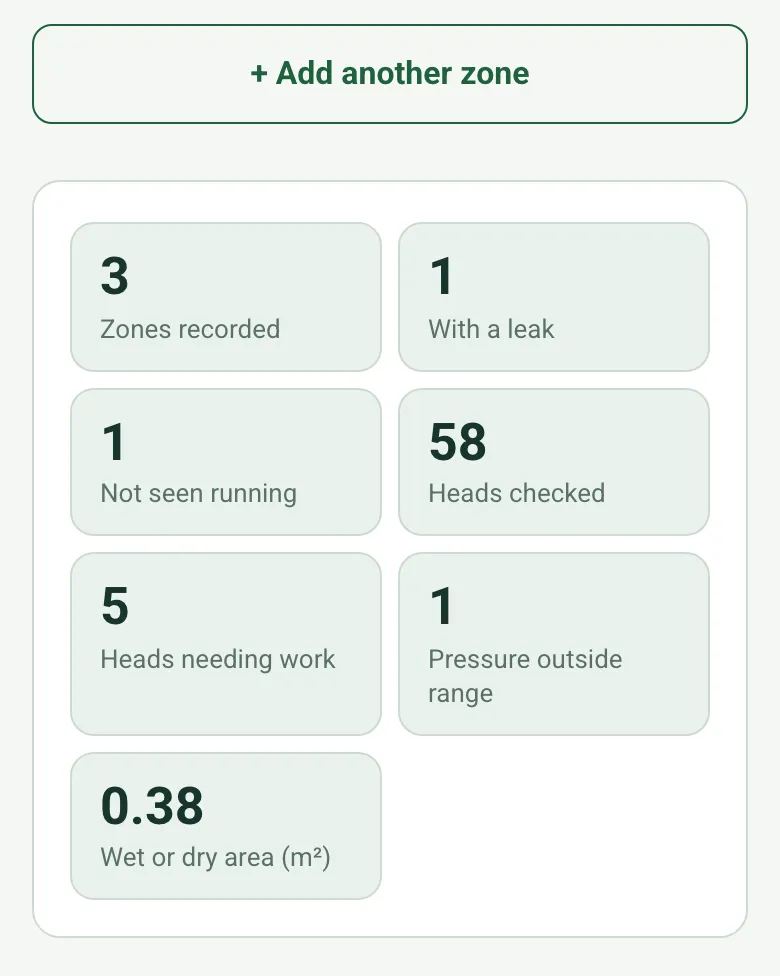
Zones and heads totalled
The form totals the zones with a leak or not running, the heads checked and needing work, the zones with pressure outside the range and the wet or dry area.
How calculated fields work →Form library · Facilities and maintenance
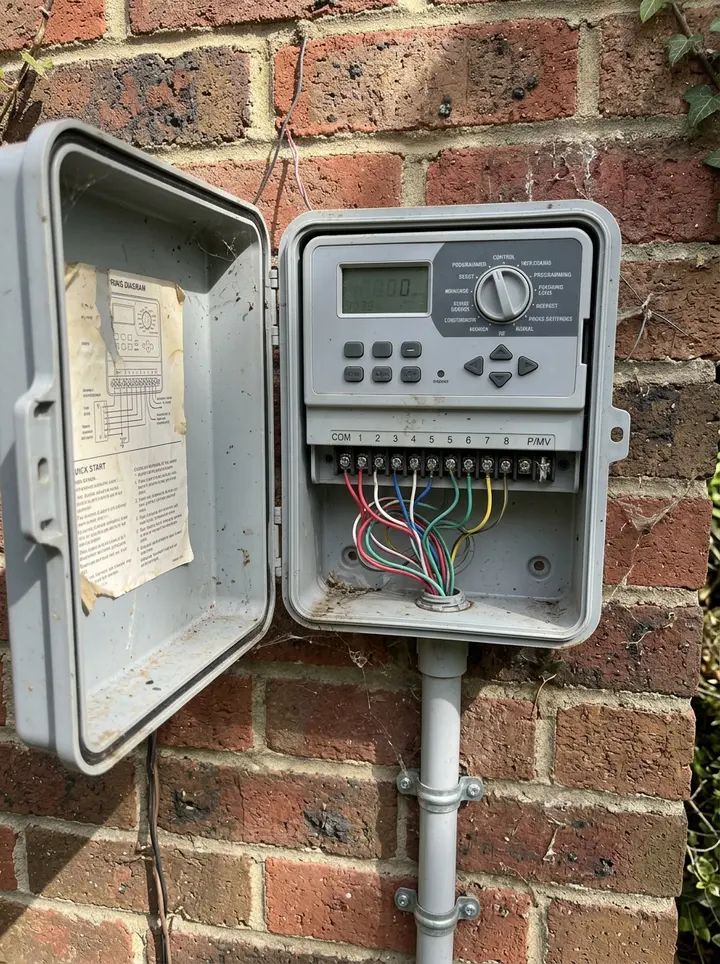
An irrigation inspection for grounds and landscape contractors. Record the controller and zone plan, then each zone as its own record: mark the valve box with GPS, whether the zone was seen running, leaks, coverage, the heads checked and how many need work, and the pressure against the operating range for those heads. Measure a wet or dry patch with a tape or from a photo with a paving slab as the reference. The form totals the zones with a leak or not running, the heads needing work and the zones with pressure outside the range. Try the form below, see every question or open a completed example.
Ready to use from the form library, and every question is yours to edit. Try it for a small trial fee, cancel any time.
Try it on your phone
Try it on this phone
Fill in the irrigation inspection on your phone now
See how the irrigation inspection looks on your phone
Scan the code with your phone camera. It opens the real form, no sign-up needed.
Open the live example and fill it in, just as your team would on site. No sign-up needed.
See it on this phoneEvery question is editable. Add this form to your account, then change the wording, add or remove questions and options, and make it fit your own jobs.
An irrigation inspection checklist records observations zone by zone, including whether operation was observed, visible leaks, coverage, overspray, emitter condition and any measured pressure or flow. Reference the controller and zone plan so another person can find the same location and understand the limits of the visit.
Last updated . Facts checked by the SiteSurvey team on 20 October 2026 against Rain Bird irrigation maintenance check sheet.
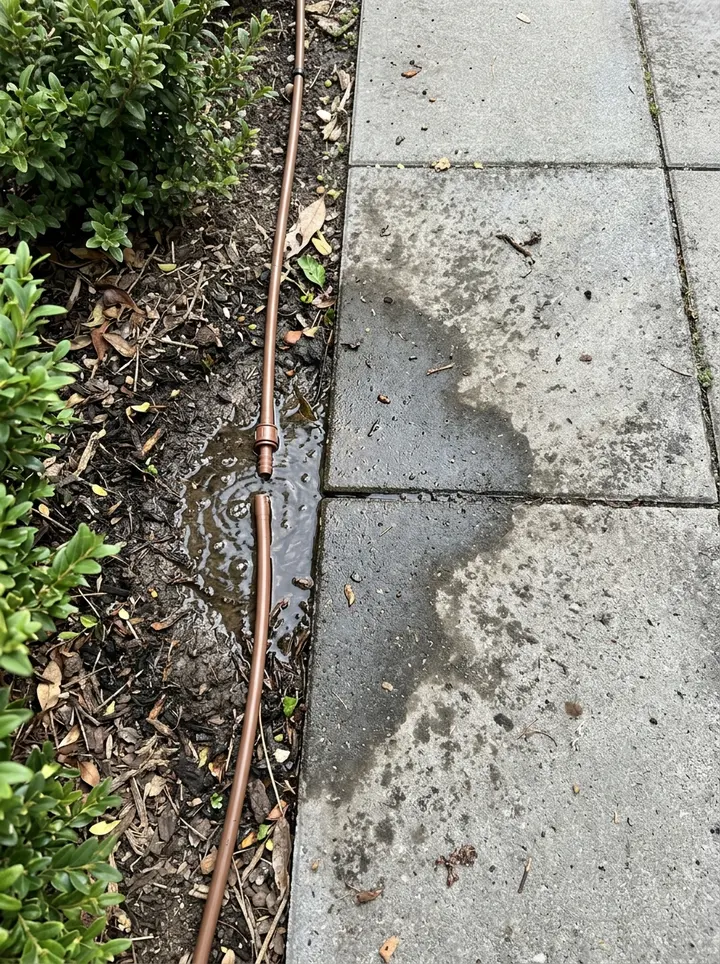
Zone 3, east bed: operation observed; leak visible at the emitter connection beside the path. Remaining coverage observed from accessible areas. No instrument pressure reading taken. Repair request IR-WO-003 raised; no controller settings changed.
Fictional example. Record the actual evidence and approved arrangements for your job.
“No leak seen” and “not assessed” describe different evidence. If the zone was not operated or could not be accessed, record the limitation instead of implying a successful operating check.
Assign the repair and record any authorised settings changes with their reference. Link a separate pump maintenance or leak investigation record when work extends beyond the zone observations.
Record each zone as its own record with its valve box position, whether it ran, leaks, the heads checked and how many need work, and the pressure against the operating range. Measure a wet or dry patch from a photo with a paving slab as the reference, and the form totals the zones with a problem.
The form totals the zones with a leak or not running, the heads checked and needing work, the zones with pressure outside the range and the wet or dry area.
How calculated fields work →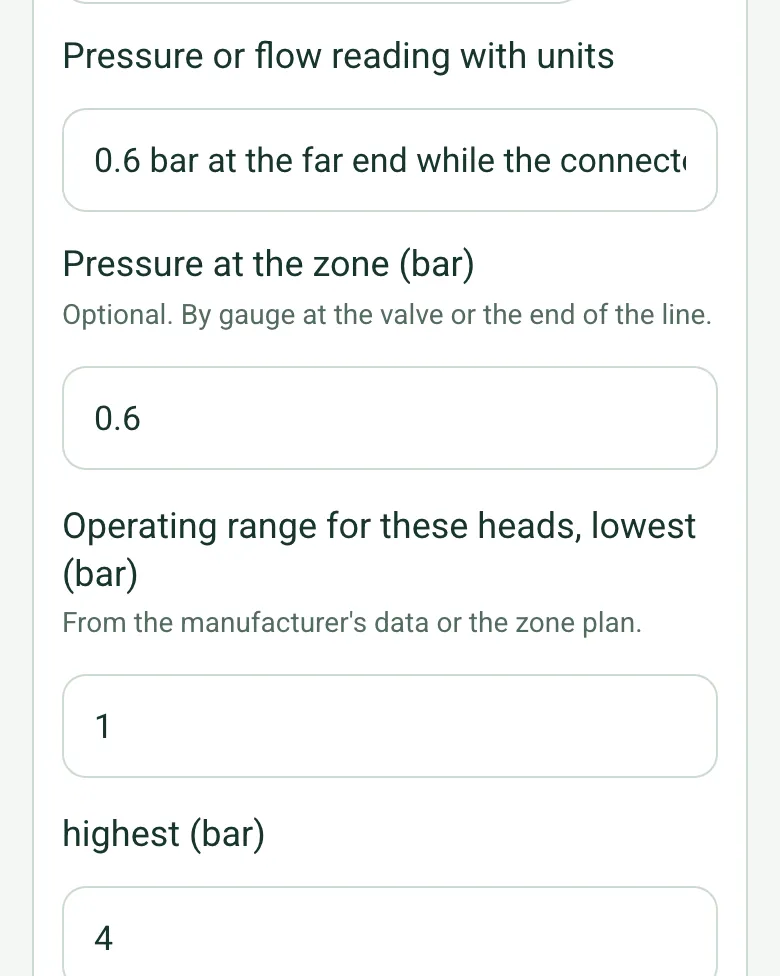
Enter the pressure at the zone and the operating range for those heads from the manufacturer's data. The form shows below, within or above the range.
How calculated fields work →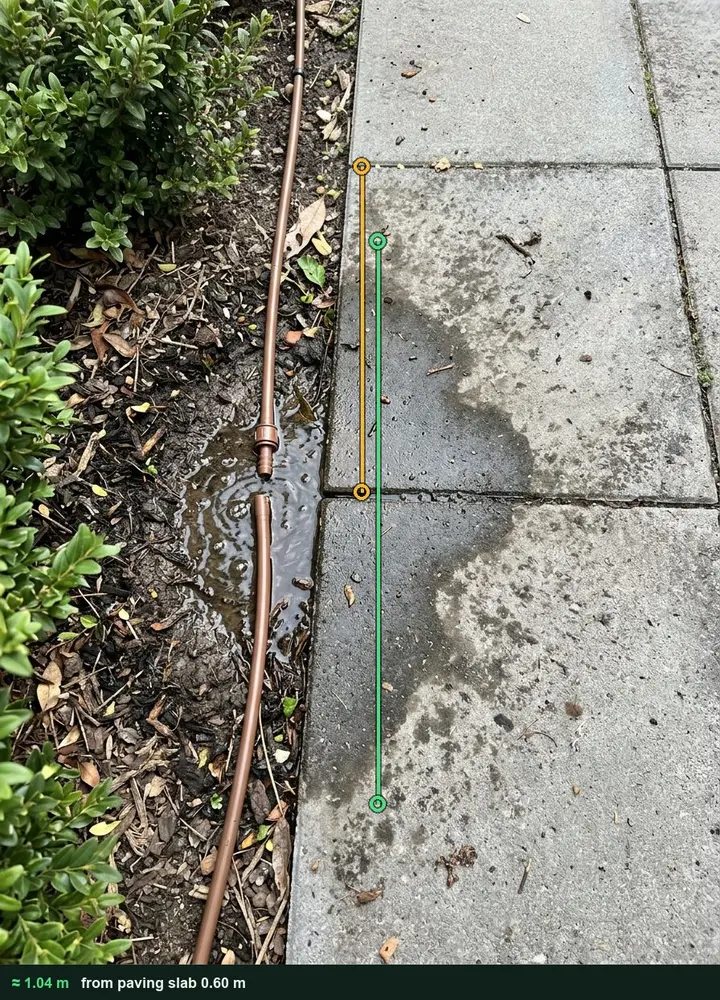
Photograph the patch from above with a paving slab in view and tap along it. The size goes into the zone's record with the marked-up photo. It works on web forms in any phone browser today, and the app version is on its way.
How measuring from a photo works →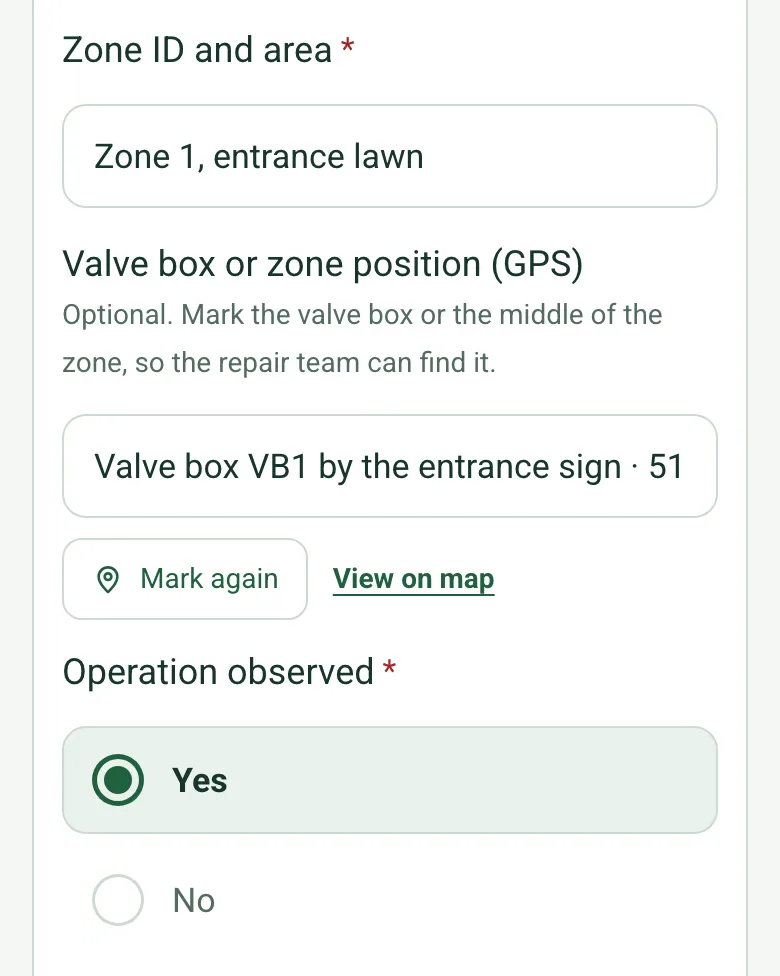
Mark the valve box or the middle of each zone with GPS, so the repair team can find it.
How GPS location works →Add a short video of each zone running, so coverage and overspray are on record.
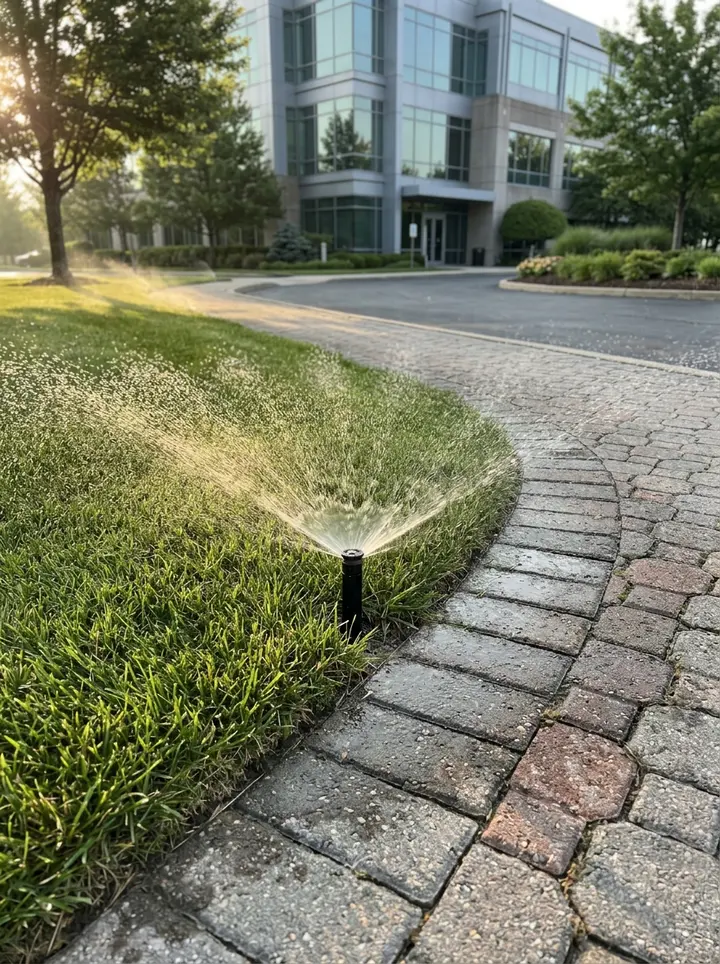
A fictional business park in Bristol with three zones: one lawn head adjusted for overspray, a blown drip line connector on the east bed with 0.6 bar at the far end and a wet patch about 0.37 by 1.04 m, and a car park zone that would not start from the controller.
Answer a few questions and watch it adapt. Your answers are not saved, and any photos you add are deleted within the hour.
This is the real form as your team would use it: questions appear as you answer, scores work themselves out and you can add photos and signatures. No sign-up needed. Or open a completed example to see every answer, photo and score filled in.
Want to see one filled in? See a completed irrigation inspection report (PDF), made by SiteSurvey from a fictional site visit.
Record irrigation zones, controller references, visible leakage, coverage observations and follow-up work for an irrigation visit. 3 sections and 57 questions. Follow-up questions and guidance appear only when an answer calls for them, so the person on site never sees the ones that do not apply.
This is a starting point, not a fixed form. Once it is in your SiteSurvey account you can reword any question, add or remove questions, sections and answer options, and add your own logo, so it fits the way your team works and the jobs you do.
Add this form to a project in SiteSurvey and it fills in what the project already knows, so nobody on site retypes it and every form on the job uses the same names. Anything filled in can still be changed.
Optional. Mark the valve box or the middle of the zone, so the repair team can find it.
Optional. By gauge at the valve or the end of the line.
From the manufacturer's data or the zone plan.
Optional. Use a tape or pace it out, or measure from a photo with a known size in the same plane, such as a 600 mm paving slab.
Set by the maintenance contract and the season.
A completed irrigation inspection report, made by SiteSurvey from a fictional site visit: every answer, the photos, the guidance that applied and the sign-off, ready to send as a PDF.
This record follows irrigation zones and distribution performance. Pump maintenance owns the pump asset; the PPM checklist owns the general maintenance schedule.
No. Record observations and any measured figures with their units. Use the system design and approved audit method for calculations and settings.
Against figures you enter. Record the pressure at the zone and the operating range for those heads from the manufacturer's data or the zone plan, and the form shows whether it is below, within or above the range, and counts the zones outside it.
Yes. Enter the width and length with a tape, or measure each from a photo with a paving slab or another known size in the same plane, and the form works out the area for each zone and in total. Measuring from a photo and GPS work on web forms in any phone browser today, and the app version is on its way.
Yes. Each zone is its own record with its position, readings and photos, so the repair team can find the valve box and see the fault before they go.
Related templates
A pump maintenance record covering duty, seals, bearings, coupling, suction and discharge readings, service work, defects and return-to-service limits.
Planned maintenance visit: records seen, asset by asset tasks, water temperatures, work done and next visit.
A water leak investigation record linking reported symptoms, accessible observations, authorised test evidence, probable sources, uncertainty and next actions.
Add it from the form library in one click, change any question, and every completed form becomes a branded PDF report.
Start your trial →