The product library provides consistent items for every project. Define a product once, then add it to the spaces where it is surveyed or installed.
- 01
Open Products
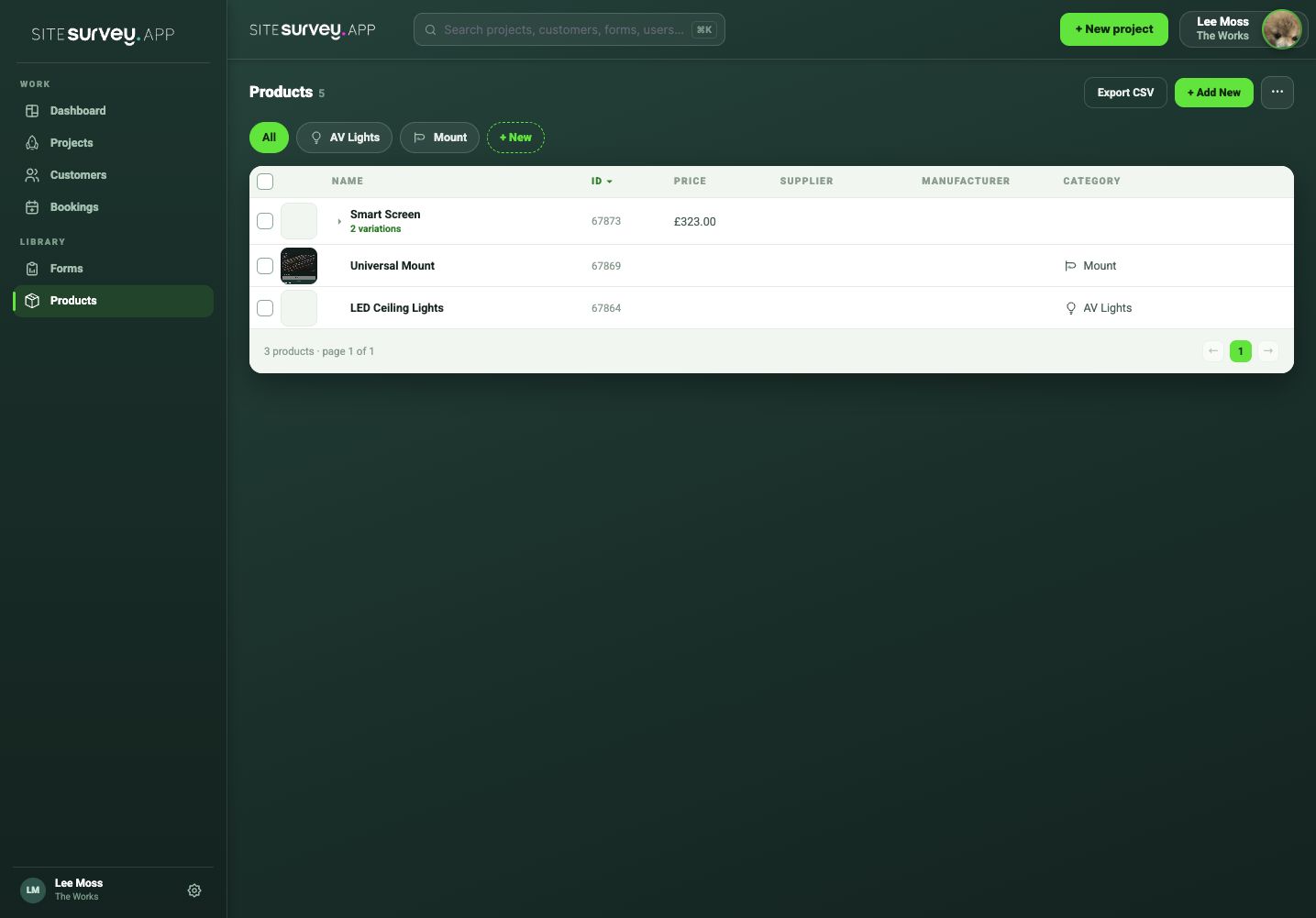
Choose Products in the web portal to view the shared library.
- 02
Add a product
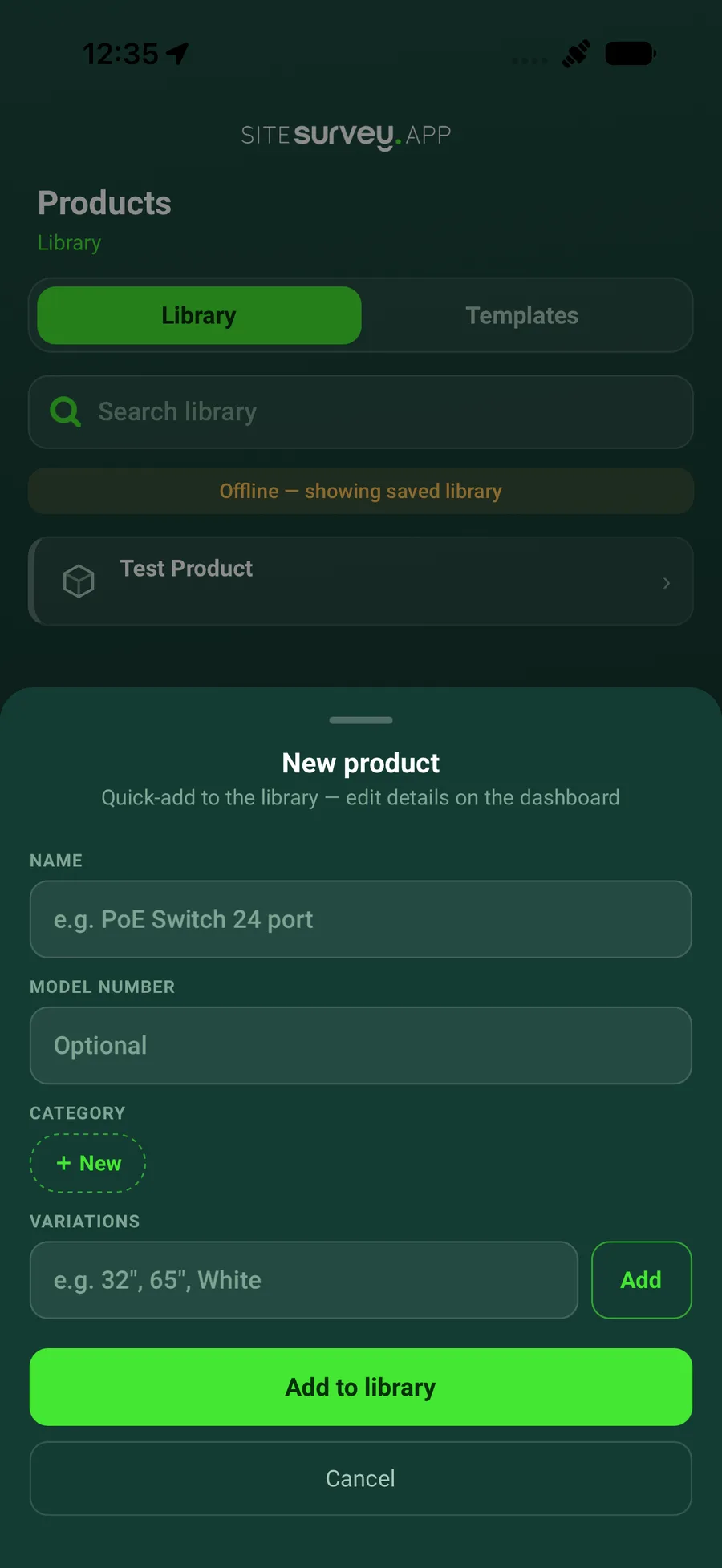
Create a clear product name and include the manufacturer, model or category information your team needs.
- 03
Define standard data points
Ask a workspace administrator to add reusable product fields in Settings > Projects. These can include IP address, MAC address, serial number or any other data point your team needs to collect consistently.
- 04
Save it to the library
Review the product and save it so it can be selected across projects.
- 05
Maintain the approved record
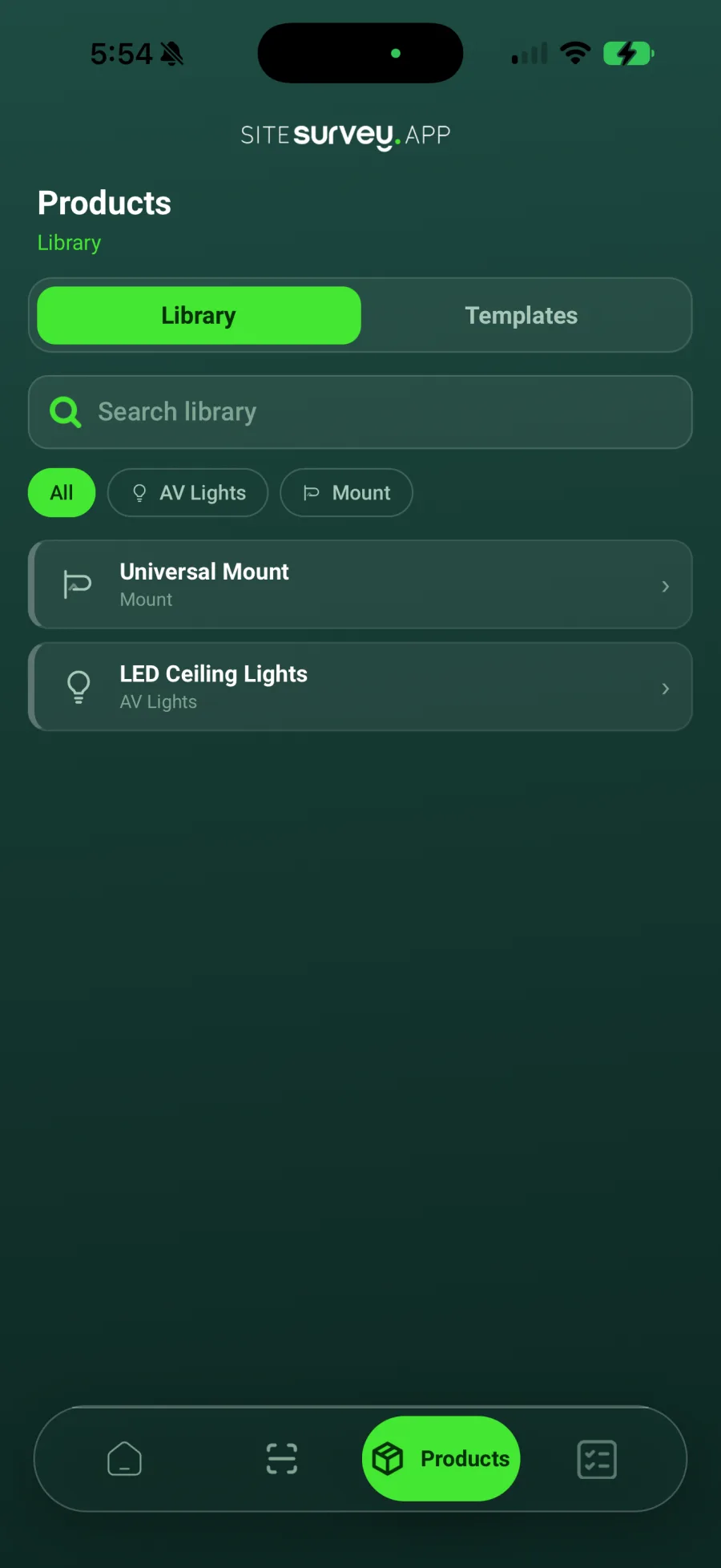
Update the library item when the standard product information changes. The approved library is also available to field users in the mobile app.
Good to know
- ✓Use consistent manufacturer and model naming.
- ✓Keep site-specific serial numbers and network details on the installed product record, not the reusable library item.
Was this guide helpful?
Your feedback helps us improve support content.