Accurate workspace details help SiteSurvey produce consistent reports and communications for your organisation.
- 01
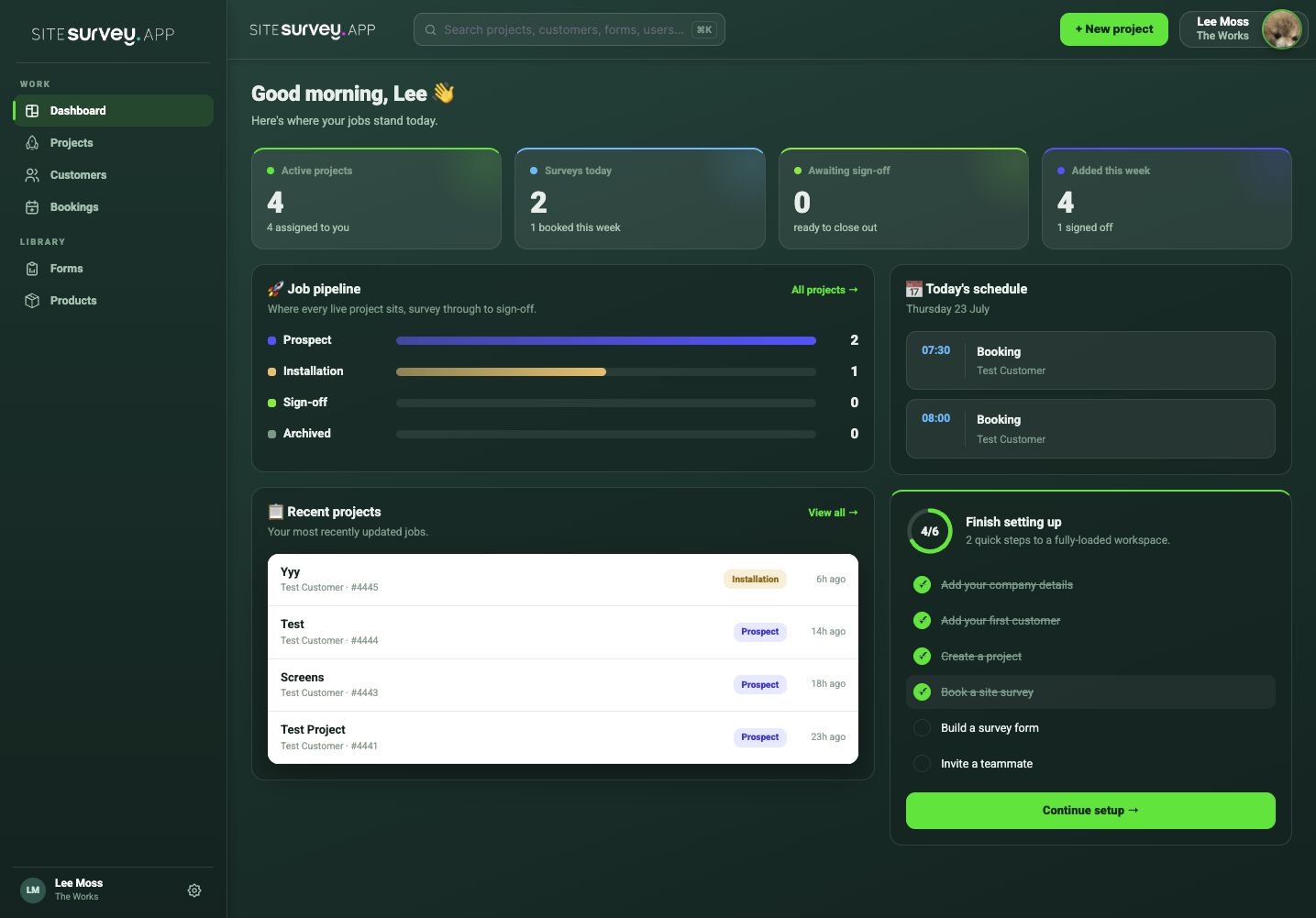
Start from the workspace dashboard
Open the dashboard and use the company-details setup task or workspace administration area.
- 02
Review the organisation details
Check the company name, contact details and other information used by the workspace.
- 03
Update the fields
Correct anything that has changed and add missing details required for reports.
- 04
Save the workspace
Apply the changes and confirm they remain visible after the page reloads.
- 05
Check a customer-facing output
Review a report or invitation to ensure the updated details appear as expected.
Was this guide helpful?
Your feedback helps us improve support content.