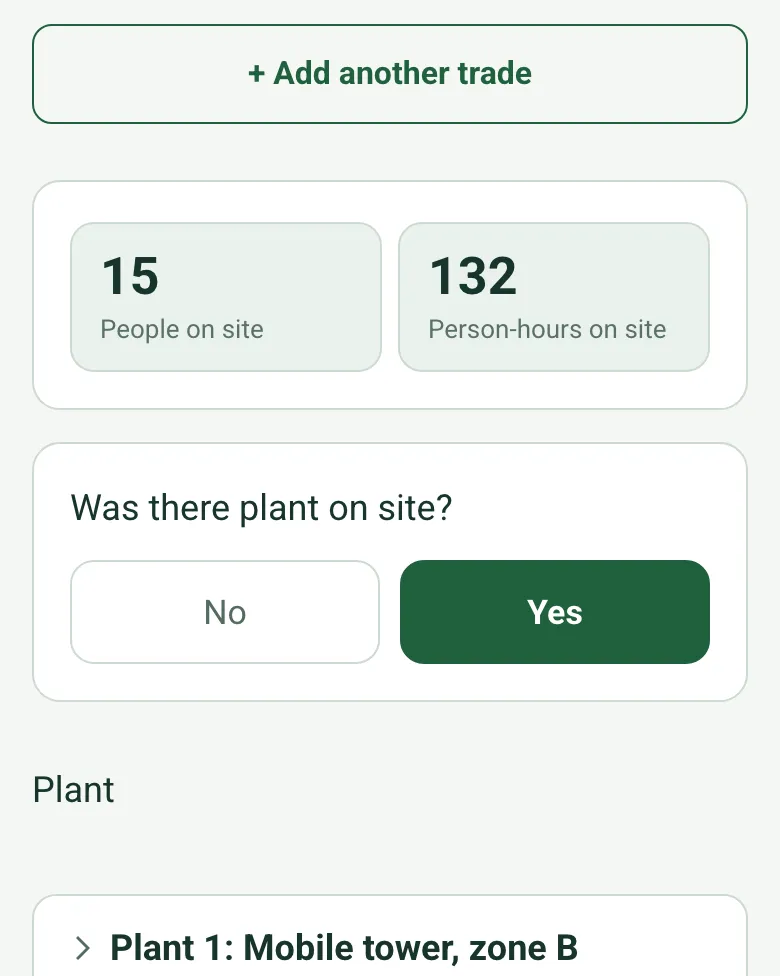
People, person-hours and plant
Enter the number of people and hours for each trade. The form works out the people and person-hours on site, and further down counts the plant working, standing or broken down.
How calculated fields work →Form library · Construction and handover
A site diary for one day on a construction project. Record the weather and hours and mark the site with GPS, then the labour by trade: the form adds up the people and person-hours on site and counts the plant working, standing or broken down. For each area record the work done with photos, where it was and the length completed today, by tape or measured from a photo, and the form totals the metres. Deliveries that are short, wrong or damaged are counted and flagged, delays add up to the hours lost, then safety checks, incidents and the plan for tomorrow. Try the form below, see every question or open a completed example.
Ready to use from the form library, and every question is yours to edit. Try it for a small trial fee, cancel any time.
Try it on your phone
Try it on this phone
Fill in the construction daily report on your phone now
See how the construction daily report looks on your phone
Scan the code with your phone camera. It opens the real form, no sign-up needed.
Open the live example and fill it in, just as your team would on site. No sign-up needed.
See it on this phoneEvery question is editable. Add this form to your account, then change the wording, add or remove questions and options, and make it fit your own jobs.
A construction daily report should record the date, weather and site hours, the labour on site by trade with numbers and hours, plant, visitors, the work done in each area with photos, and progress against the programme. It should also record deliveries, delays with their cause and hours lost, instructions received, information needed, safety checks and incidents, and the work planned for tomorrow.
Last updated . Facts checked by the SiteSurvey team on 20 October 2026 against HSE on RIDDOR reporting and regulation 4 of the Reporting of Injuries, Diseases and Dangerous Occurrences Regulations 2013.
Record the day's labour by trade and the form adds up the people and person-hours on site and counts the plant working, standing or broken down. Each area gets its photos, its position and the length completed today, by tape or measured from a photo, and deliveries with a problem are counted and flagged.
Enter the number of people and hours for each trade. The form works out the people and person-hours on site, and further down counts the plant working, standing or broken down.
How calculated fields work →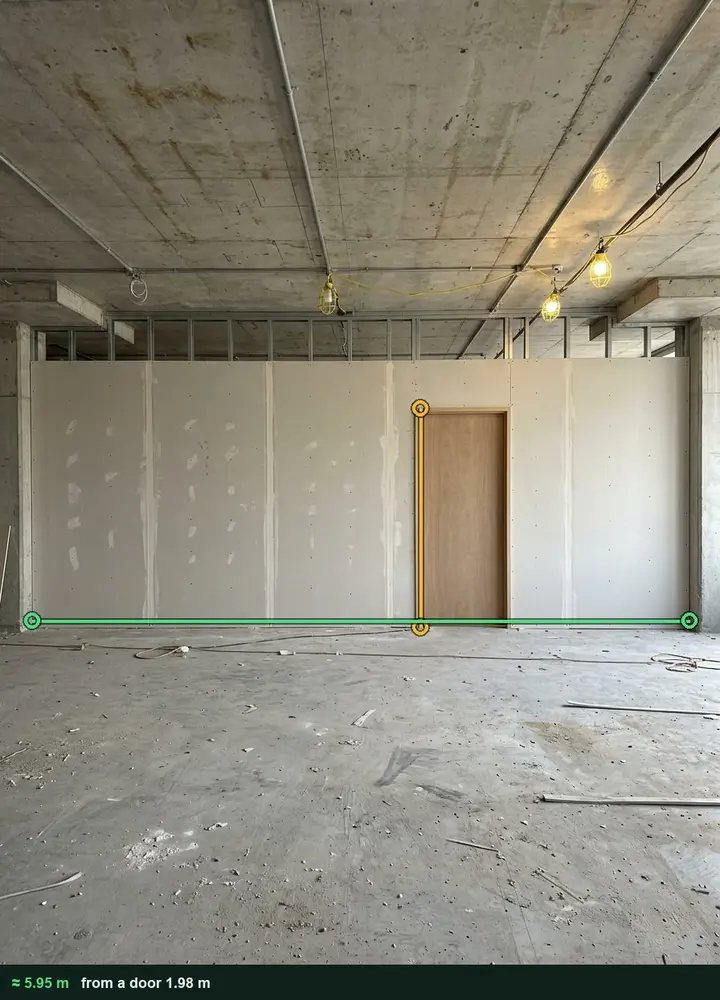
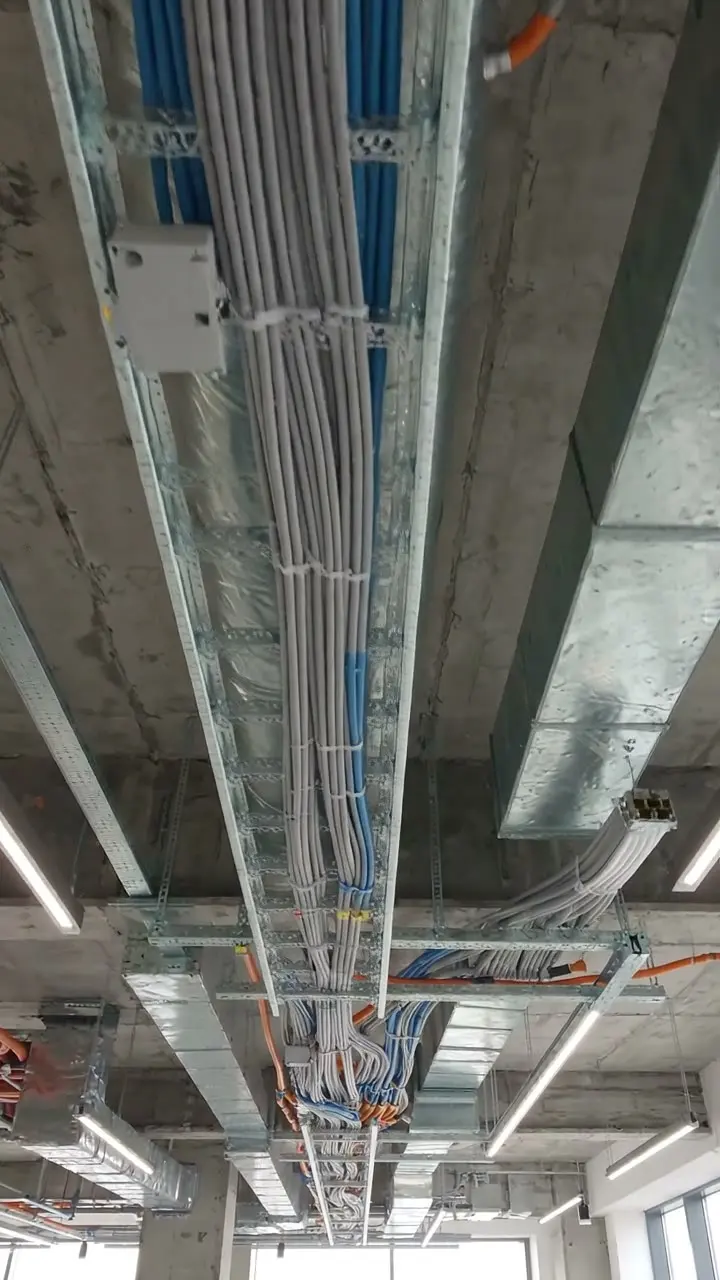
Photograph the run square on with a door in the same plane and tap the two ends. The length goes into the area's record with the marked-up photo, and the form totals the metres completed today. It works on web forms in any phone browser today, and the app version is on its way.
How measuring from a photo works →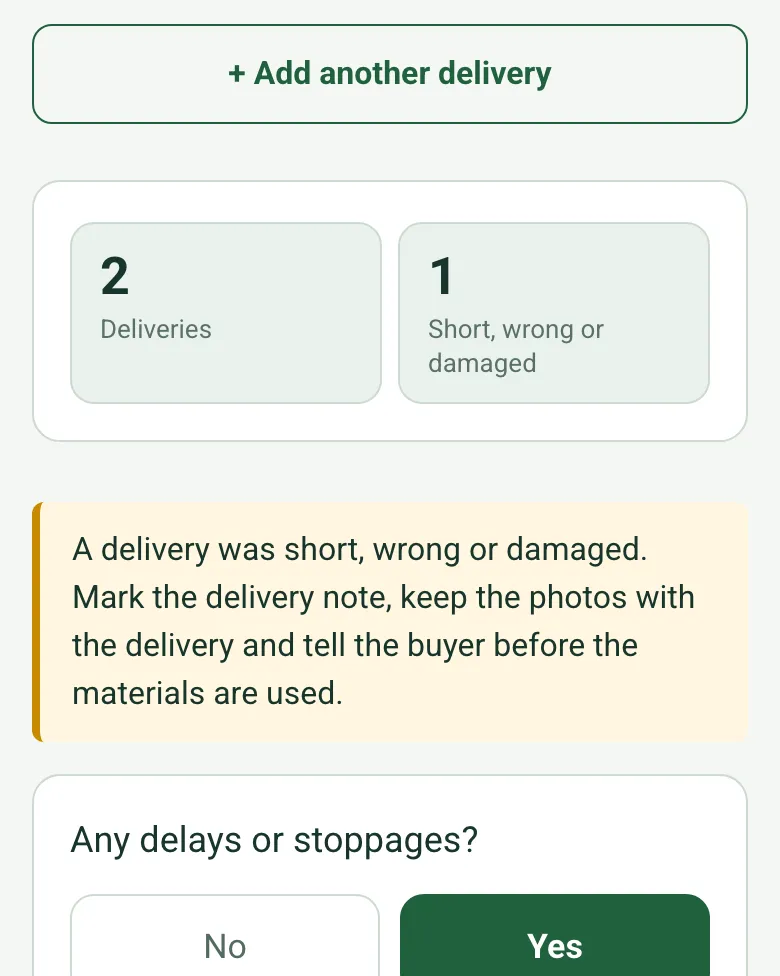
Each delivery is checked against the order. The form counts those short, wrong or damaged and reminds the site manager to mark the delivery note and tell the buyer.
How calculated fields work →The optional Walk Cam films each area while you say what was done, so the diary carries the video as well as the words.
A fictional office fit-out in Sheffield: four trades and 132 person-hours, a cable tray delivery 10 lengths short that cost two hours, a near miss from a mobile tower, and the corridor wall of meeting rooms 1 and 2 boarded, measured from a photo against the room 2 door.
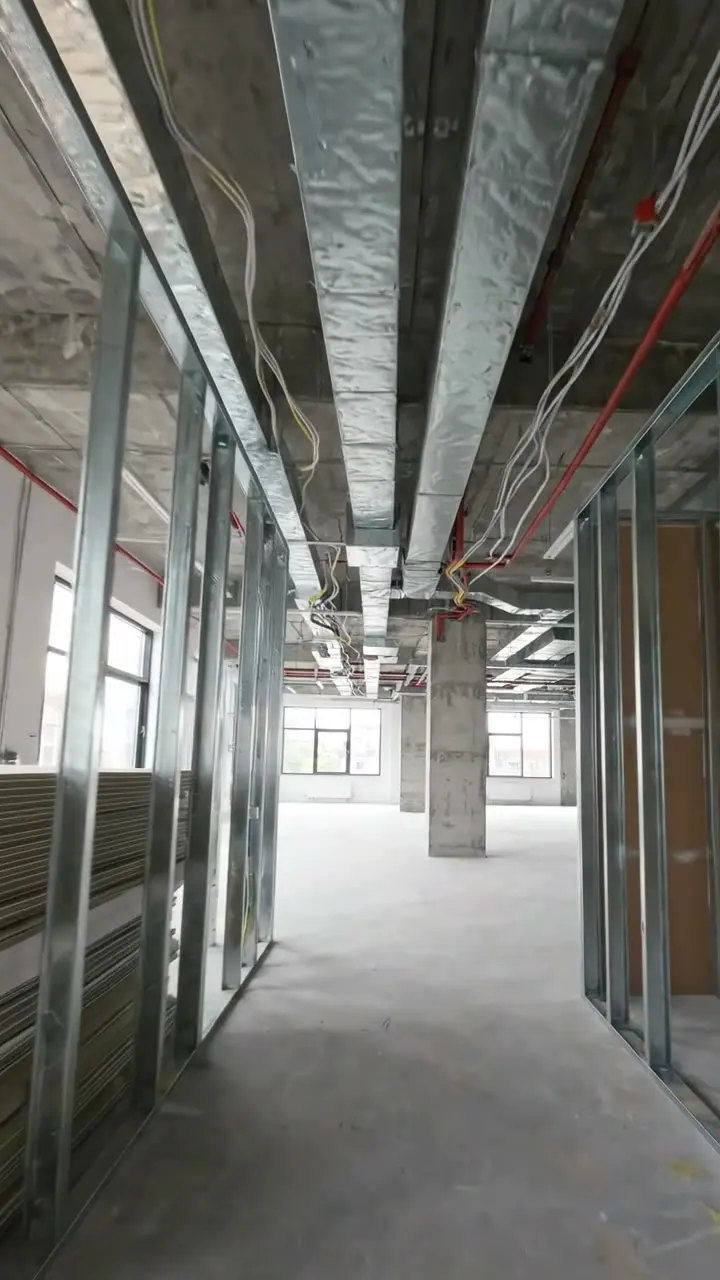
Answer a few questions and watch it adapt. Your answers are not saved, and any photos you add are deleted within the hour.
This is the real form as your team would use it: questions appear as you answer, scores work themselves out and you can add photos and signatures. No sign-up needed. Or open a completed example to see every answer, photo and score filled in.
Want to see one filled in? See a completed construction daily report report (PDF), made by SiteSurvey from a fictional site visit.
Your team completes the construction daily report on site in the SiteSurvey app on iPhone, iPad and Android phones and tablets. The project name and address fill in for them, it works without signal, and it syncs when the device is back online with photos kept against the question they answer.
Customers and subcontractors do not need the app: send them a link and they can fill it in from any browser.
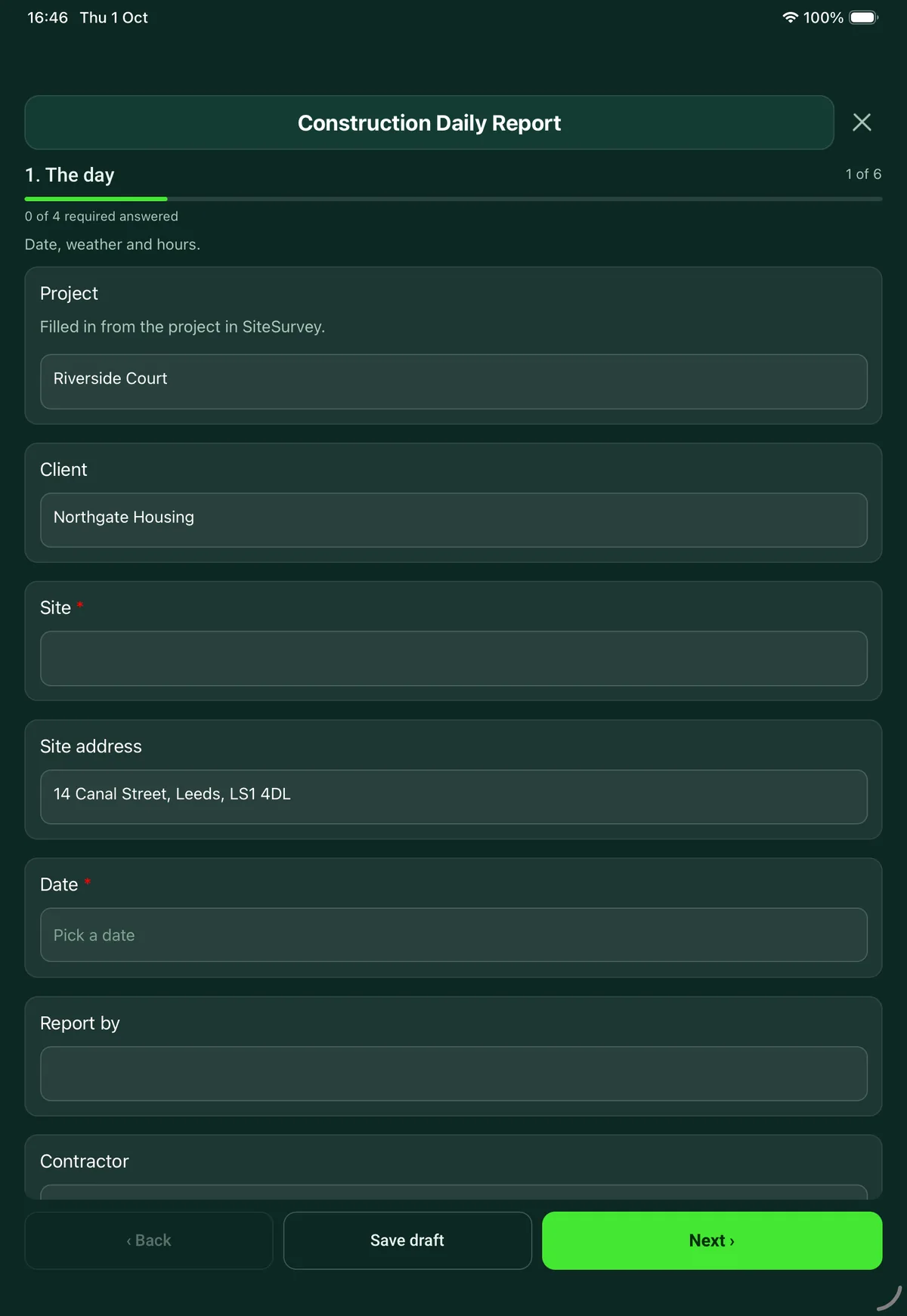
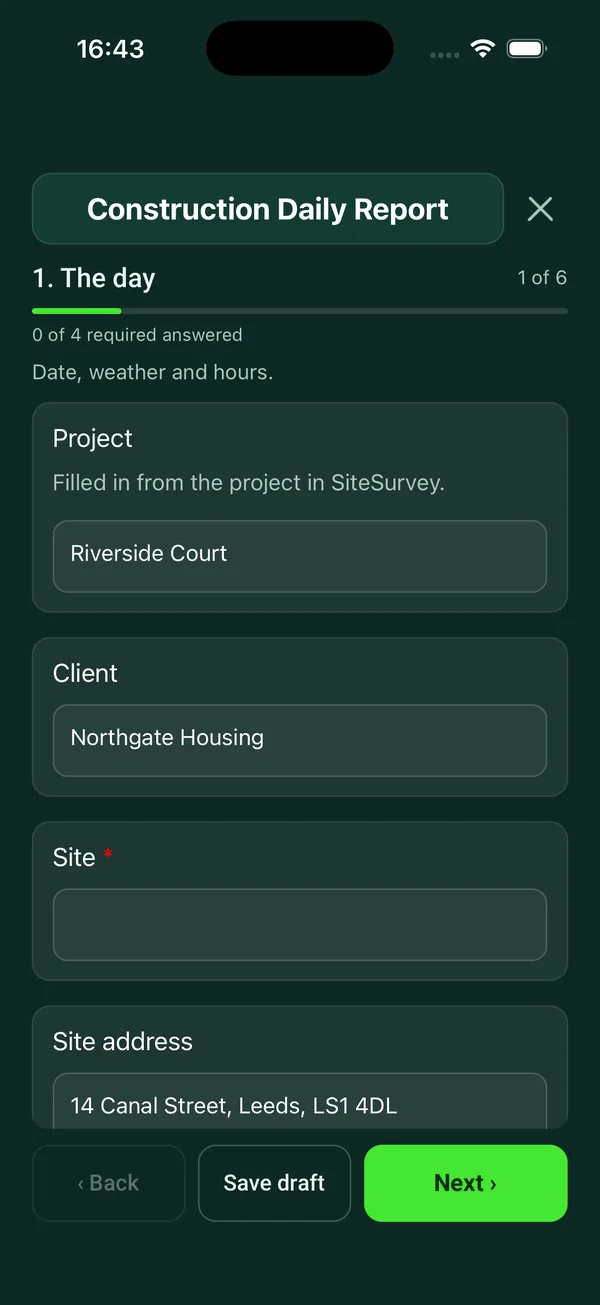
Site diary for one day: weather, labour and plant, work done by area, deliveries, delays, instructions, safety and the plan for tomorrow, with photos. 6 sections and 71 questions. Follow-up questions and guidance appear only when an answer calls for them, so the person on site never sees the ones that do not apply.
This is a starting point, not a fixed form. Once it is in your SiteSurvey account you can reword any question, add or remove questions, sections and answer options, and add your own logo, so it fits the way your team works and the jobs you do.
Add this form to a project in SiteSurvey and it fills in what the project already knows, so nobody on site retypes it and every form on the job uses the same names. Anything filled in can still be changed.
Date, weather and hours.
Filled in from the project in SiteSurvey.
Optional. Mark the site, so a diary for a road, a pipeline or a large estate shows where the team was.
Note the morning and afternoon weather, and any change during the day, in What you saw on site.
Who and what was on site.
Client, design team, building control, inspectors.
One entry for each area or activity, with photos.
Optional. Mark the plot, chainage or area, useful on large or linear sites.
Optional. A run finished today, such as partitions, kerbs, pipe or cable tray. Use a tape, or measure from a photo with a door in the same plane.
Optional. Film a guided walk-through on the SiteSurvey app; each clip keeps its spoken note.
What arrived, what held the job up and what was asked for.
Who from, the reference, and whether in writing.
What was checked, and anything that went wrong.
Cube samples, air tests, building control visits and their results.
What is planned and what it needs.
Deliveries, plant, labour, information, access.
A completed construction daily report report, made by SiteSurvey from a fictional site visit: every answer, the photos, the guidance that applied and the sign-off, ready to send as a PDF.
Yes. It is a site diary kept as a form, one per day, so the entries are consistent and searchable and the photos sit with the area they belong to. The site manager signs it on the phone or tablet at the end of the day.
One entry for each trade or company with the number of people and hours each. The form works out the hours for each entry, the total number of people on site and the person-hours. Plant is recorded as working, standing or broken down, and the form counts each.
Each delay has a cause, such as weather, late information, late materials, plant breakdown or a client instruction, with the hours lost and who was told. The form adds up the hours lost in the day. If the job is behind programme it asks for the days behind and the plan to recover.
Yes. Deliveries are checked against the order as correct, short or wrong, or damaged, with a photo of the delivery note, and the form counts those with a problem. Instructions are recorded with who they came from, the reference and whether they were in writing, alongside any information or decisions the site is waiting for.
Toolbox talks, inductions, the inspections done that day, permits issued, and any accident, incident or near miss. For an injury needing treatment or time off, or a dangerous occurrence, it reminds you to complete an incident report and that RIDDOR 2013 requires certain events to be reported, including injuries that stop a worker doing their normal work for more than seven consecutive days, which must be reported within 15 days of the accident.
Yes. In the SiteSurvey app the report works offline and syncs when the device is back online. The project, client and site address fill in from the project, and the report goes out as a PDF or a share link.
Related templates
Site visit report: weather, labour, progress against programme, area by area record, tests, queries and instructions.
A weekly or monthly construction progress report to the client: period, overall status and percentage complete against planned, forecast completion, milestones with days variance and a count of late milestones, progress by area with photos, labour and plant, health and safety numbers, quality issues, RFIs, changes, risks and issues with owners, the look-ahead and sign-off.
Construction site safety walk: perimeter, work at height, welfare, housekeeping, plant, hazards and actions.
Snag by snag record with room, element, photo and priority, checks with no snag, totals and re-inspection.
Add it from the form library in one click, change any question, and every completed form becomes a branded PDF report.
Start your trial →