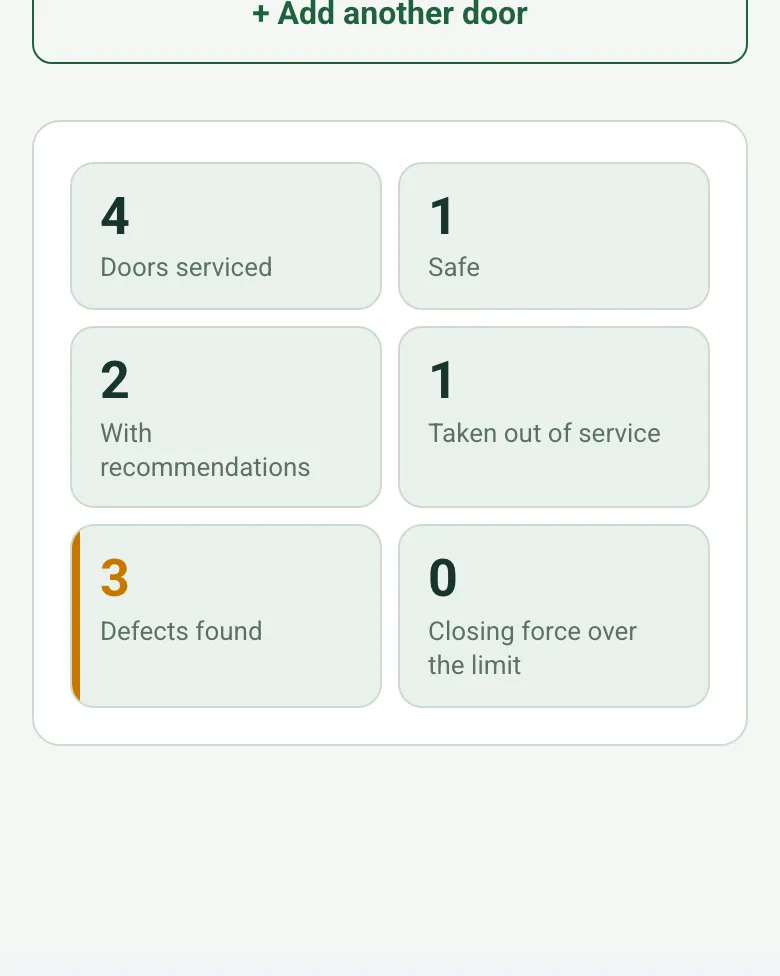
Doors counted by result
The form counts doors serviced, safe, with recommendations and taken out of service, the defects found and any closing force over the limit.
How calculated fields work →Form library · Facilities and maintenance
A service and safety check for automatic doors and powered gates. Add each door or gate: location, GPS position for gates and barriers, type and operator label scan, then the activation sensors, safety sensors stopping the door on an obstruction, closing force and speed, manual opening on power failure, emergency break-out and signage. Where the closing force is measured, enter the reading and the limit you work to, and the form shows whether it is within it. The form counts the defects on each door, warns when a safety sensor fault is not taken out of service, flags a safe result that does not match the checks, and counts doors safe, with recommendations and taken out of service. Try the form below, see every question or open a completed example.
Ready to use from the form library, and every question is yours to edit. Try it for a small trial fee, cancel any time.
Try it on your phone
Try it on this phone
Fill in the automatic door maintenance on your phone now
See how the automatic door maintenance looks on your phone
Scan the code with your phone camera. It opens the real form, no sign-up needed.
Open the live example and fill it in, just as your team would on site. No sign-up needed.
See it on this phoneEvery question is editable. Add this form to your account, then change the wording, add or remove questions and options, and make it fit your own jobs.
Regulation 18 of the Workplace (Health, Safety and Welfare) Regulations 1992 says a powered door or gate must have suitable and effective features to prevent it causing injury by trapping anyone, and, where needed for health or safety, must be able to be opened by hand unless it opens automatically if the power fails. HSE's Approved Code of Practice gives examples: a sensitive edge or other detector that stops or reverses the door, and a device that limits the closing force.
Last updated . Facts checked by the SiteSurvey team on 20 October 2026 against regulation 18 of the Workplace (Health, Safety and Welfare) Regulations 1992 (doors and gates), HSE L24: workplace health, safety and welfare, Approved Code of Practice and guidance and HSE: safety notice on powered perimeter gates.
Add each door or gate, with GPS for gates and barriers, and work through the checks. Where you measure the closing force, enter it with the limit you work to. The form counts the defects on each door, warns when a safety sensor fault is not taken out of service and counts the doors by result.
The form counts doors serviced, safe, with recommendations and taken out of service, the defects found and any closing force over the limit.
How calculated fields work →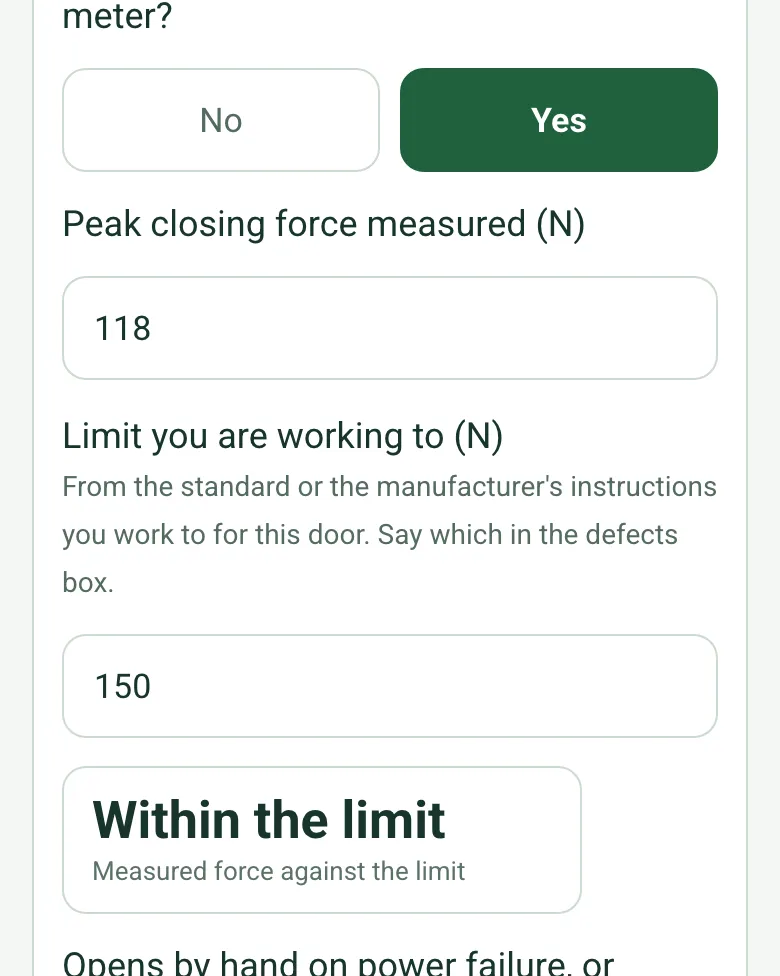
Enter the force meter reading and the limit from the standard or manufacturer's instructions you work to. The form shows within or over, with a red note if it is over.
How calculated fields work →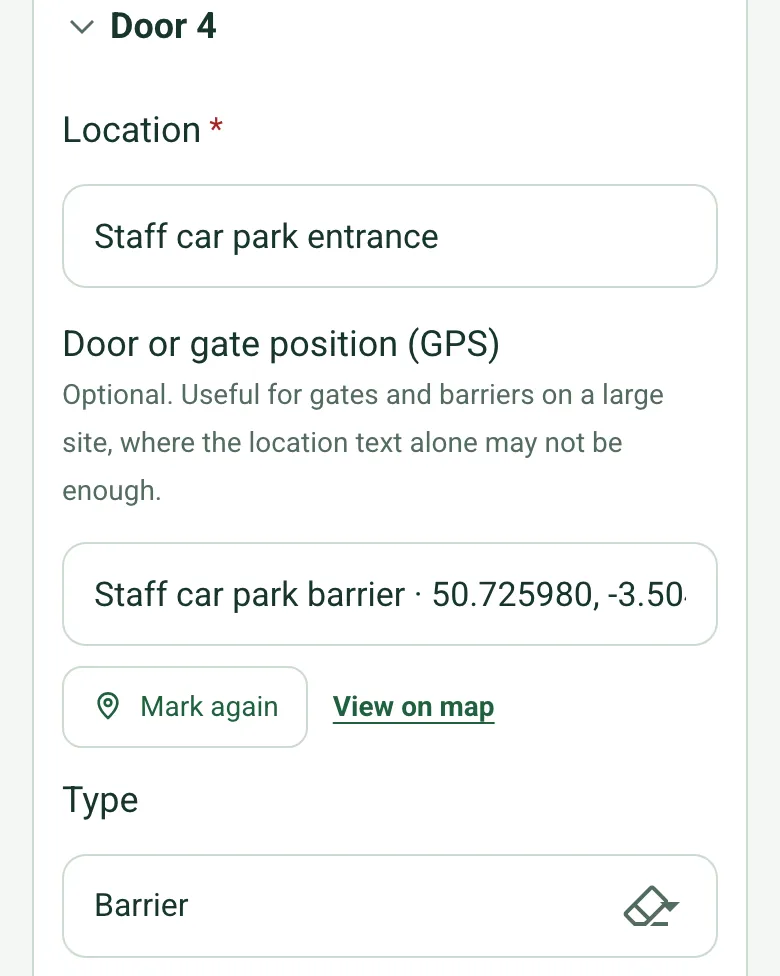
Mark a gate or barrier with GPS, so the next engineer finds it on a large site.
How GPS location works →Add a short video of each door running, so the record shows how it opened and closed on the day.
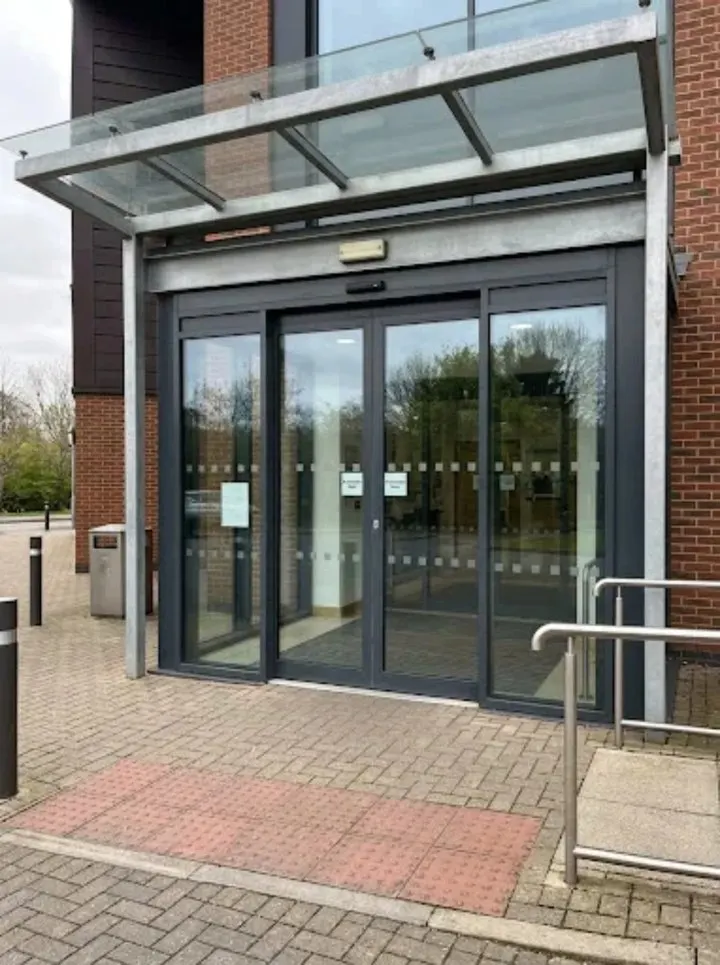
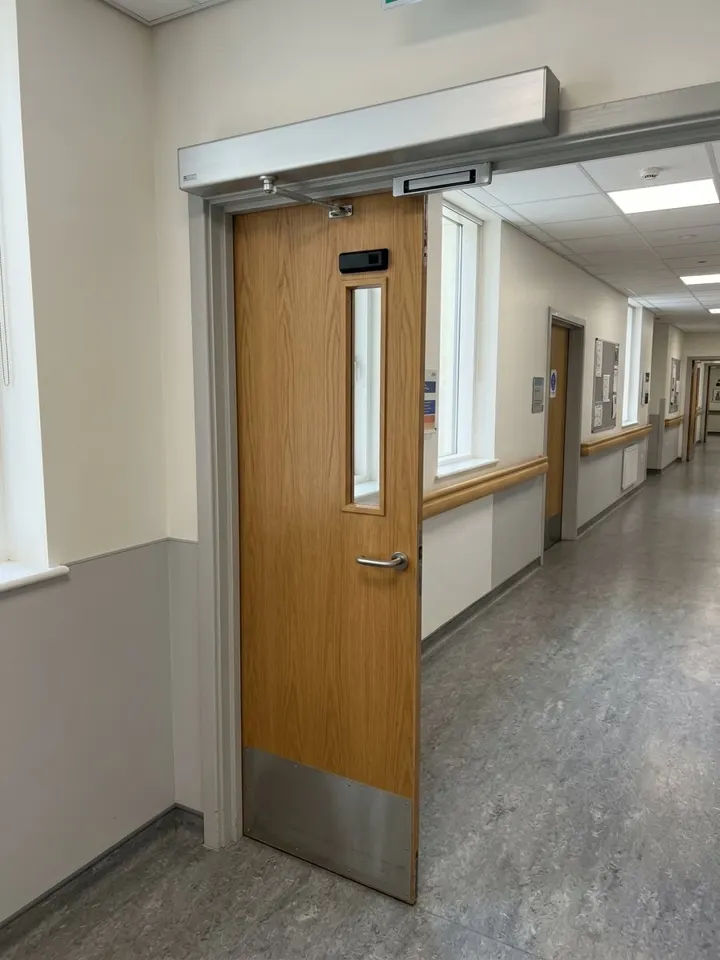
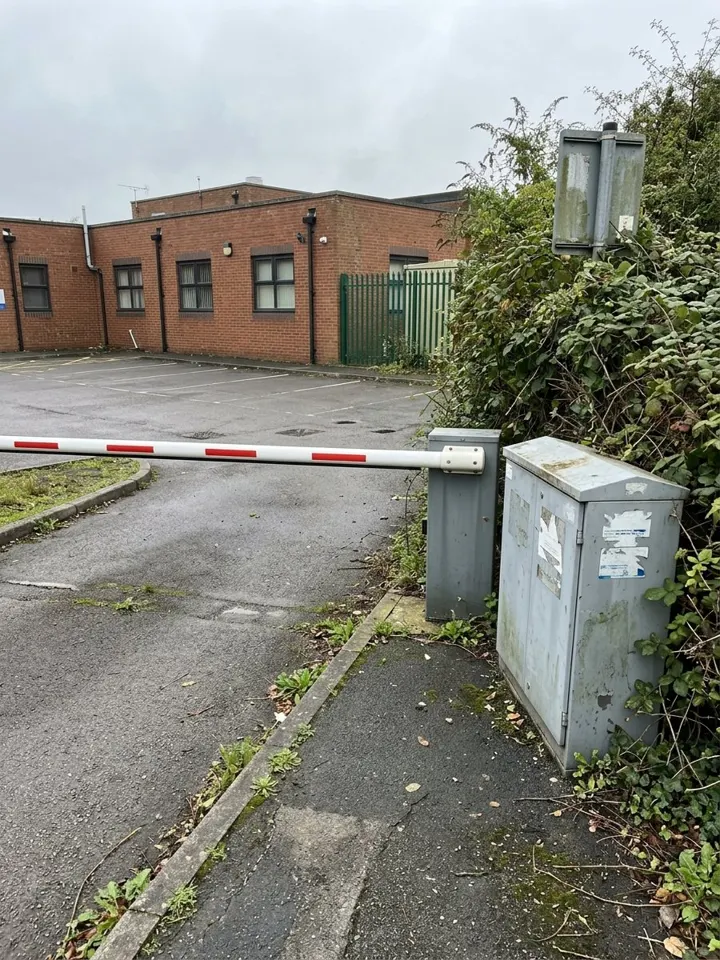
A fictional health centre: the outer sliding doors safe at 118 N against a 150 N limit from the operator manual, faded manifestation on the inner doors, a swing door with a safety sensor that did not detect, taken out of service, and a car park barrier with a faded sign.
Answer a few questions and watch it adapt. Your answers are not saved, and any photos you add are deleted within the hour.
This is the real form as your team would use it: questions appear as you answer, scores work themselves out and you can add photos and signatures. No sign-up needed. Or open a completed example to see every answer, photo and score filled in.
Want to see one filled in? See a completed automatic door maintenance report (PDF), made by SiteSurvey from a fictional site visit.
An automatic door and gate service record: each door with type and label scan, activation and safety sensors, obstruction stop, manual opening on power failure, emergency break-out, signage, result and recommendations. 3 sections and 53 questions. Follow-up questions and guidance appear only when an answer calls for them, so the person on site never sees the ones that do not apply.
This is a starting point, not a fixed form. Once it is in your SiteSurvey account you can reword any question, add or remove questions, sections and answer options, and add your own logo, so it fits the way your team works and the jobs you do.
Add this form to a project in SiteSurvey and it fills in what the project already knows, so nobody on site retypes it and every form on the job uses the same names. Anything filled in can still be changed.
For example Main entrance or Service yard
Optional. Useful for gates and barriers on a large site, where the location text alone may not be enough.
Optional. Scan the label or tag to capture its numbers.
From the standard or the manufacturer's instructions you work to for this door. Say which in the defects box.
Set by the maintenance contract or the manufacturer instructions.
A completed automatic door maintenance report, made by SiteSurvey from a fictional site visit: every answer, the photos, the guidance that applied and the sign-off, ready to send as a PDF.
Activation sensors and controls, safety sensors that stop or reverse the door on an obstruction, closing force and speed and whether the force was measured, manual opening or automatic opening on power failure, emergency break-out where fitted, and signs and markings.
Take it out of service and tell the site contact in writing. The form records who was told and when, and counts the doors taken out of service, safe and with recommendations.
Yes. Sliding and swing gates and barriers are included. HSE's safety notice on powered gates follows the deaths of two children trapped in gates, so the safety checks matter just as much.
A competent engineer. For powered gates, HSE says owners should check the maintainer regularly tests the safety features, uses measuring equipment to test closing forces, and keeps a log of maintenance.
Yes. Scan the operator label on the SiteSurvey app to capture its serial and model numbers.
Automatic door and gate engineers, facilities managers, retailers, hospitals and schools.
Related templates
An intercom and door entry service record: system, entrance panels, lock release, door closer, power and battery backup, fire alarm door release, handsets sampled, faults and sign-off.
Inspection round for plant: asset condition, refrigerant and leak checks, pressure vessels, next due dates.
Planned maintenance visit: records seen, asset by asset tasks, water temperatures, work done and next visit.
Add it from the form library in one click, change any question, and every completed form becomes a branded PDF report.
Start your trial →