Use the account email that was invited to the workspace and complete the first project sync while the device has a reliable connection.
- 01
Download SiteSurvey
Install SiteSurvey from the Apple App Store or Google Play.
- 02
Open the app
Launch SiteSurvey and choose the sign-in option.
- 03
Use your invited account
Sign in with the work email associated with your SiteSurvey workspace invitation.
- 04
Allow the initial sync
Keep the device connected while assigned projects, forms and reference information become available.
- 05
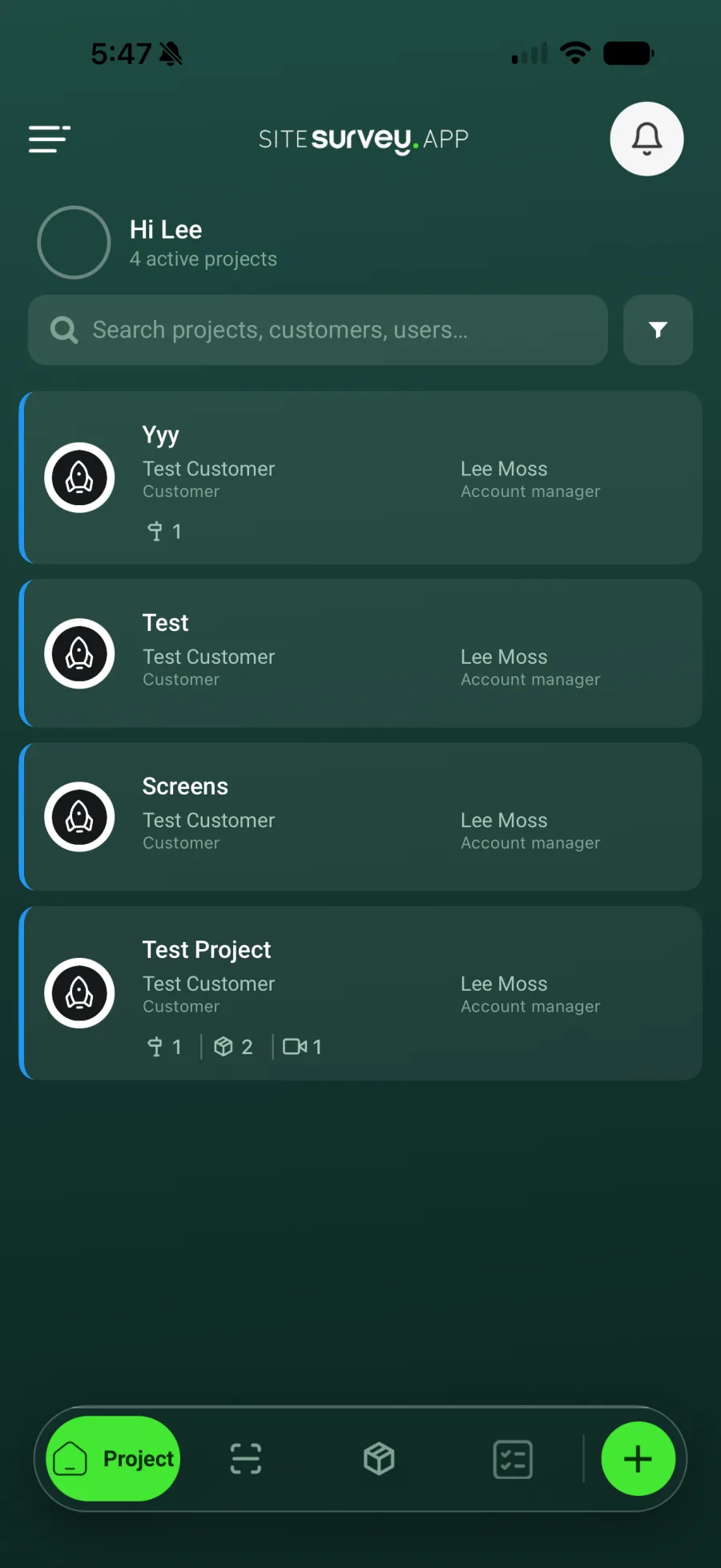
Check the project list
Confirm the expected projects are visible before leaving for site.
Was this guide helpful?
Your feedback helps us improve support content.