Individual accounts keep project access and activity attributable. Invite users with their work email and remove access promptly when it is no longer required.
- 01
Start from the web dashboard
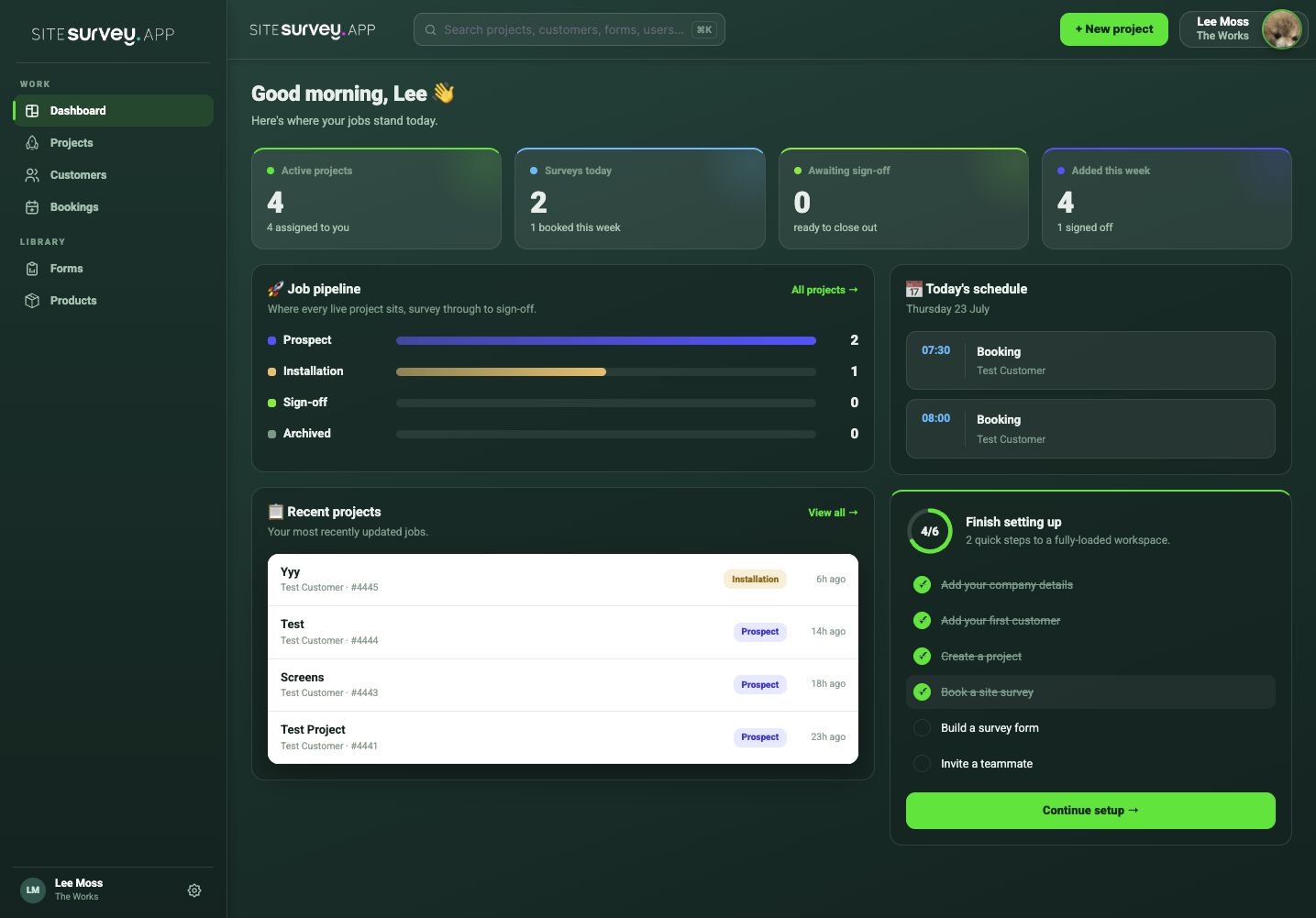
Open the web dashboard and use the workspace setup checklist or account settings to begin inviting team members.
- 02
Invite the user
Enter the person’s work email and send the invitation.
- 03
Set the right access
Choose the role or permissions appropriate to the user’s responsibilities.
- 04
Confirm their first sign-in
Ask the user to accept the invitation and verify the projects and features they can access.
- 05
Review access regularly
Update or remove accounts when a person changes role or leaves the organisation.
Good to know
- ✓Never share one account between several field users.
- ✓Review workspace access as part of employee offboarding.
Was this guide helpful?
Your feedback helps us improve support content.