Complete Visibility. Real-Time Control. In today's project delivery landscape, teams need a centralised view that connects field data, physical spaces, and people. With SiteSurvey's Project Hub, you can manage projects, spaces, surveys, products, files, and bookings from one interface. Start your free 7-day trial today.
Why a Project Hub Is Essential
According to PMI's Pulse of the Profession report, poor communication and misaligned processes account for more than 30% of project failures (PMI, 2024). Disconnected tools, spreadsheets, and email threads often create silos that hide critical updates until it is too late. A unified project hub provides a single source of truth where stakeholders can access live updates, progress data, and resources — reducing rework, improving collaboration, and increasing delivery speed. Supporting research from McKinsey shows that organisations using integrated digital management platforms improve operational efficiency by up to 40%.
Core Features of the Project Management Hub
Unified Project Overview
Gain visibility into active projects in a single dashboard. Track spaces, survey completion, products, files, and assigned team members. See where information is missing and keep every site and department aligned. Multi-project visibility from a single dashboard Live tracking of spaces, forms, and survey progress Filter by site, engineer, or client Real-time progress indicators for accountability As highlighted by ClearPoint Strategy, project dashboards are vital for "tracking KPIs, risks, and deliverables in one view" — precisely what SiteSurvey's Hub provides.
Seamless Collaboration Between Field and Office
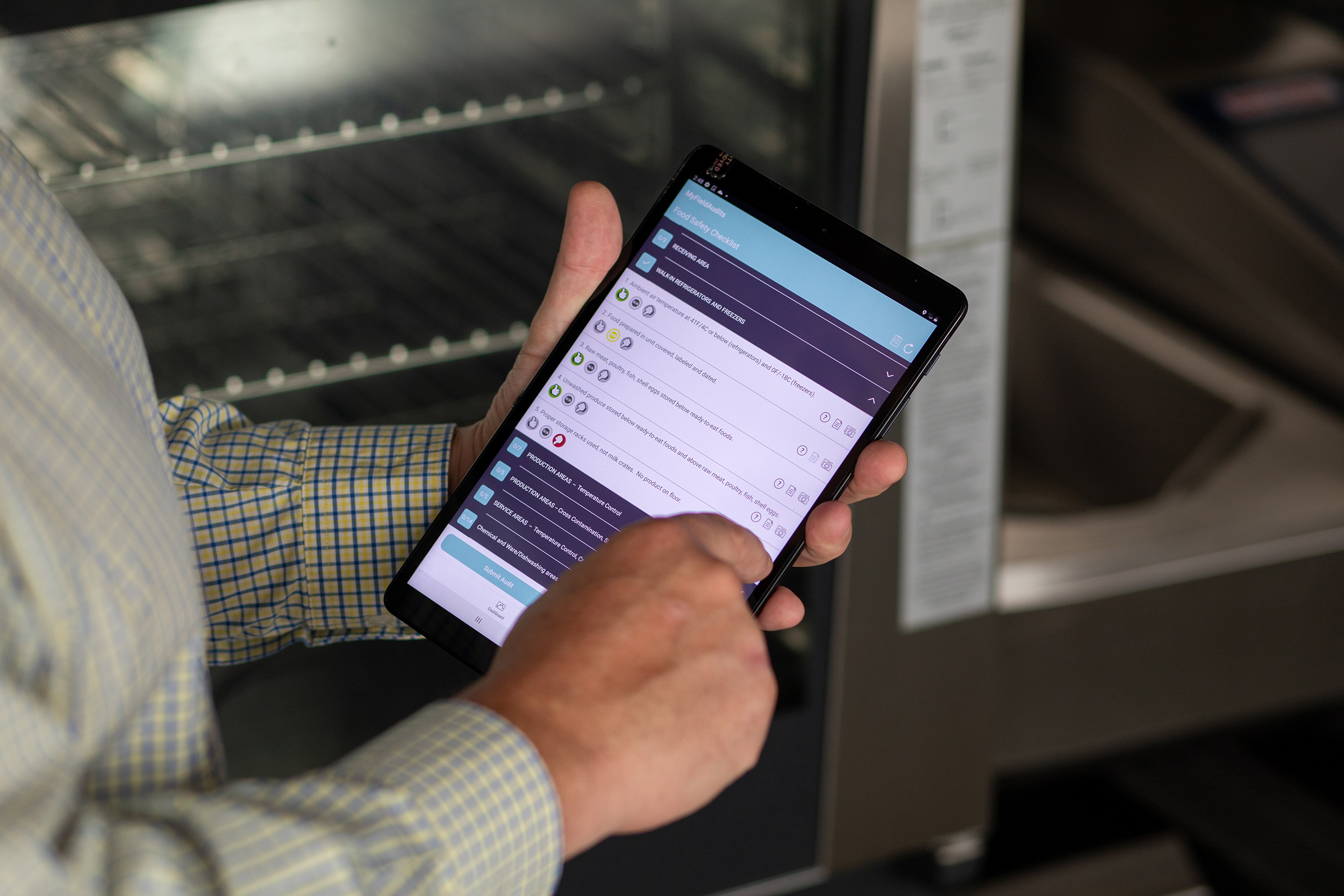
Field engineers capture data and complete forms using the mobile app, while office teams review updates instantly on the dashboard. There is no lag, no manual syncing, and no lost context. Real-time sync between mobile and web Shared notes, documents, and attachments Instant notifications for changes or issues Harvard Business Review notes that real-time collaboration software can improve decision-making efficiency by up to 38% (HBR, 2023).
Bookings and Project Integration
The Hub connects projects with bookings and team availability, bringing together who is attending, what they are surveying, and when the visit takes place. Assign engineers or contractors to specific tasks Visualise workload and availability Track survey completion and project stages A unified system reduces time spent on manual scheduling — an issue that causes over 20% of project delays, according to Wrike's 2024 Project Management Report.
Customisable Views and Filters
Tailor the Hub to how you work. Create custom dashboards for project managers, directors, or clients — each focused on the metrics that matter most. Personalised views by role or department Filter by client, region, or project phase Visual indicators highlight delays or risks This aligns with Planisware's best practices, which emphasise that adaptable dashboards drive faster decision-making and more relevant reporting.
Automated Reporting and Audit-Ready Documentation
Generate detailed reports directly from live project data. Export branded PDFs or CSVs with a single click. Auto-generated client and management reports Snag lists, progress logs, and asset data in one file Secure, traceable audit trail for compliance According to Gartner, automated project dashboards reduce manual reporting time by up to 80%, freeing teams to focus on delivery rather than admin.
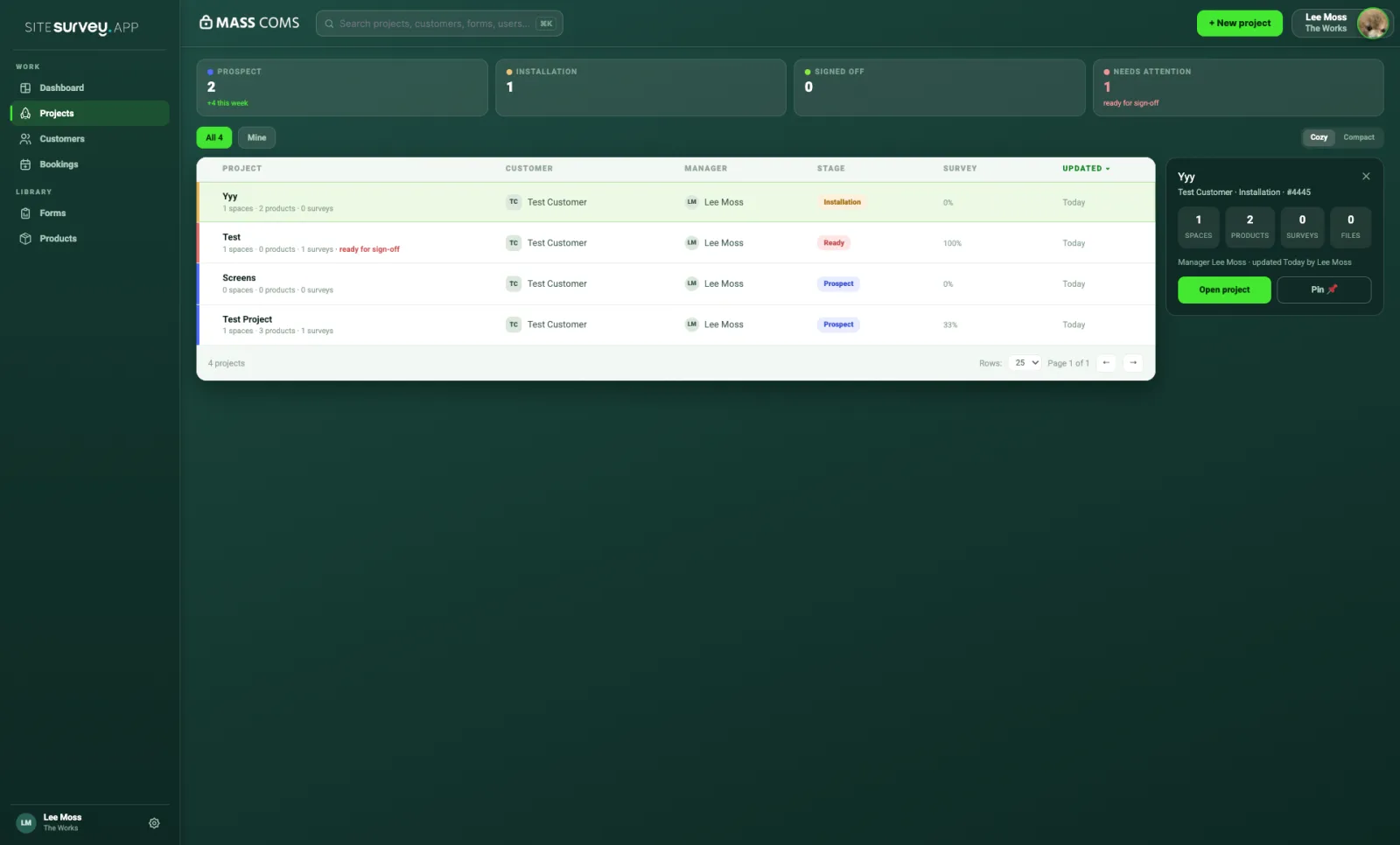 Managing every project from the SiteSurvey dashboard
Why This Matters for Your Business
Reduce administrative overhead: Minimise time wasted switching between apps or reconciling duplicate data. Improve transparency and accountability: When every task is visible, nothing gets lost. Make smarter, data-driven decisions: Real-time dashboards allow instant course correction (Forbes, 2024). Standardise delivery: Consistent dashboards across teams ensure every project follows the same high-quality process. Enhance client trust: Clients appreciate transparent updates and measurable progress.
How It Works
Define your project: Set up the site, floor plan, spaces, and survey objectives in SiteSurvey. Assign resources: Link engineers and contractors using Resource Management. Capture field data: Collect photos, AR measurements, and forms through the Data Capture suite. Monitor progress: View real-time updates, task completion, and resource activity in the Hub. Analyse and report: Export summaries, generate client reports, and track key KPIs. Optimise continuously: Use dashboard analytics to refine processes and improve future delivery. Frequently Asked Questions Can I manage multiple projects at once? Yes — SiteSurvey's Hub is designed for multi-site visibility, letting you oversee hundreds of concurrent projects in one view. Is the dashboard updated in real time? Yes. Field data, project updates, and bookings sync across connected devices and users. Can I share dashboards with clients? Absolutely. You can export branded reports or create shareable, read-only dashboard links. Does the Hub integrate with other systems? Yes — SiteSurvey integrates with standard scheduling tools, resource management modules, and API-based data connections. What KPIs can I track? Tasks completed, project progress, team utilisation, resource conflicts, risk flags, and more (Planisware, 2023). Ready to Take Full Control of Your Projects? With SiteSurvey's Project Management Hub, you move from scattered spreadsheets to a centralised, intelligent workspace. Gain visibility, improve accountability, and deliver every project on time and on budget.