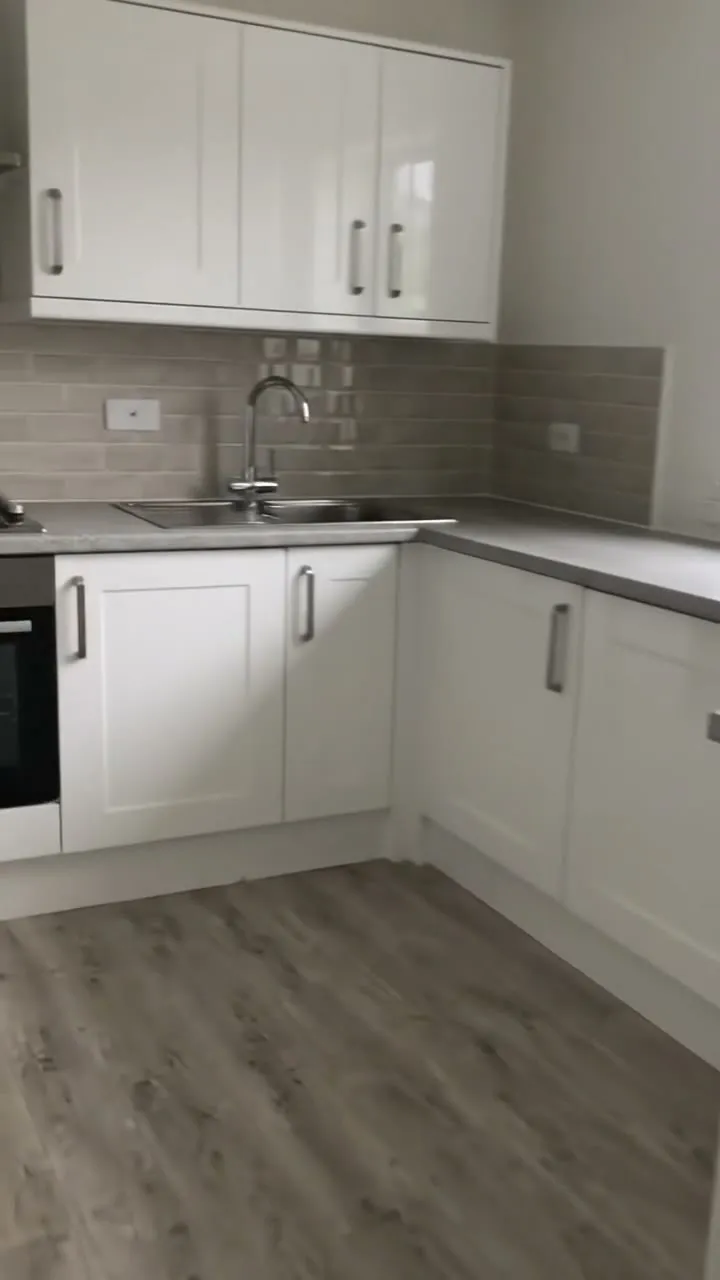
A deep clean checklist that becomes the report for the client. Mark the site on arrival, then add each area: its floor size, before photos, the tasks done, the products and dilutions, after photos and anything found. Measure a mould patch, damage or leak mark from a photo for the report. Each area becomes a space in the project with its photos. The form works out the floor area, counts the areas complete, partly done and with finds, warns when an area is not finished or something needs passing on, and the client rates the clean and signs on the day. Try the form below, see every question or open a completed example.
✎Every question is editable. Add this form to your account, then change the wording, add or remove questions and options, and make it fit your own jobs.
A deep cleaning checklist should list each area with the tasks done, such as high-level dusting, sanitising surfaces and touch points, machine scrubbing floors, extracting carpets, degreasing, descaling, glass and vents, and cleaning behind and under equipment. A good report adds before and after photos, the products used and anything found, and the client's sign-off.
Each area gets its floor size, before and after photos, the tasks and products, and anything found. The form works out the floor area, counts the areas complete and not finished, measures a mould patch or leak mark from a photo for the client's report, and warns when something needs passing on.
Areas and floor area counted
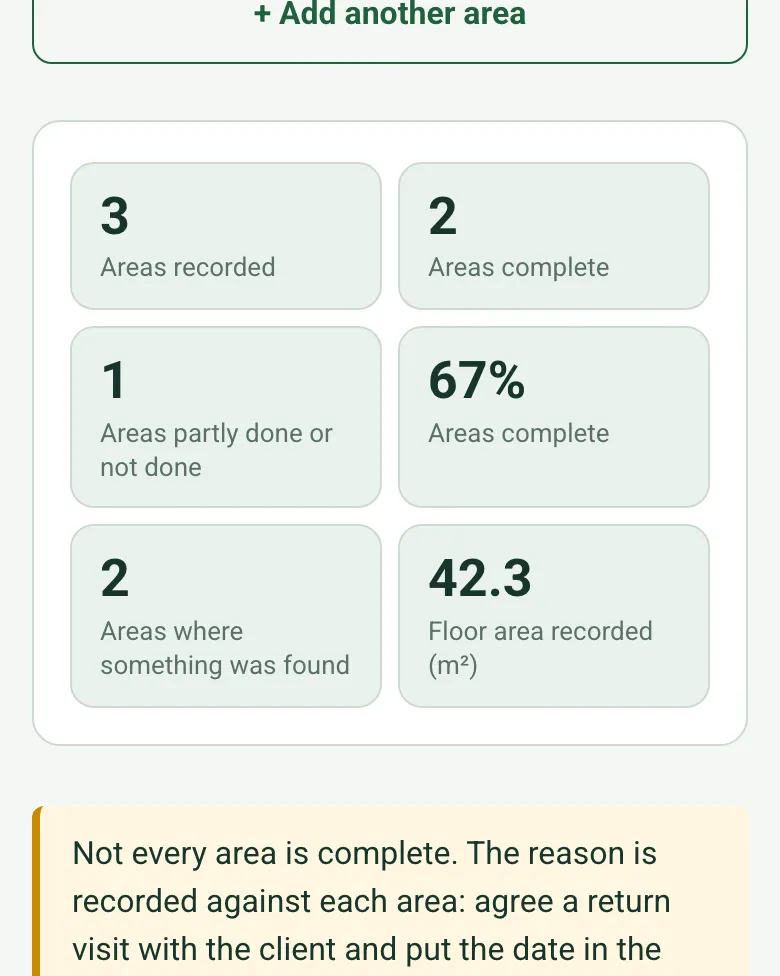
Enter each floor's length and width and the form gives its area and the total. It counts the areas complete, partly done and with finds, and shows the share complete, so the client sees what was done at a glance.
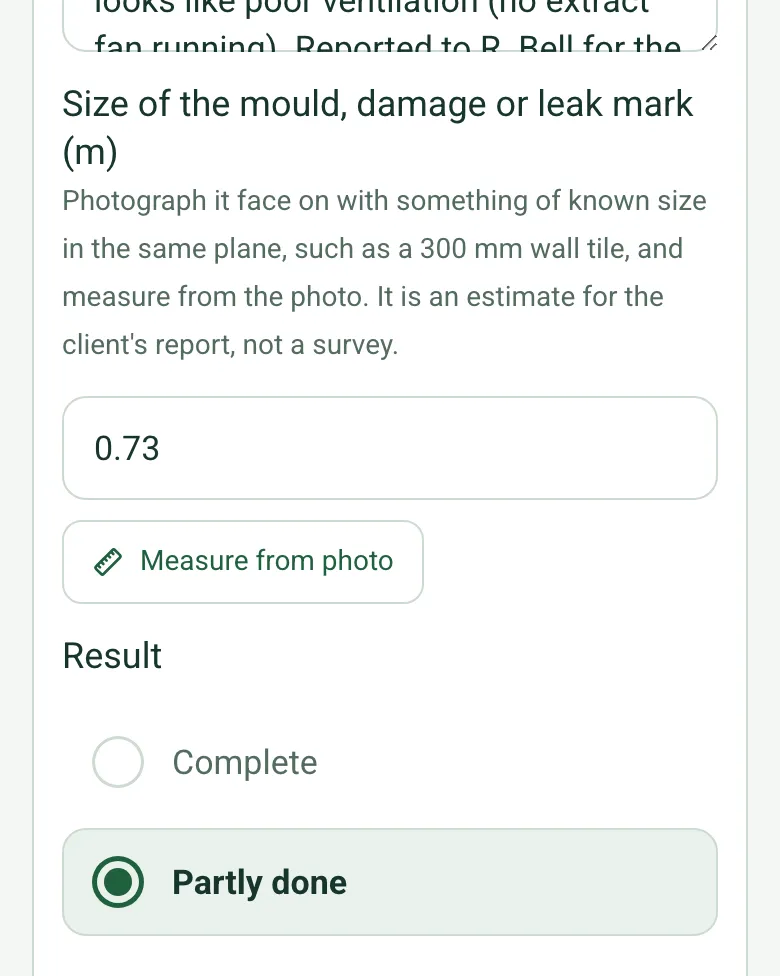
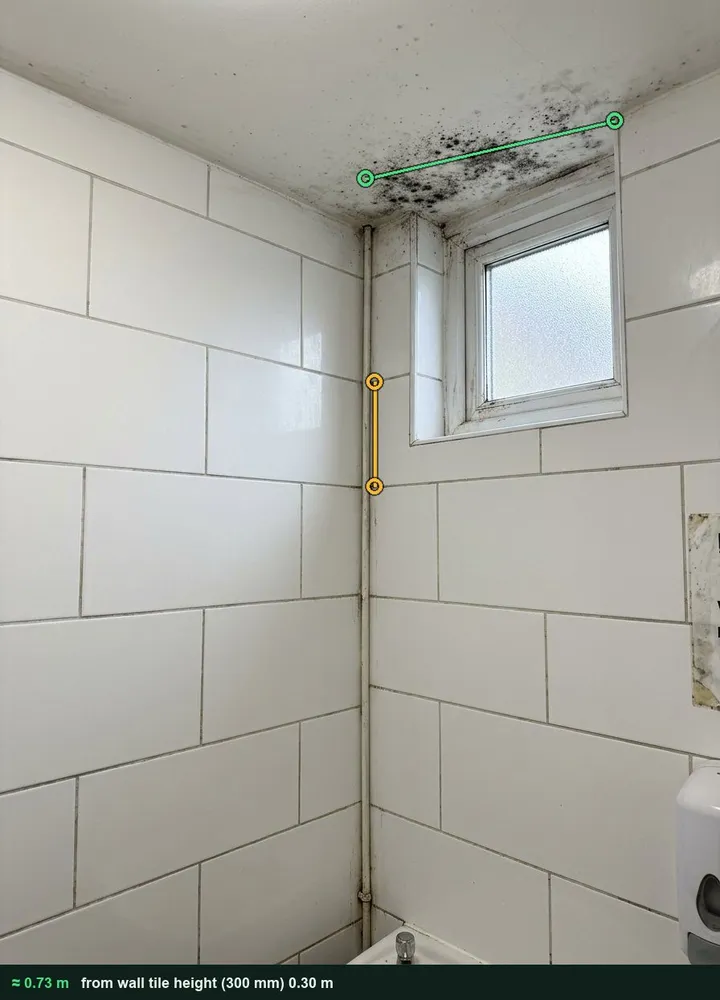
Photograph a mould patch, damage or leak mark with something of known size, such as a 300 mm tile, and measure it from the photo. It is an estimate for the client's report. It works on web forms in any phone browser today, and the app version is on its way.
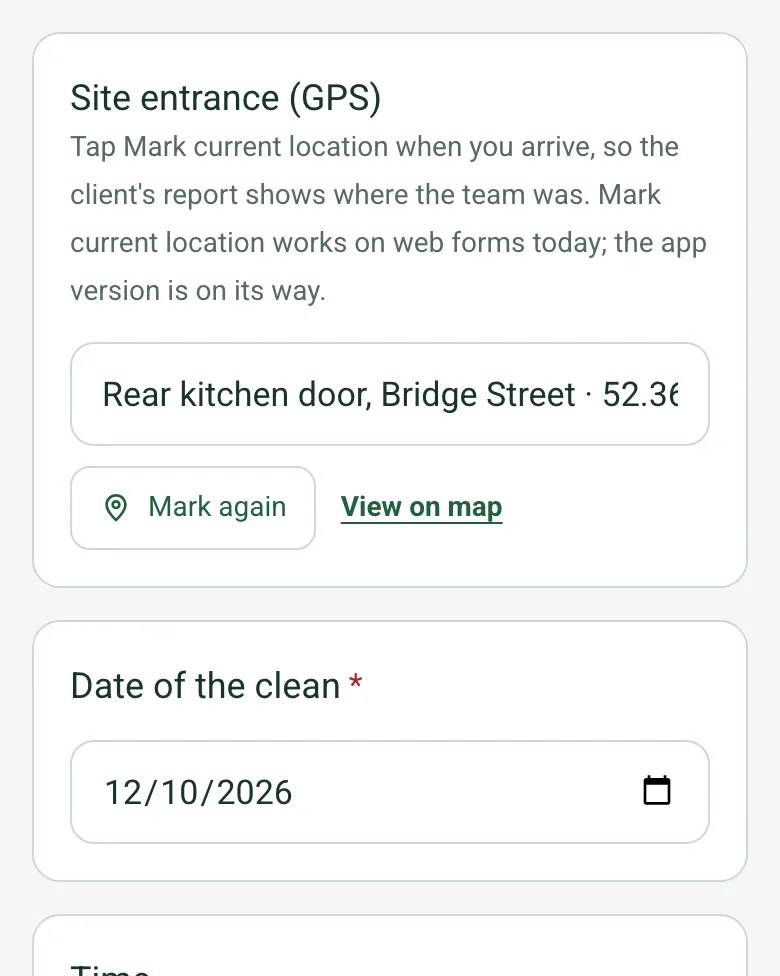
Tap Mark current location when the team arrives, so the report shows where the work was done. It works on web forms in any phone browser today, and the app version is on its way.
Add photos to each area, or film the whole job with Walk Cam on the SiteSurvey app.
A completed deep clean report
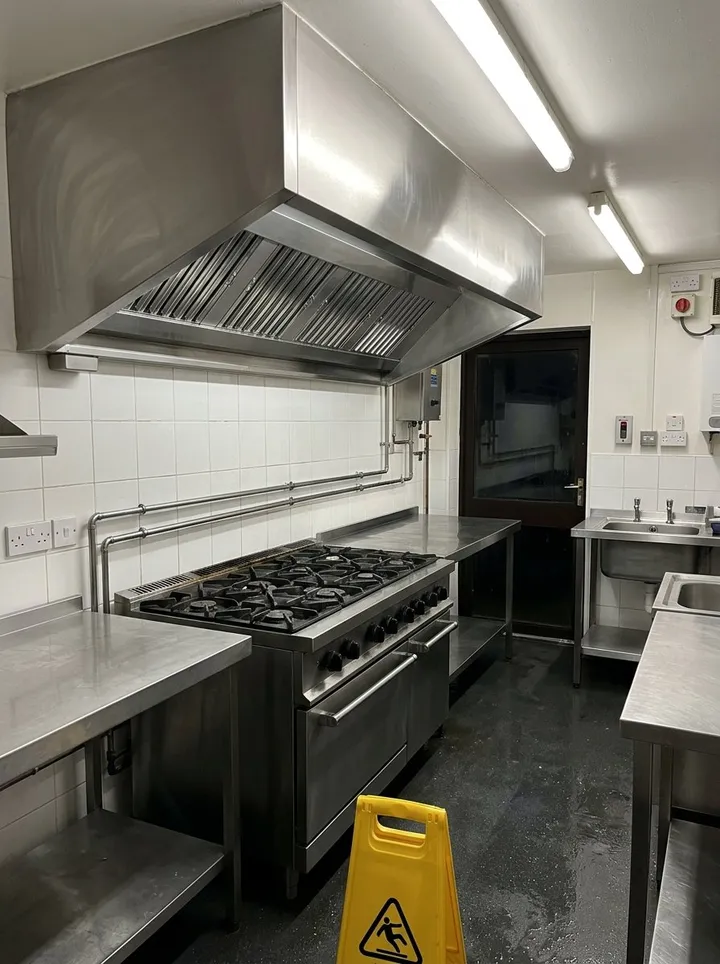
A fictional cafe kitchen deep clean: the main kitchen and wash-up complete, mouse droppings found behind the fryer and passed to the pest contractor, and the staff toilet partly done with a 0.73 m mould patch measured from a photo and reported.
This is the real form as your team would use it: questions appear as you answer, scores work themselves out and you can add photos and signatures. No sign-up needed. Or open a completed example to see every answer, photo and score filled in.
Every question in the deep cleaning checklist template
A deep clean report: every area with before and after photos, the tasks done, products used and anything found, plus COSHH and PPE checks and the client's sign-off. 4 sections and 45 questions. Follow-up questions and guidance appear only when an answer calls for them, so the person on site never sees the ones that do not apply.
✎
Make it your own: every question is editable
This is a starting point, not a fixed form. Once it is in your SiteSurvey account you can reword any question, add or remove questions, sections and answer options, and add your own logo, so it fits the way your team works and the jobs you do.
Details you only enter once
Add this form to a project in SiteSurvey and it fills in what the project already knows, so nobody on site retypes it and every form on the job uses the same names. Anything filled in can still be changed.
Project: the project name
Client: the project's customer
Site: the site, when the form is opened for a space or a product
Site address: the site address, from the space or the project
1
Job
ProjectShort answer
Fills in from the project name
ClientShort answer
Fills in from the project's customer
Site*Short answer
Fills in from the site, when the form is opened for a space or a product
Site addressShort answer
Fills in from the site address, from the space or the project
Site entrance (GPS)Short answer
Tap Mark current location when you arrive, so the client's report shows where the team was. Mark current location works on web forms today; the app version is on its way.
Date of the clean*Date
Start timeTime
Team leader*Short answer
Team sizeNumber
Finish timeTime
Agreed scope*Notes
Walk Cam: before and afterWalk Cam video with voice-to-text
Optional. Film a guided walk-through on the SiteSurvey app.
2
Chemicals and PPE
Are COSHH assessments and safety data sheets on site for every product used?Yes or No
CheckThe COSHH Regulations require employers to adequately control exposure to substances hazardous to health, based on a risk assessment. The safety data sheet for each product helps make that assessment, but is not an assessment itself.
Shown when “Are COSHH assessments and safety data sheets on site for every product used?” is No
PPE wornTick all that apply
Gloves
Eye protection
Mask or respirator
Apron or overalls
Safety footwear
None needed
Were wet floor signs and barriers used?Yes or No
3
Areas
Areas cleaned
Repeat for each area. Each one asks:
Area*Short answer
TypeChoose one
Kitchen
Washroom
Office
Corridor or stairs
Ward or bedroom
Warehouse or plant
Other
Floor length (m)Number
With a tape or laser measure, for floors you scrubbed, extracted or mopped. Leave blank for areas priced by the job.
Floor width (m)Number
Floor area (m²)Worked out by the form
Shown only when the answers above make it relevant
Before photosPhotos
Tasks doneTick all that apply
High-level dusting
Surfaces cleaned and sanitised
Touch points disinfected
Floors machine scrubbed
Carpets hot water extracted
Degreasing
Descaling
Internal glass
Vents and extract grilles
Behind and under equipment
Products used and dilutionShort answer
After photosPhotos
Found during the cleanTick all that apply
Damage
Pest activity
Mould
Leak
Items left behind
Nothing
DetailsNotes
Shown only when the answers above make it relevant
Size of the mould, damage or leak mark (m)Number
Photograph it face on with something of known size in the same plane, such as a 300 mm wall tile, and measure from the photo. It is an estimate for the client's report, not a survey.
Shown only when the answers above make it relevant
ResultChoose one
Complete
Partly done
Not done
Why not complete?Short answer
Shown only when the answers above make it relevant
f_rowWorked out by the form
f_doneWorked out by the form
f_partWorked out by the form
f_findWorked out by the form
Areas recordedWorked out by the form
Areas completeWorked out by the form
Areas partly done or not doneWorked out by the form
Areas complete (%)Worked out by the form
Areas where something was foundWorked out by the form
Floor area recorded (m²)Worked out by the form
CheckNot every area is complete. The reason is recorded against each area: agree a return visit with the client and put the date in the client comments.
Shown only when the answers above make it relevant
CheckSomething was found during the clean. Tell the client in writing and pass pest activity to their pest contractor, and leaks or damage to whoever maintains the building. Cleaning does not fix the cause.
Shown only when the answers above make it relevant
4
Client sign-off
Client satisfactionChoose one
Very satisfied
Satisfied
Not satisfied
Client commentsNotes
Client nameShort answer
Client signatureSignature
Team leader nameWorked out by the form
Team leader signatureSignature
See it filled in
A completed deep cleaning checklist report, made by SiteSurvey from a fictional site visit: every answer, the photos, the guidance that applied and the sign-off, ready to send as a PDF.
They are the proof of the work. The client sees what changed, and you have a record if a question comes up later. Each area in the form has its own before and after photos, and the optional Walk Cam films the whole job.
Do I need COSHH assessments for cleaning chemicals?
Yes, for any that are hazardous to health. HSE says the law (COSHH) requires employers to adequately control exposure, based on a risk assessment. The safety data sheet for each product helps with that assessment but is not an assessment itself. The form asks whether both are on site and records the PPE worn.
What if we find pests, mould or damage?
Record it against the area with details. Finding mouse droppings behind a fryer, mould in a washroom or a leak is useful information for the client, and the record shows it was there before you started. You can measure a mould patch or leak mark from a photo, and the form counts the areas where something was found.
Can the client sign it off?
Yes. The client rates the clean, adds comments and signs on your phone, and the team leader signs too. The report then goes as a PDF or a share link.
What if an area is not finished?
Mark it partly done or not done and say why, for example out of time. The form counts the areas complete and not finished, shows the share complete and reminds you to agree a return visit.
Who uses this?
Commercial cleaning contractors, kitchen deep clean specialists, end of tenancy cleaners and facilities teams.