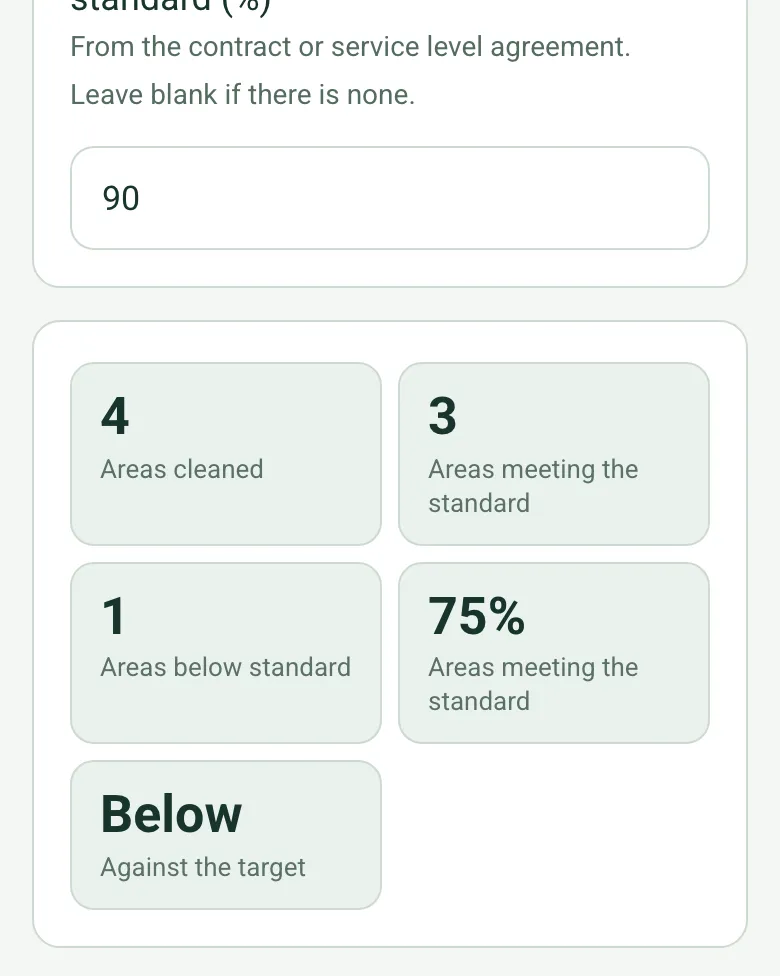
Scored against your target
Enter the target from your contract or service level agreement. The form counts the areas meeting the standard, works out the share and says whether the visit met the target.
How calculated fields work →Form library · Facilities and maintenance
A visit report for contract cleaning in offices and commercial buildings. Mark the site on arrival and record the hours on site against the contracted hours. Add each area, tick the tasks done, rate it against the standard and photograph anything below it. The form scores the share of areas meeting the standard against your contract target and warns on short hours or a missed target. Record the consumables restocked, anything found and reported, such as leaks or damage, and the client's rating, comments and signature. Try the form below, see every question or open a completed example.
Ready to use from the form library, and every question is yours to edit. Try it for a small trial fee, cancel any time.
Try it on your phone
Try it on this phone
Fill in the commercial cleaning on your phone now
See how the commercial cleaning looks on your phone
Scan the code with your phone camera. It opens the real form, no sign-up needed.
Open the live example and fill it in, just as your team would on site. No sign-up needed.
See it on this phoneEvery question is editable. Add this form to your account, then change the wording, add or remove questions and options, and make it fit your own jobs.
A commercial cleaning checklist should list each area with the tasks done, such as desks and surfaces, touch points, vacuuming and mopping, bins, kitchens and washrooms, glass and consumables. A good visit report adds a rating against the agreed standard, photos of anything below it, what was restocked, issues found and reported, and the client's sign-off.
Last updated . Facts checked by the SiteSurvey team on 21 October 2026 against regulation 6 of the Control of Substances Hazardous to Health Regulations 2002 (assessment) and HSE: chemical safety data sheets.
Record the hours on site against the contract, then each area's tasks and whether it meets the standard. The form scores the share of areas meeting the standard against your contract target, warns on short hours or a missed target, and counts the issues reported to the client.
Enter the target from your contract or service level agreement. The form counts the areas meeting the standard, works out the share and says whether the visit met the target.
How calculated fields work →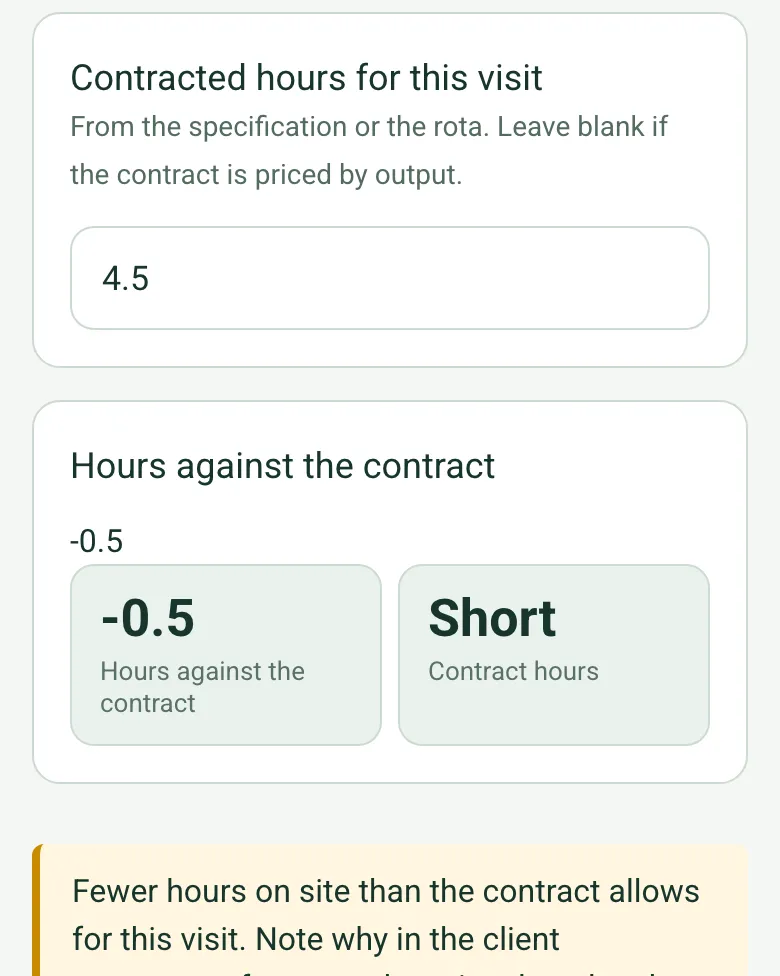
Record the hours on site and the contracted hours for the visit. If the team was short, an amber note asks why and whether the time will be made up.
How calculated fields work →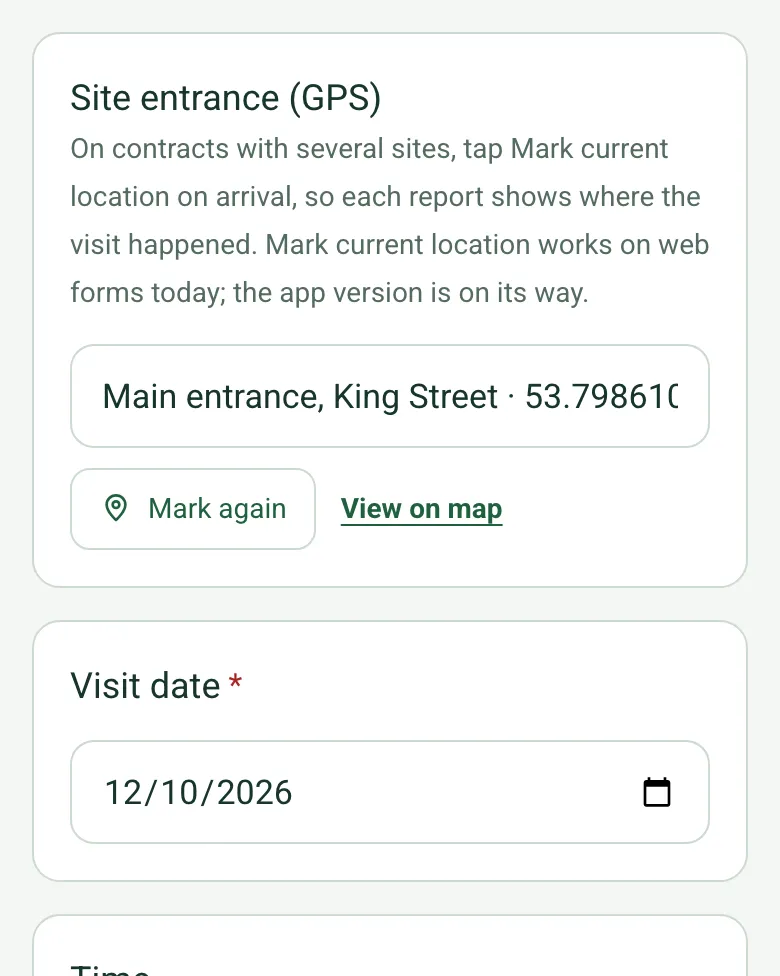
On contracts with several sites, tap Mark current location on arrival, so each report shows where the visit happened. It works on web forms in any phone browser today, and the app version is on its way.
How GPS location works →Photograph or film anything below the standard with the fix, so the client sees it as you did.
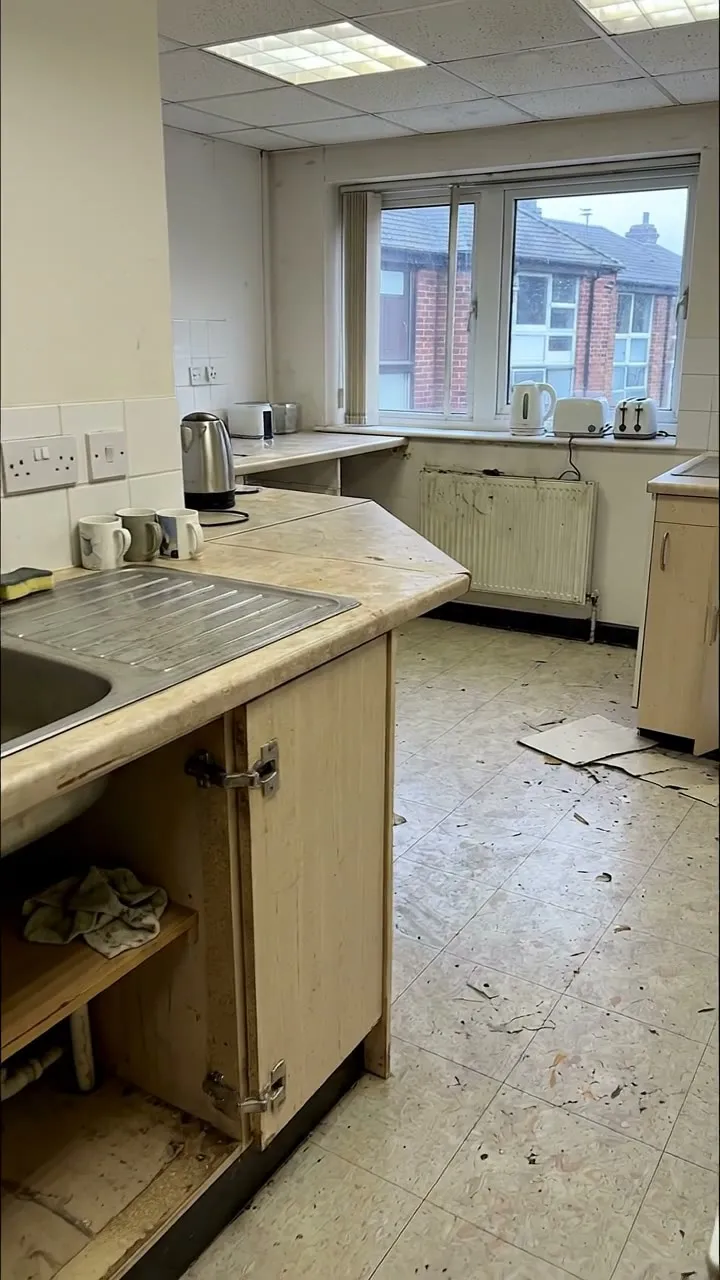
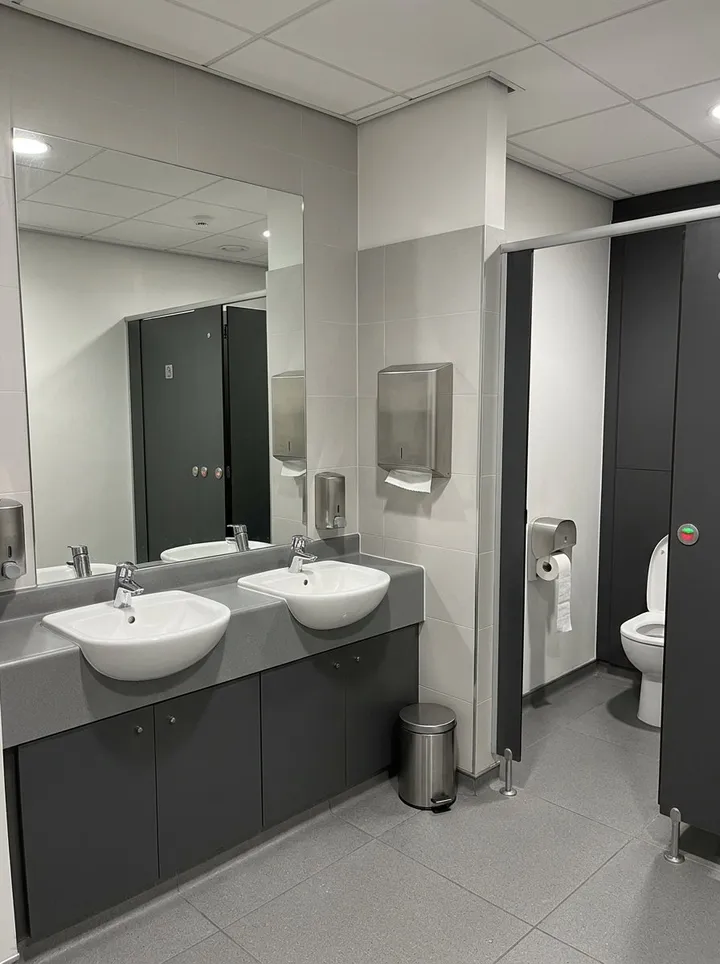
A fictional weekly office clean: four areas, the tea point below the standard (lifting floor tiles, missing cupboard door), 75% against a 90% target, half an hour short because the site closed for an alarm test, and two issues reported.
Answer a few questions and watch it adapt. Your answers are not saved, and any photos you add are deleted within the hour.
This is the real form as your team would use it: questions appear as you answer, scores work themselves out and you can add photos and signatures. No sign-up needed. Or open a completed example to see every answer, photo and score filled in.
Want to see one filled in? See a completed commercial cleaning report (PDF), made by SiteSurvey from a fictional site visit.
A commercial and office cleaning visit report: each area with the tasks done, a rating against the standard, issues and photos, consumables, COSHH, client comments and sign-off. 3 sections and 38 questions. Follow-up questions and guidance appear only when an answer calls for them, so the person on site never sees the ones that do not apply.
This is a starting point, not a fixed form. Once it is in your SiteSurvey account you can reword any question, add or remove questions, sections and answer options, and add your own logo, so it fits the way your team works and the jobs you do.
Add this form to a project in SiteSurvey and it fills in what the project already knows, so nobody on site retypes it and every form on the job uses the same names. Anything filled in can still be changed.
On contracts with several sites, tap Mark current location on arrival, so each report shows where the visit happened. Mark current location works on web forms today; the app version is on its way.
From the specification or the rota. Leave blank if the contract is priced by output.
From the contract or service level agreement. Leave blank if there is none.
A completed commercial cleaning report, made by SiteSurvey from a fictional site visit: every answer, the photos, the guidance that applied and the sign-off, ready to send as a PDF.
It shows the client where the standard was met and where it was not, with the fix. The form counts the areas meeting the standard and below it, works out the share meeting it and compares that with the target in your contract, which is useful for contract reviews.
Under regulation 6 of COSHH, an employer must not carry out work that could expose employees to a hazardous substance until the risk has been assessed, taking account of the safety data sheet. HSE notes that a safety data sheet is not a risk assessment in itself. The form asks whether both are on site.
Yes. The form records damage, leaks, pest signs, faulty lighting and security concerns, with details, so the client can act on them.
Yes. The client can rate the visit, add comments and sign on the phone, and the cleaner signs too. The report goes as a PDF or a link.
A cleaning schedule sets what is cleaned and how often. This is the record of a visit: what was done, to what standard, and what was found.
Commercial and office cleaning contractors, facilities managers and in-house cleaning teams.
Related templates
Daily, weekly or deep clean record: each area with the tasks done, anything missed and why, issues with photos, supplies to reorder and a supervisor check.
A cleaning quality audit and housekeeping inspection, area by area, with a pass score, chemical and waste checks, actions and sign-off by the auditor and the cleaning supervisor.
A washroom and toilet cleaning log: each check with time, who cleaned, tasks done, consumables restocked, issues and photos, and a supervisor check.
Add it from the form library in one click, change any question, and every completed form becomes a branded PDF report.
Start your trial →