Tester calibration
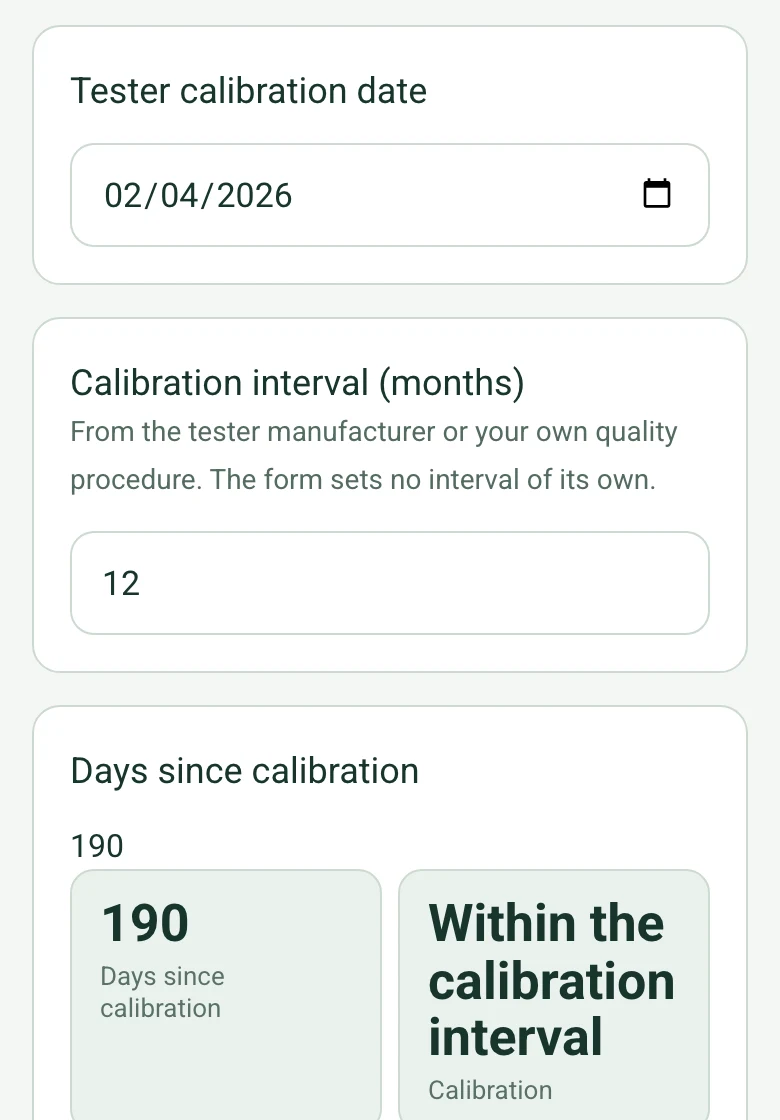
Enter the calibration date and the interval from the tester manufacturer or your own procedure. The form flags a tester past its interval, as results from it may not be accepted.
How calculated fields work →Form library · AV and IT
A test and handover record for copper and fibre network cabling; it records the results and is not a certificate. Record the tester and its calibration date, and with the interval you enter the form flags a tester past calibration. Enter the links tested and passed first time, the length limit and the longest link, and add each failure with its fix and retest: the form works out the first-time pass rate, the share passing at handover and whether the failures listed add up. Enter the worst fibre loss and the loss budget and it works out the margin. Try the form below, see every question or open a completed example.
Ready to use from the form library, and every question is yours to edit. Try it for a small trial fee, cancel any time.
Try it on your phone
Try it on this phone
Fill in the cable test report on your phone now
See how the cable test report looks on your phone
Scan the code with your phone camera. It opens the real form, no sign-up needed.
Open the live example and fill it in, just as your team would on site. No sign-up needed.
See it on this phoneEvery question is editable. Add this form to your account, then change the wording, add or remove questions and options, and make it fit your own jobs.
A cable test report should state the cabling category, the tester and its calibration date, the test configuration (permanent link or channel) and limit, the number of links tested and passed, each failure with the fault and retest result, fibre loss against the budget, and the full tester results. Handover usually also includes as-built drawings, a labelling schedule and the manufacturer's warranty registration.
Last updated . Facts checked by the SiteSurvey team on 17 October 2026 against IEEE 802.3 working group paper: permanent link and channel definitions and IEC 61935-1: testing of installed balanced cabling.
Enter the tester's calibration interval, the length limit and the loss budget from your test limit and specification, and the form checks the tester, the longest link and the worst fibre loss against them. It counts failures and retests and shows the share passing at handover. It records results; it is not a certificate.
Enter the calibration date and the interval from the tester manufacturer or your own procedure. The form flags a tester past its interval, as results from it may not be accepted.
How calculated fields work →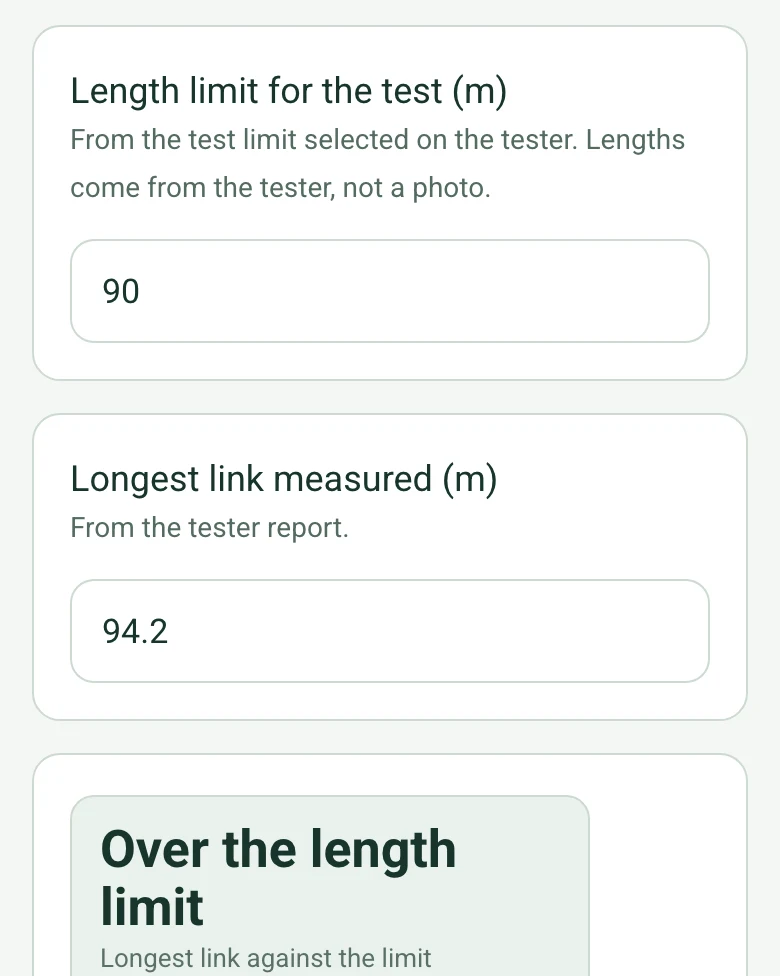
Enter the length limit from the test limit on the tester and the longest link from its report. Lengths come from the tester, so these fields do not offer measuring from a photo.
How calculated fields work →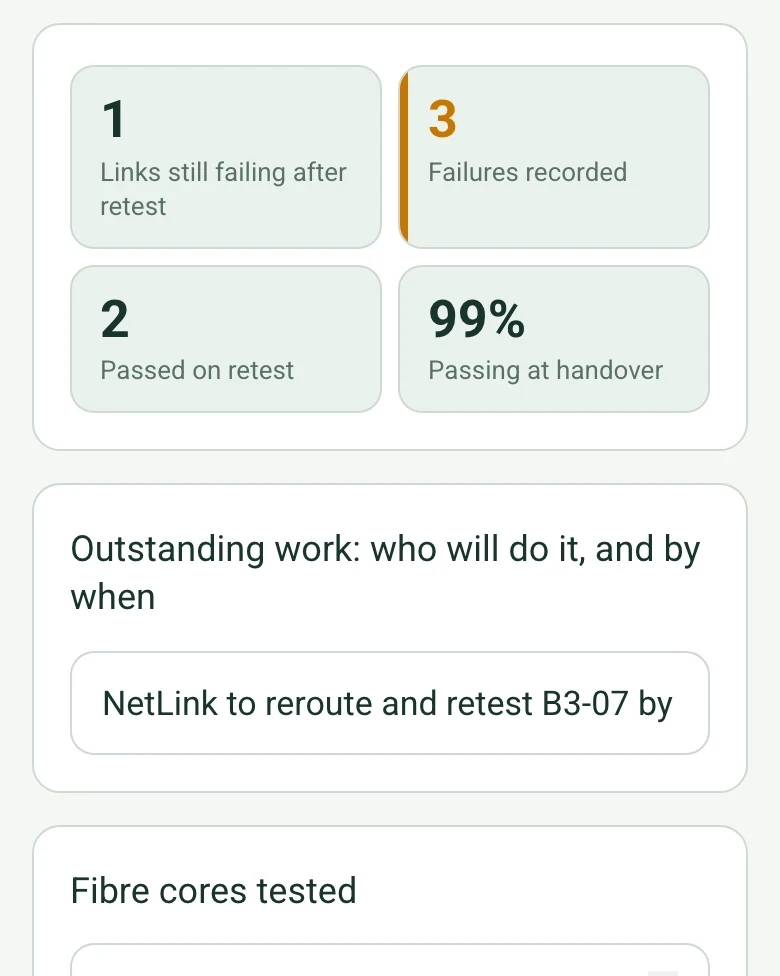
Add each failure with its fix and retest. The form counts them, works out the share passing at handover, and warns when the failures listed do not match the links tested less those that passed first time.
How calculated fields work →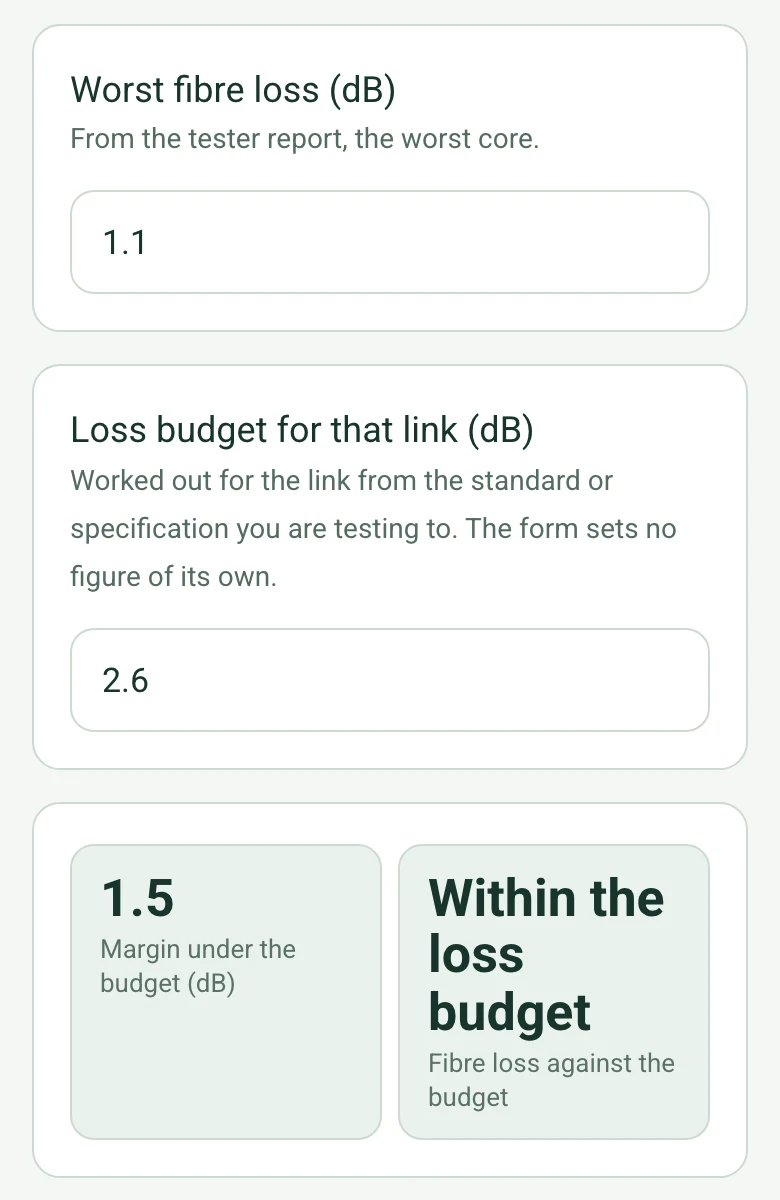
Enter the worst loss from the tester and the budget you worked out for the link from your standard or specification. The form shows the margin and flags a loss over the budget.
How calculated fields work →A fictional new school block: 192 Cat6A permanent links with 189 passing first time, two fixed by retermination and one 94.2 m run over the 90 m limit booked for a reroute, and 24 fibre cores with 1.5 dB of margin. Open it as a filled-in form, or switch to a blank copy and try it yourself.
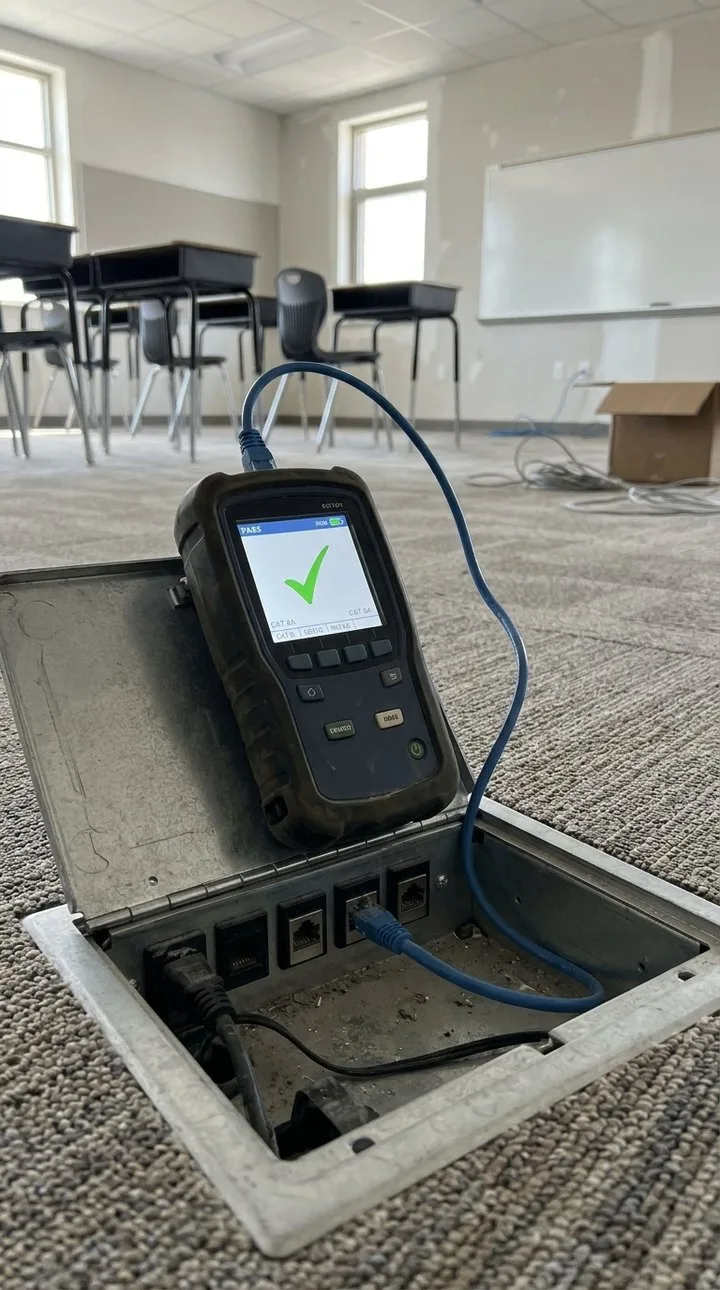
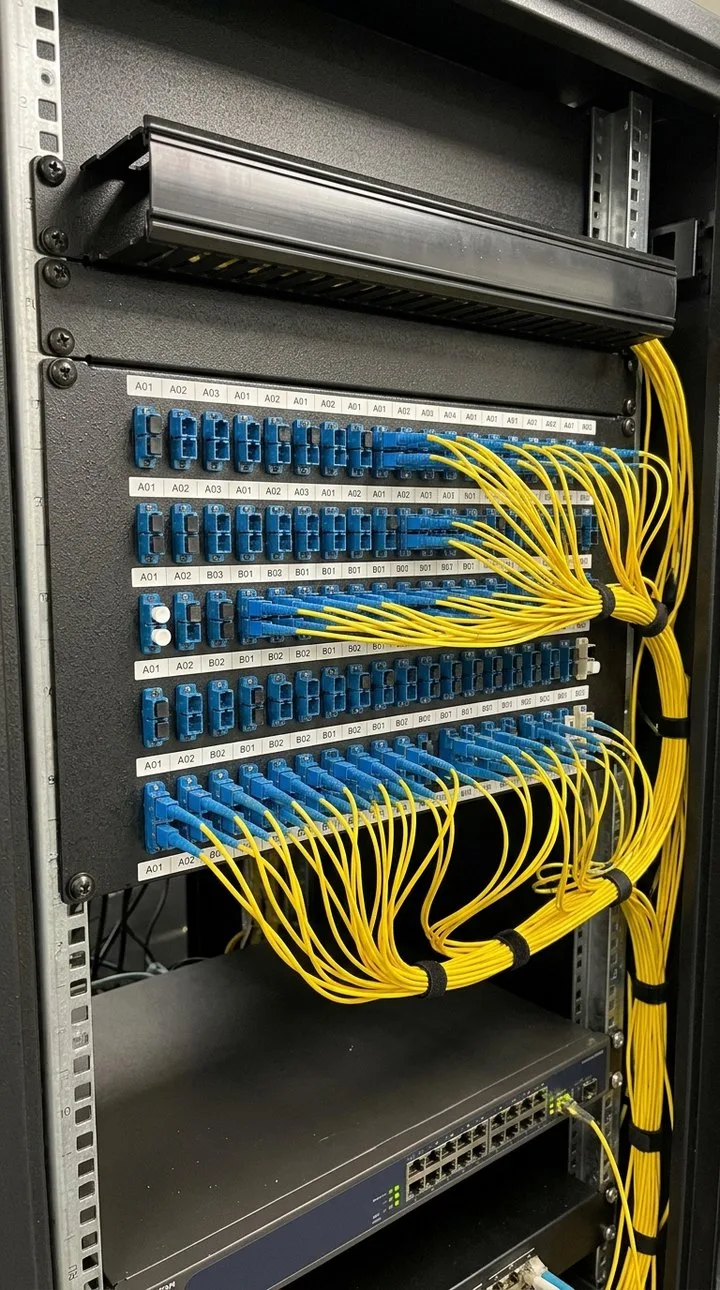
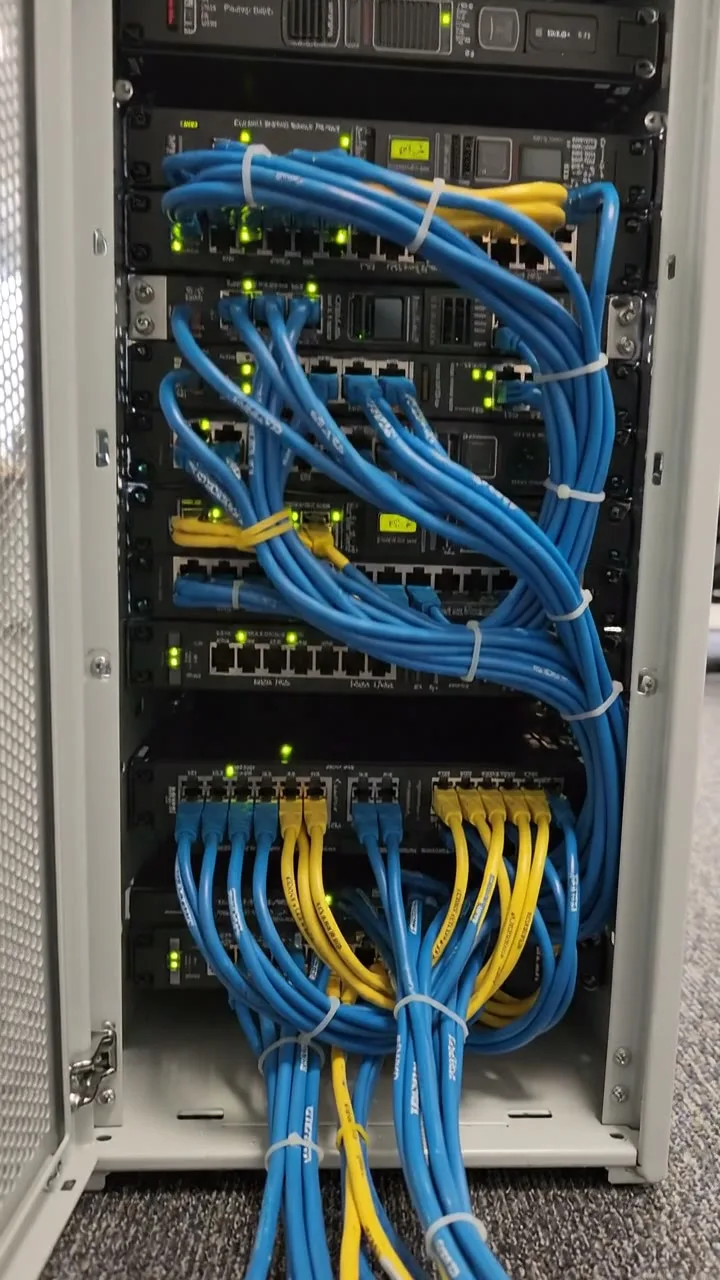
Answer a few questions and watch it adapt. Your answers are not saved, and any photos you add are deleted within the hour.
This is the real form as your team would use it: questions appear as you answer, scores work themselves out and you can add photos and signatures. No sign-up needed. Or open a completed example to see every answer, photo and score filled in.
Want to see one filled in? See a completed cable test report report (PDF), made by SiteSurvey from a fictional site visit.
A structured cabling test and handover record: cabling category, tester and calibration, permanent link or channel, links tested and passed, failures and retests, fibre results, labelling, drawings and warranty. 3 sections and 45 questions. Follow-up questions and guidance appear only when an answer calls for them, so the person on site never sees the ones that do not apply.
This is a starting point, not a fixed form. Once it is in your SiteSurvey account you can reword any question, add or remove questions, sections and answer options, and add your own logo, so it fits the way your team works and the jobs you do.
Add this form to a project in SiteSurvey and it fills in what the project already knows, so nobody on site retypes it and every form on the job uses the same names. Anything filled in can still be changed.
Filled in from the project in SiteSurvey.
Optional. Scan the label or tag to capture its numbers.
From the tester manufacturer or your own quality procedure. The form sets no interval of its own.
From the test limit selected on the tester. Lengths come from the tester, not a photo.
From the tester report.
From the tester report, the worst core.
Worked out for the link from the standard or specification you are testing to. The form sets no figure of its own.
A completed cable test report report, made by SiteSurvey from a fictional site visit: every answer, the photos, the guidance that applied and the sign-off, ready to send as a PDF.
A permanent link is the permanently installed part of the cabling, from the connector at the patch panel to the outlet. A channel adds the patch cords and equipment cords at each end, so a channel result covers the cords that were in place when it was tested.
Yes. Enter the links tested and passed first time and the form shows the percentage, counts any links still failing after retest, and asks who will finish them and by when.
Yes. Attach the tester's reports or screenshots. If a manufacturer's warranty is being registered, check which results it needs and who may submit them, and check the client's specification.
Yes. Record the cores tested, the worst loss and the loss budget you worked out for the link; the form works out the margin and flags a loss over the budget.
IEC 61935-1 sets the measurement procedures and the field tester accuracy for testing installed balanced (copper) cabling against the parameters in ISO/IEC 11801 or an equivalent cabling standard. Record the test limit you used.
Data cabling installers, AV and IT contractors, electrical contractors and IT managers.
Related templates
Containment and cable routes, comms room and cabinet, power and cooling, existing and required outlets by area.
Commissioning and handover for AV and network installs: tests, equipment and photos, snags, documents and training.
Wireless survey for a new or existing network: requirements, building, signal readings area by area, access point positions, cabling and PoE.
Add it from the form library in one click, change any question, and every completed form becomes a branded PDF report.
Start your trial →